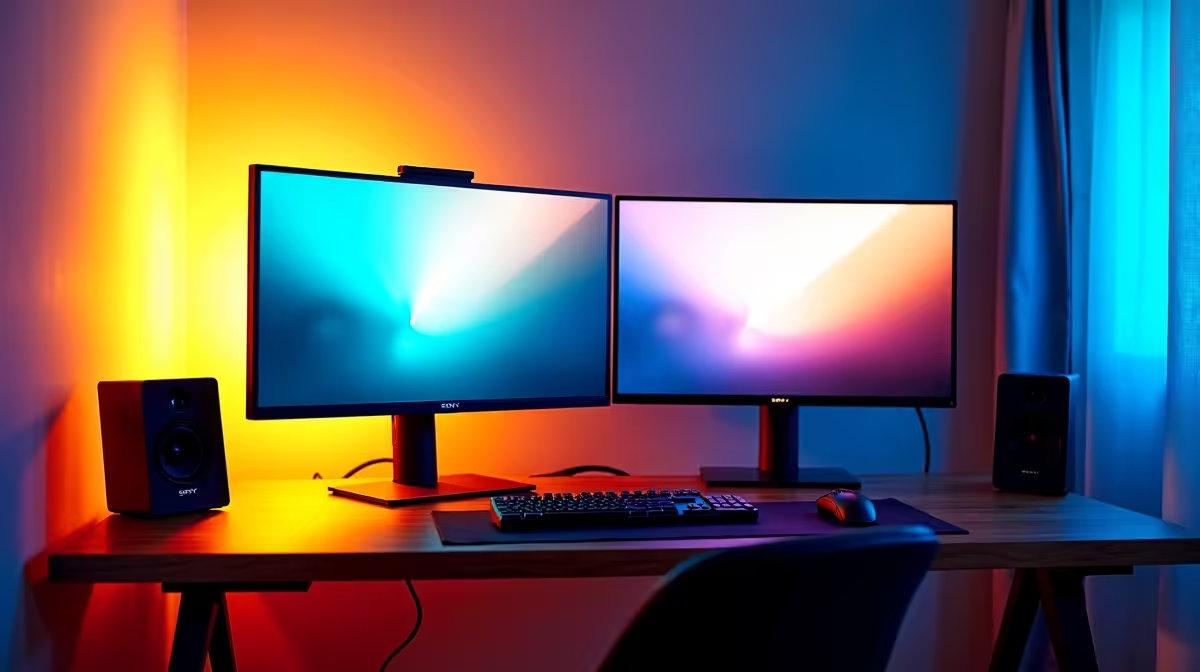
The Dell SE2726H 27in FHD 144Hz at R1,797 suits a home worker or gamer who wants the main screen in a dual-screen monitor setup to feel smooth without pushing the budget too hard. Pairing it with a smaller second display keeps email, browser research, chat, or study notes visible while the main task stays centred.
A practical dual-screen starting point
For the primary display, the Dell SE2726H 27in FHD 144Hz at R1,797 is the easiest anchor. The 27in size gives the main workspace more breathing room, while the 144Hz refresh rate is useful when the same desk handles gaming after hours. It is also a sensible pick when one screen needs to do the heavier visual work.
The Dell SE2426H 23.8in FHD at R1,532 makes sense as the side screen. Its 23.8in FHD panel is compact enough to sit beside a larger display without crowding the desk, and it works well for reference pages, spreadsheets, Discord, Teams, or a browser window that should stay visible but not dominate the setup.
Witbank home desk layout
In Witbank, where a home desk may share space with schoolwork, remote admin, and evening gaming, a mismatched dual-screen layout can actually be practical. Put the Dell SE2726H 27in FHD 144Hz at R1,797 directly in front of the chair, then angle the Dell SE2426H 23.8in FHD at R1,532 on the side for notes and communication.
The Dahua LM27 100Hz at R1,500 is a strong budget-friendly alternative if you want a 27in screen without chasing the highest refresh rate here. The MSI PRO MP275W at R1,850 is another 27in option for a clean work-focused desk where the screen size matters more than building the cheapest possible pair.
Ready to choose the right monitor?
Use Dell SE2726H 27in FHD 144Hz at R1,797 as the monitor shortlist benchmark, then check whether its listed spec matches the space, workload, and upgrade path.