A side-hustler should choose a podcast setup from the room, host count and publishing schedule. Clear voice capture in a quiet position matters more than a desk full of controls. Start with one dependable microphone and a tested recording path, then add equipment when an episode format requires it.
Match the microphone to the room
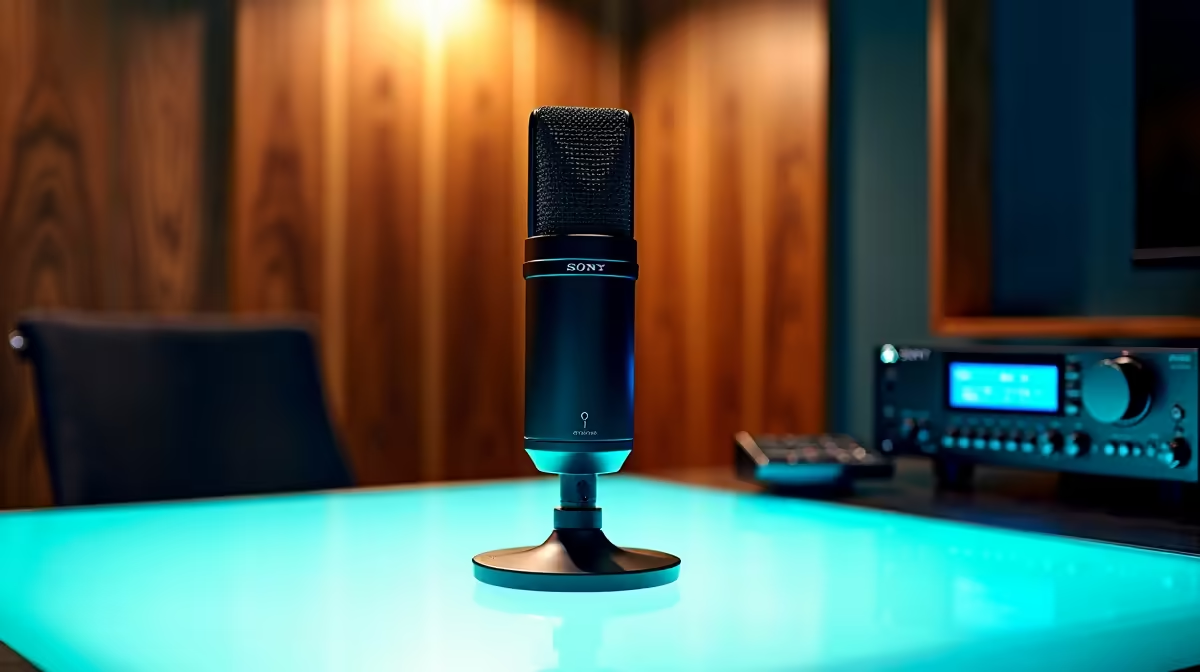
Record speech at the proposed desk and listen for echo, traffic and computer fans. The HyperX SoloCast 2 USB microphone costs a verified R690 for a direct computer setup. The NearStream AM10X-P USB/XLR microphone carries a verified R730 price for a path that can later use supported XLR equipment.
The factpacks contain no verified podcast mixer price for this use. One host may not need a mixer. Add one only when several microphones, remote audio or independent monitoring requires more routing. Include headphones, a stable stand and cables in the plan.
Protect paid work and guest rights
Get guest consent before recording and document music or clip permissions. Save a local track, then copy episode projects to another authorised location. Name files by episode and date so another editor can recover the session.
Record a full pilot, edit it and publish it privately. Track setup time, noise fixes and missing connections. Buy the next item from that evidence rather than trying to assemble a complete studio in one purchase.
Starting a podcast side hustle? > Ask Evetech to match microphones, computer connections and storage to the show format.