


Clean Gaming Keyboard: Guide for Dusty & Humid Conditions
Clean gaming keyboard quickly and safely in dusty or humid conditions with step-by-step tips, tool checklist, and maintenance routines to prevent corrosion and switch failure. 🧼💨
Read moreEmbark on a silent PC build with our expert guide for South Africa. Learn how to choose quiet components like fans, cases, and PSUs to eliminate distracting noise and achieve whisper-quiet performance. Build the ultimate focused workspace or immersive gaming rig today! 🤫💻
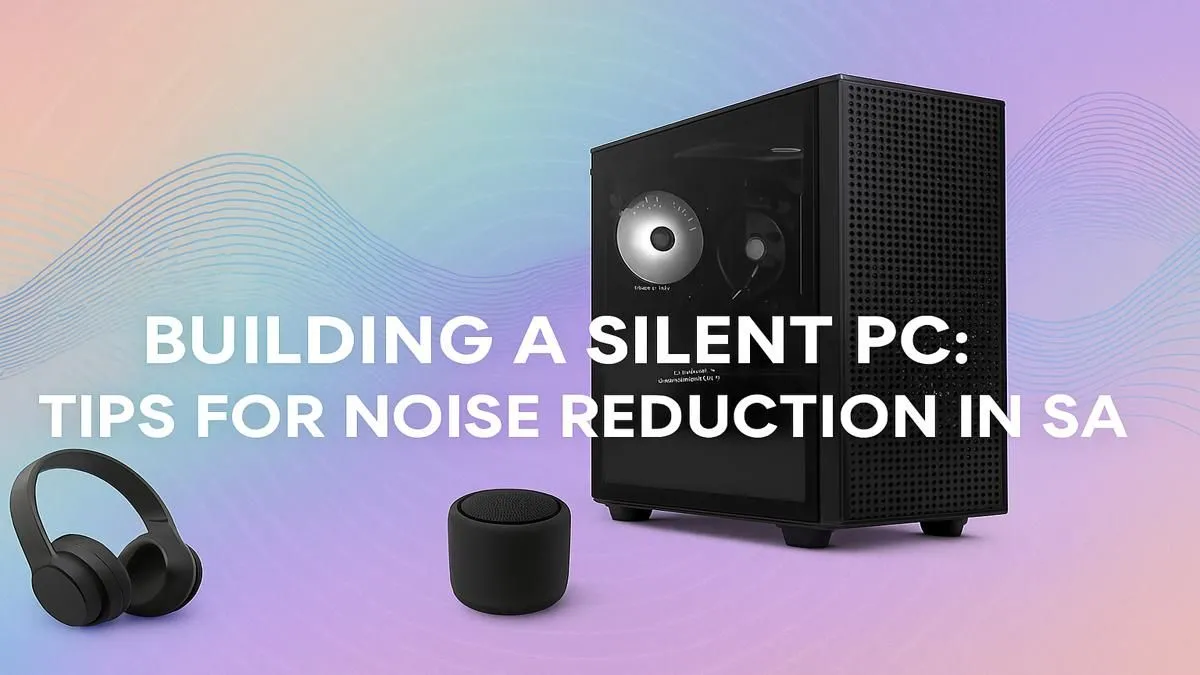
Is there anything more distracting than a PC that sounds like it’s preparing for takeoff? You’re in the final circle, listening for footsteps, and all you can hear is the high-pitched whine of your case fans. Here in South Africa, where powerful cooling is a must, many gamers just accept the noise. But what if you didn’t have to? A silent PC build is not just possible; it’s the ultimate upgrade for immersive gaming and focused work.
Before we can achieve near-silence, we need to identify the culprits. Most of the racket inside your rig comes from moving parts. The biggest offenders are almost always the fans—on your CPU cooler, your graphics card, and the case itself. Older mechanical hard drives (HDDs) add a distinct clicking and whirring, and sometimes you'll even hear a faint, high-frequency "coil whine" from your GPU or power supply under load. Even well-designed budget gaming PCs can become noisy if airflow isn't properly managed.
Crafting a whisper-quiet machine is all about smart component selection. It’s a balancing act between cooling performance and acoustic levels. You don’t need to break the bank; the goal is efficiency.
The foundation of your silent PC build is the chassis. Look for cases specifically designed for noise reduction. Brands like be quiet! and Fractal Design offer models with sound-dampening foam on the side panels and solid fronts. Just remember, this can restrict airflow, so pairing it with the right cooling is essential.
This is where you'll get the biggest return on your investment in quietness.
Almost every modern motherboard lets you customise fan curves in the BIOS or via software. Instead of letting fans run at a constant speed, set them to ramp up slowly based on CPU temperature. A gentle curve means your PC stays nearly silent during light tasks like browsing and only gets audible when you're really pushing it in a heavy game.
Don't have the budget for a full new build? No problem. A few tweaks can dramatically reduce the noise from your current setup. Start by giving your PC a thorough cleaning—dust clogs fans and heatsinks, forcing them to work harder and louder. Next, dive into your fan curves as mentioned in the tip above. It's the most effective free upgrade you can make.
For those willing to spend a little, upgrading your stock CPU cooler to a more capable tower cooler can make a world of difference. You'll often find that the premium components included in high-performance PCs over R20k are chosen specifically for their excellent thermal and acoustic performance.
Going the DIY route gives you absolute control over every component, letting you hand-pick the quietest parts for your specialised silent PC build. It’s a rewarding process if you have the time and expertise. You can get great inspiration for component synergy by browsing some of the best gaming PC deals, which often feature well-balanced hardware.
However, if you want guaranteed performance without the guesswork, a professionally assembled machine is the way to go. At Evetech, our technicians are experts at balancing airflow, cooling, and noise levels. Our pre-built PC deals are optimised out of the box, ensuring you get a powerful and pleasantly quiet experience from day one. ✨
Ready for a Whisper-Quiet Setup? A silent PC build isn't a luxury... it's a strategic advantage that lets you hear every footstep and focus on the win. Whether you're upgrading or starting fresh, we have the components and systems to make it happen. Explore our massive range of custom PCs and build your silent beast today.
A silent PC build uses components designed for low noise, such as large, slow-spinning fans, noise-dampening cases, fanless CPU coolers, and PSUs with a zero-RPM mode.
Not at all! With smart component choices like a zero RPM GPU and an efficient power supply, you can build a high-performance gaming or workstation PC that remains whisper-quiet.
Cooling is key. The CPU cooler and case fans are the biggest noise sources. Choosing the best quiet CPU cooler and fans with low RPMs makes the most significant difference.
Yes, a good noise reduction pc case with foam padding and a sealed design can significantly muffle the sound of internal components like fans and hard drives for a quieter setup.
Absolutely. You can upgrade to quieter case fans, install a new CPU cooler, replace your power supply, and even add aftermarket sound dampening for your PC to reduce noise.
It depends. High-end air coolers can be quieter than AIO liquid coolers, whose pumps can add noise. However, custom loops with large radiators allow for very low fan speeds.
Clean gaming keyboard quickly and safely in dusty or humid conditions with step-by-step tips, tool checklist, and maintenance routines to prevent corrosion and switch failure. 🧼💨
Read more
Best gaming keyboard features to prioritize when building a high-end setup: mechanical switches, low latency, hot-swap, RGB, macros, durability and ergonomics 🎮⌨️
Read more
Custom actuation point keyboard setup guide: learn to set per-key actuation on your analog gaming keyboard for faster, precise inputs and better control 🎮⚙️
Read more
Cable management for home entertainment helps you eliminate cable clutter quickly and safely. Learn routing, concealment, and product picks to tidy your setup fast 📺🔌
Read more
conference room setup Microsoft Teams Zoom: Upgrade AV, camera, mic, and network to ensure seamless meetings, clear audio, and crisp video 🎯🔧
Read more
• Audit setup • Link accounts • Configure ViewBoard • Test workflows Integrate Google Workspace with ViewSonic ViewBoard to enable secure SSO, calendar and Drive sync, and smooth collaborative whiteboarding 🔗📋
Read more
Discover webcams that automatically adjust light and color for crystal-clear video calls 🎥✨. Boost your streaming quality today!
Read more
Discover webcams that blend into your workflow 🎯 Capture moments while you work, stream, or create. Upgrade your setup with smart, multitasking tech!
Read more
Dedicated media keys give streamers one-touch control to mute, switch scenes, clip highlights, and adjust audio — cutting task time and boosting consistency 🎛️⚡
Read more
PBT vs ABS keycaps: Clear, local guide for South African gamers—compare feel, sound, durability and where to buy. Find the best material for your budget and playstyle 🎮🇿🇦
Read more
- Multi-Function Digital Dial: define benefits - Show gamer setups and macros - Offer buying and setup tips Multi-Function Digital Dial puts programmable control at your fingertips for faster actions and smoother streaming. 🎮⚙️
Read more
- Explain benefits; - Show the science; - Compare options; - Recommend picks. Magnetic wrist rest for gaming cuts wrist strain and boosts comfort during long sessions 🕹️✨
Read more