


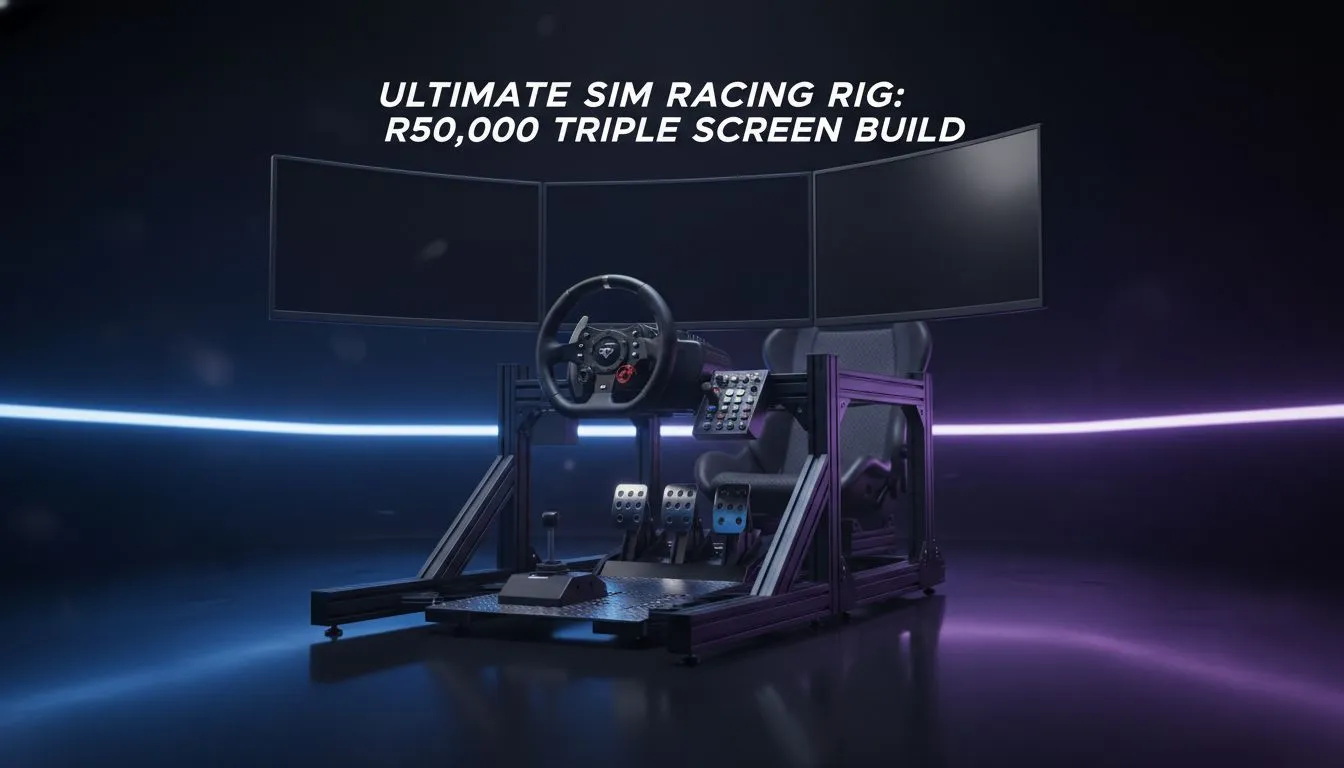
Chasing tenths at Kyalami or holding a perfect drift at Killarney requires more than just talent. It requires a cockpit that disappears around you. Building a Sim Racing Rig Build: R50,000 Triple-Screen Ultimate Guide is the dream for many South African petrolheads. With R50,000 in your pocket, you can move beyond a desk-clamped wheel into a professional-grade environment. Let's break down how to allocate your ZAR budget for maximum immersion 🔧.
Choosing the Right Foundation for Your Sim Racing Rig Build
Every great driver needs a reliable machine. When you start your journey, you might look at an affordable entry point with budget gaming PCs to get a feel for the software. However, pushing three 1080p or 1440p displays simultaneously demands significant graphical grunt. You need a GPU that can maintain high frame rates to ensure your inputs feel instantaneous.
For a solid start, many enthusiasts explore PCs under R20k to leave more room in the budget for a high-end wheel base. But remember... your PC is the heart of the simulation. If the frame rate drops while you are hitting the apex, your consistency will suffer.
The Triple-Screen Visual Experience
The "triple-screen" part of this guide is where the immersion truly lives. Unlike a single monitor, three screens provide peripheral vision that allows you to spot your opponents alongside you. To find the best value for your display-driving hardware, keep an eye on the best gaming PC deals available.
FOV Calibration Pro Tip ⚡
Use an online Field of View (FOV) calculator specifically for triple-screen setups. Entering your monitor size and the exact distance from your eyes to the centre screen will ensure the perspective is mathematically correct. This makes judging distances to braking markers much more intuitive for South African racers.
Allocating Your R50,000 Budget Effectively
Balancing the spend is the hardest part of any Sim Racing Rig Build: R50,000 Triple-Screen Ultimate Guide. You need to split the ZAR 50,000 between the PC, the cockpit, the monitors, and the peripherals. We recommend looking at high-performance PCs above R20k to ensure you have an RTX-powered system capable of handling Assetto Corsa Competizione or iRacing at high settings 🚀.
A sturdy aluminium profile rig is often better than a flashy seat. It prevents "flex" when you slam on the load-cell brakes. Spend wisely on the parts that touch your body... the wheel and the pedals... as these provide the vital force feedback.
Final Assembly and Software Calibration
Once your hardware is unboxed, the real work begins. Cable management is vital in a triple-screen setup to avoid a "spaghetti" mess behind your monitors. For those who want to skip the compatibility headaches, the convenience of pre-built PC deals ensures your system is ready to race the moment it arrives at your door ✨.
Take the time to calibrate your force feedback settings for each specific car. A well-tuned R50,000 rig will always outperform a poorly configured R100,000 setup. Focus on the details... and the lap times will follow.
Ready to Build Your Ultimate Racing Rig? Mastering the track requires the right balance of power and precision. Whether you are building from scratch or looking for a turnkey solution, we have the hardware to put you on the podium. Explore our massive range of gaming PC deals and start your sim racing journey today.










