A smart 3D rendering workstation should not double as the only home-security recorder. It can view cameras or produce visualisations, but renders, driver changes and restarts can interrupt monitoring. Keep continuous security storage on a compatible independent path.
Design two reliable roles
Benchmark a representative 3D scene for GPU memory, render time, temperature and noise. Separately test camera live view, notifications and clip export. Confirm camera traffic does not congest project storage or the network. Use different accounts and backup policies for creative assets and surveillance footage.
Household consent, camera boundaries and retention rules come before workstation performance. Protect remote access and keep security firmware current. Avoid exposing client renders through camera software.
Camera software should not index render folders or display private filenames during remote viewing. Configure libraries and permissions deliberately. If the workstation is offline for maintenance, household members still need a known path to notifications and saved clips through the independent security system.
If cameras require remote access, test it without exposing the render workstation directly. Use supported secure methods and revoke old household devices promptly.
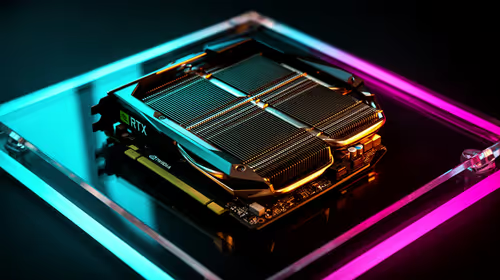
The Palit RTX 5070 Ti 16GB is verified at R12,700. The TP-Link Tapo C212 indoor Wi-Fi camera is verified at R451. Confirm renderer support, power, camera storage, privacy and warranty.
Planning rendering and home monitoring? > Compare Evetech hardware by separate roles.