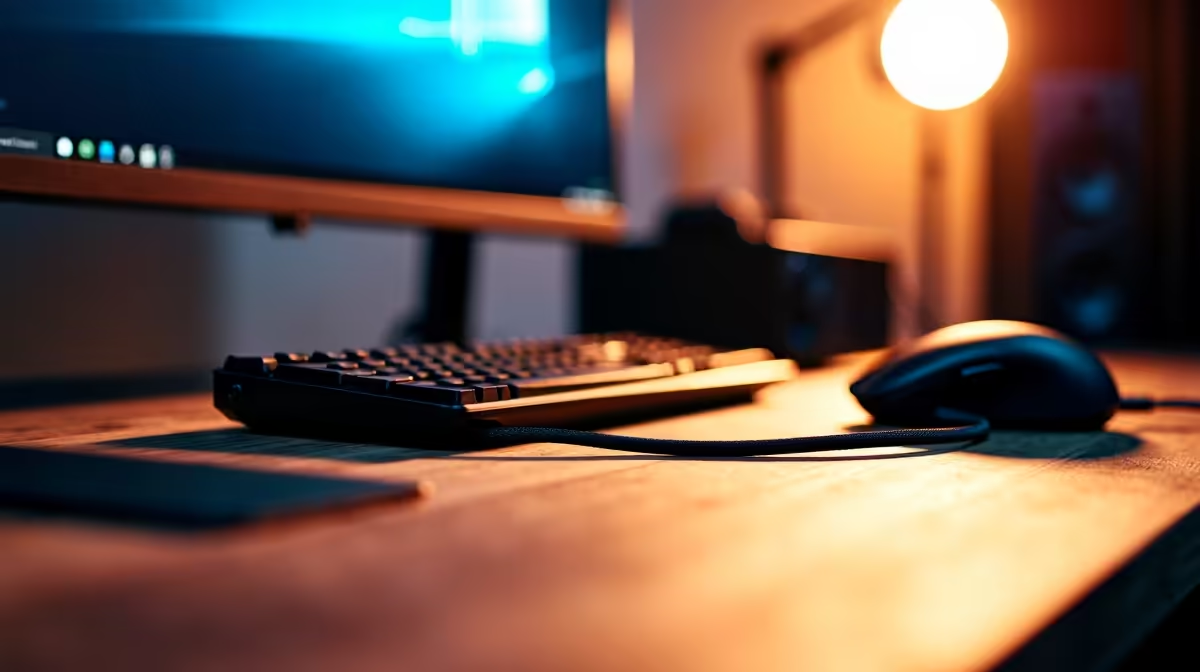
Tired of that tangled mess of cables ruining your otherwise epic stream vibe? We get it. A clean, organised battle station isn't just for show; it’s about creating a professional look for your viewers and a stress-free space for you. Achieving a stream setup with minimal cable clutter is easier than you think. It transforms your gaming zone from a chaotic wire pit into a sleek, content-creation powerhouse. Let's dive in. 🚀
Why a Tidy Streaming Setup Matters
First off, let's talk optics. When a new viewer drops into your stream, your background is part of the first impression. A clean, organised space communicates professionalism and attention to detail. But the benefits go way beyond looks.
A setup free from cable spaghetti is easier to clean, troubleshoot, and upgrade. Need to swap out a mic or webcam? No problem. Trying to figure out why your audio is buzzing? You won't have to trace a single cable through a tangled nest. Better organisation can even lead to improved airflow around your PC and peripherals, keeping things cool when the action heats up.
The Foundation: Smart Gear for Less Clutter
The secret to a truly clean look often starts before you even plug anything in. Choosing the right hardware can drastically reduce the number of wires you need to manage.
Think about wireless peripherals. A high-performance wireless mouse, keyboard, and headset can eliminate three of the most visible cables on your desk instantly. Modern wireless tech offers near-zero latency, so you don't have to sacrifice performance for a tidy desk. When you're planning your build, investing in the right streaming essentials from the start makes achieving a stream setup with minimal cable clutter a whole lot simpler.
Your Cable Management Battle Plan 🔧
Even with some wireless gear, you'll still have cables for your monitor, PC, camera, and lighting. This is where a solid cable management strategy comes in.
Step 1: The Great Disconnect
Unplug everything. Yes, everything. It sounds drastic, but starting with a blank slate is the most effective way to plan your cable routing. Lay out all your cables and group them by function (e.g., power, USB, video).
Step 2: Route, Group, and Secure
Plan the most efficient path for your cables to travel from your devices to their destination, ideally hidden from view. Run them along the back edge of your desk or down a desk leg. Use velcro ties or cable sleeves to bundle related wires together into a single, neat trunk. This is where you can truly optimise your space. Many pro streamers rely on integrated ecosystems from gear from brands like Corsair to consolidate lighting and fan control cables into a single hub.
Pro Tip: Label Everything!
Before you bundle your cables, use a label maker or small pieces of coloured tape to mark both ends of each wire. This will save you a massive headache months later when you need to unplug a specific device. Future you will be grateful!
Lighting and Aesthetics Without the Wire Mess ✨
Great lighting is crucial for a high-quality stream, but it can also introduce more cable chaos. The key is to choose lighting solutions designed for a clean aesthetic.
Instead of multiple standalone lamps each with its own power brick, consider modular lighting panels. These can often be linked together, sharing a single power source and creating a visually stunning backdrop. Smart RGB strips can be tucked away along the back of your desk or monitor, providing beautiful ambient colour without a visible wire in sight. Products like modular lighting options from Cololight are perfect for creating custom designs that are both brilliant and tidy.
Creating a Clean Stream Setup on a Budget
Building a stream setup with minimal cable clutter doesn’t have to break the bank. You can achieve a professional look with some clever, budget-friendly tricks.
Cable raceways—plastic channels that stick to the underside of your desk—are an affordable way to hide entire bundles of wires completely. Double-sided mounting tape is your best friend for sticking power strips and USB hubs out of sight. You don't need the most expensive gear to get started; you can find plenty of great streaming gear under R6000 that will get your stream looking sharp without emptying your wallet.
Ready to Build Your Cleanest Setup Yet?
A clean, organised space lets you focus on what matters: creating amazing content. Explore our massive range of streaming essentials at Evetech and start building the clutter-free setup you deserve.