Quick Answer
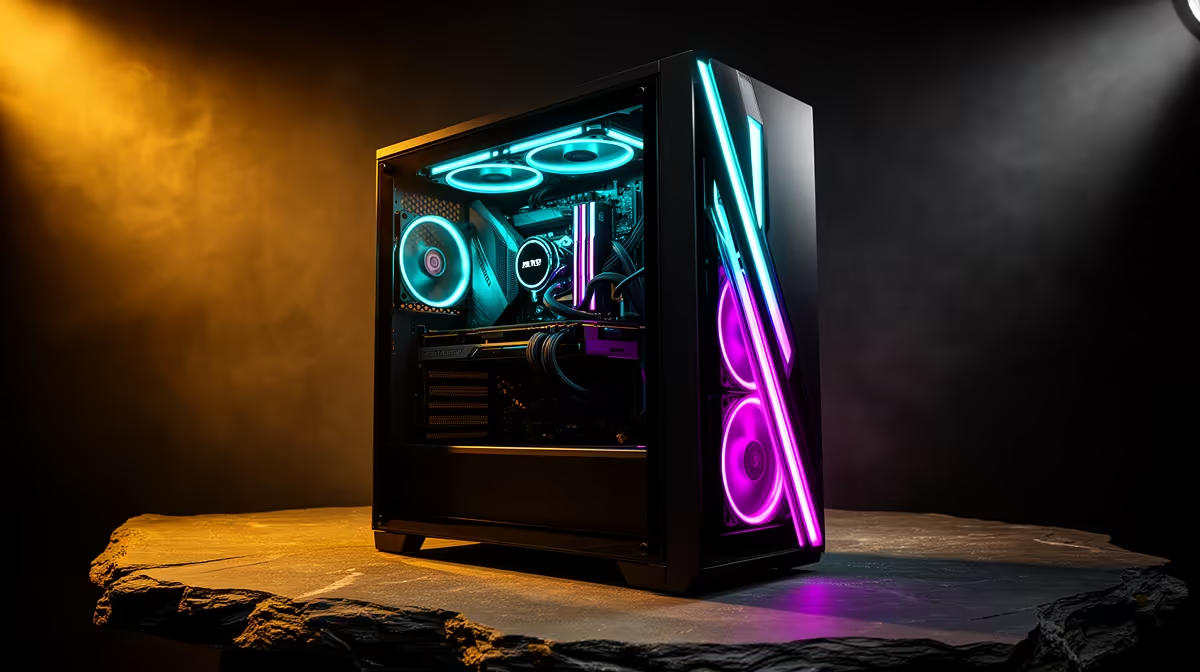
Under R25,000 lets a Engineering student buy a more durable build with 32GB RAM, 1TB to 2TB SSD storage and RTX 4060 or RTX 4060 Ti class graphics for heavier work. For a Mowbray UCT student, keep the tower, monitor and input devices inside roughly R21,250 to R25,000 so the machine supports coursework first and gaming second.
What The Engineering Workload Needs
For UCT campus days around Mowbray, upper campus and nearby digs, the machine should be chosen around MATLAB, AutoCAD, SolidWorks, Fusion 360 and large PDF markups. A practical parts target is Core i5-14400F or Ryzen 5 7600, B760 or B650 board, 32GB RAM, 1TB NVMe SSD and RTX 4060 graphics. For class projects, a 6-core or 8-core CPU with 16GB RAM is the floor; an RTX 4060 gives smoother 1080p viewport work and roughly 90 fps in lighter games. If the price limit is tight, choose RAM and SSD capacity before case lighting or oversized cooling.
Mowbray Setup Check
Mowbray is close to UCT routes and student digs, so noise, desk space and easy transport between residence and campus matter. For a desktop build, check that the charger, sleeve, mouse and monitor plan fit the room and travel routine. A 1TB SSD is safer than 512GB if the same device stores lecture videos, installs and game files; 16GB RAM is the minimum target for a new student machine.
How To Spend The R25,000 Limit
Treat R25,000 as a ceiling for the box plus the items that make study comfortable. A 24-inch monitor, keyboard and mouse can use R2,500 to R4,500 of the plan, so do not let the tower consume every rand. Mowbray is close to UCT routes and student digs, so noise, desk space and easy transport between residence and campus matter.
FAQ
Do engineering students need a dedicated GPU?
For MATLAB alone, no; for CAD, SolidWorks and 3D coursework, yes. RTX 4050 or RTX 4060 graphics give a better viewport experience than integrated graphics.
Is R25,000 enough for engineering?
It is workable if you prioritise an H-series CPU, 16GB RAM and 1TB SSD. For heavier CAD and longer ownership, 32GB RAM is the better target.
What should a Mowbray student check before buying?
Check weight, battery life, charger size, warranty handling and whether the device can connect to a 24-inch monitor at digs. For UCT, the best machine is the one that travels reliably and then becomes comfortable for long study blocks.
Student spec check
Before checkout, confirm 16GB RAM, SSD capacity, Wi-Fi 6, the exact screen size and at least one easy monitor output. For Engineering, those checks matter more than cosmetic extras.