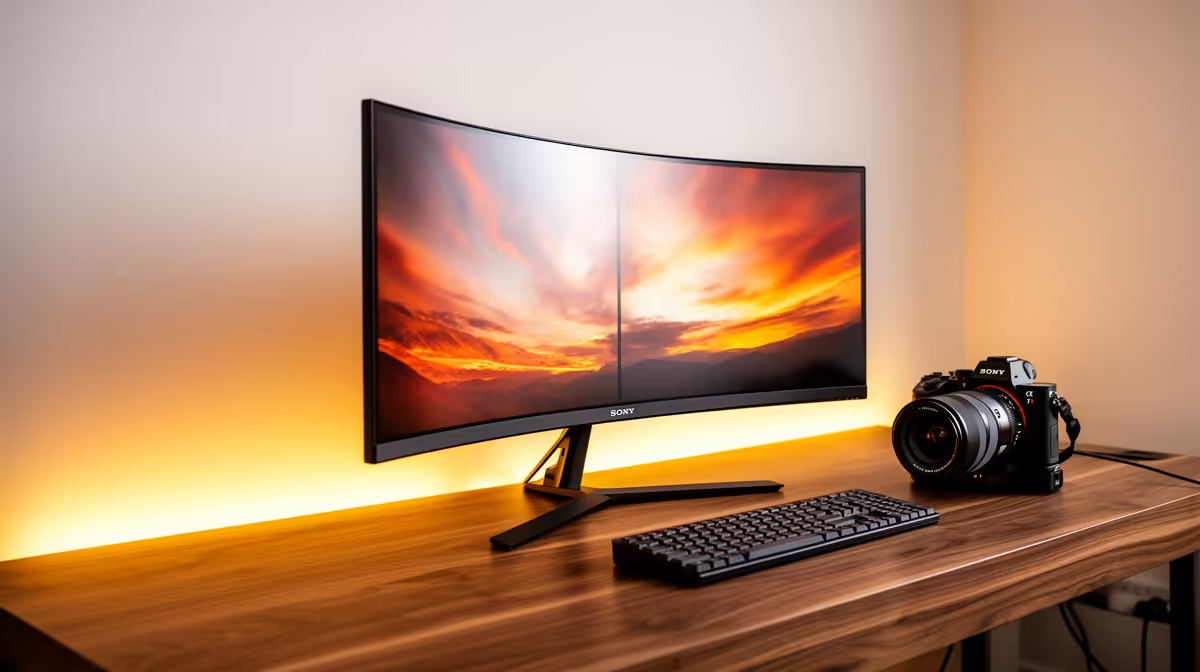
ASUS TUF VG34WQML5A 34 Inch UWQHD Curved Fast VA LED 21:9 250 Hz Gaming Mo at R7700 suits an SA buyer who wants one wide work surface for documents, browser tabs, chat, and gaming without splitting attention across two screens. A good ultrawide monitor can replace a basic dual-monitor setup when the priority is clean desk space, a single cable path, and a broad 21:9 canvas rather than two separate panels.
Best ultrawide monitor picks for dual-screen style work
The ASUS TUF VG34WQML5A 34 Inch UWQHD Curved Fast VA LED 21:9 250 Hz Gaming Mo at R7700 is the strongest first look because the 34 inch UWQHD panel gives spreadsheet, CMS, email, and reference windows room to sit side by side. Its 250 Hz spec also makes it useful after hours if the same desk becomes a gaming station.
Samsung Odyssey (34") QHD 3440 x 1440 pixels UltraWide Gaming Monitor at R7999 is close in price and gives a clear 3440 x 1440 workspace for people who care about readable columns and timeline width. With 2 in stock, it is a sharper fit for a buyer who wants the familiar Samsung Odyssey name and QHD ultrawide resolution.
SA home office desk reality
For a student desk, creator desk, or small home office where space is tight, Arozzi Nova Curved 34" VA, 165Hz - Black at R4100 is the budget-friendly 34 inch curved option. HP MONITOR OMEN CURVED GAMING 34 INCH WQHD 165HZ 1 YEAR Warranty at R10405 costs more, but its 34 inch WQHD curved format and 165Hz refresh rate suit a cleaner premium desk setup.
Ready to choose the right ultrawide monitor?
Keep ASUS TUF VG34WQML5A 34 Inch UWQHD Curved Fast VA LED 21:9 250 Hz Gaming Mo at R7,700 on the list for ultrawide monitor cope dual monitor; (7 in stock) is the detail to test against that brief.