Quick Answer
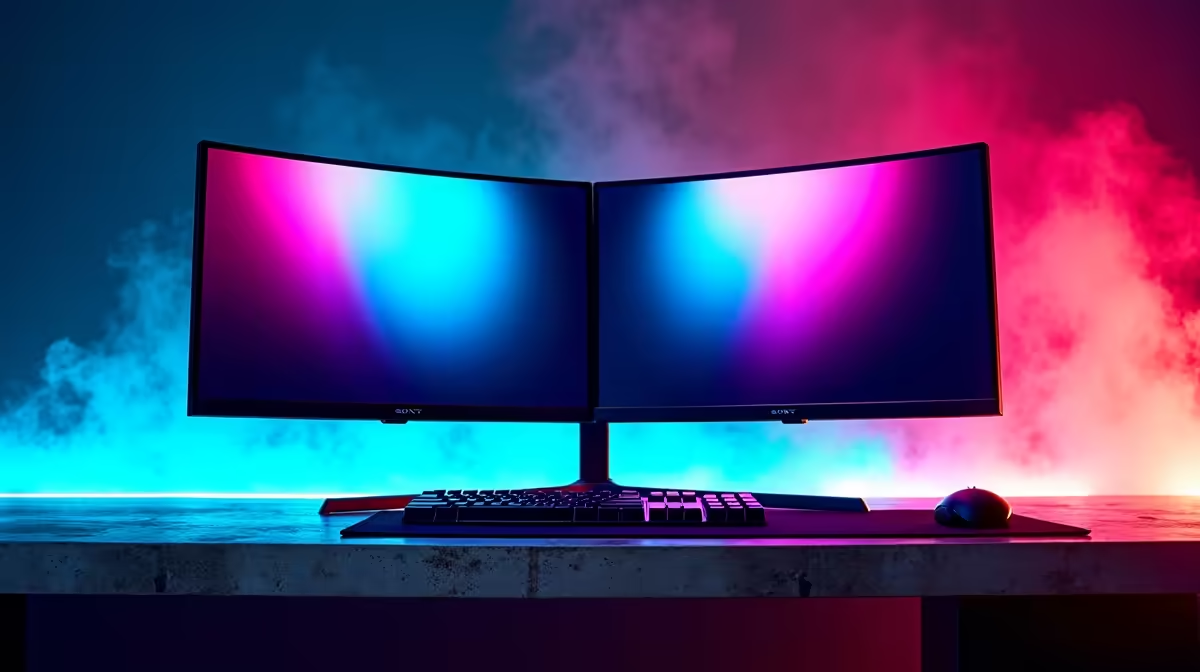
For UCT residence, the best dual-monitor setup is a compact 1080p plan built around one 24-inch 1080p 100-144Hz main screen plus a second 22-24-inch notes screen. At R8,000, treat the spend as a room and accessory upgrade around an existing laptop or family PC; a complete new laptop starts around R8,000, while dedicated-GPU gaming laptops sit higher. A 144Hz main panel makes Valorant and CS2 feel responsive, while the second screen is for PDFs, Discord and lecture notes.
What To Buy First
Start with the part used every day, not the flashiest box. A Cape Town residence desk usually rewards a 24-inch screen, short cables, closed-back audio and a keyboard that does not dominate the desk. Use AOC 24G2SP, MSI G244F E2 or a 24-inch 1080p IPS 100-180Hz panel as the reference class, then compare warranty, ports and physical size before checkout.
Budget And Performance Targets
Keep the numbers simple: 16GB RAM is the comfort target, 512GB SSD is the workable storage floor, and 1080p is the right resolution for a student budget. If the setup is mainly for study, a quiet laptop plus monitor is enough; if games matter, aim for 60fps in story games and 100-144fps in esports. Avoid spending the full budget on one item if it leaves no room for a headset, stand or USB hub.
Residence Fit Checks
Measure desk width, plug position and viewing distance before ordering. In a shared room, fan noise, keyboard sound and cable clutter become daily annoyances. For UCT, keep the setup easy to pack during recess, easy to service locally in South Africa, and simple enough that a roommate can still use the desk without moving half the gear.
FAQ
Is R8,000 enough for this dual-monitor setup?
Yes, if the budget is used for the right layer. It is enough for a strong monitor-and-accessory setup around an existing machine, while a full gaming laptop or desktop needs a stricter spec shortlist.
What refresh rate should a student choose?
Use 100Hz as the practical floor for a new 1080p monitor. Choose 144Hz or 180Hz only when esports is a real priority and the PC can push matching frame rates.
What spec avoids buyer regret?
Prioritise 16GB RAM, 512GB SSD storage, HDMI or USB-C compatibility and a warranty route in South Africa. Those checks matter more in residence life than decorative extras.
Buying tip
checkout, confirm the desk can hold the screen width and that the selected device has the port you need: HDMI for monitors, USB-C for hubs, and a 3.5mm or USB route for headsets.