


Scoring a deal on second-hand PC parts in South Africa feels like a massive win. You're saving some serious Rands and building a custom rig... what's not to love? But a hidden danger lurks for every budget builder: incompatibility. One wrong part can turn your dream machine into a pile of expensive paperweights. This guide will help you navigate the tricky world of used PC parts compatibility and ensure your budget build boots up without a hitch. 🔧
The Core Handshake: CPU, Motherboard & RAM
Getting the relationship between your processor, motherboard, and memory right is non-negotiable. This is the absolute foundation of your PC, and where most compatibility mistakes happen with used parts. Think of it as a team that must speak the same language.
CPU Socket and Motherboard Chipset
The most critical check is the CPU socket. An Intel CPU with an LGA 1700 socket simply will not fit into an AMD AM4 motherboard, and vice versa. It's a physical limitation. When buying a used CPU processor online, you must verify its exact socket type. Then, you need a motherboard that not only has the matching socket but also a compatible chipset that officially supports that specific CPU model. Always check the manufacturer's CPU support list for any Intel or AMD-based motherboards you're considering.
RAM Generation: Don't Mix Your DDRs
Memory compatibility is just as strict. A motherboard is built for a specific generation of RAM—DDR3, DDR4, or DDR5. You cannot put DDR4 RAM into a DDR5 slot. When hunting for bargains, you might find a great deal on older DDR3 gaming RAM modules, but they will only work in a compatible DDR3 motherboard, limiting your CPU choices significantly. Always match the RAM generation to the motherboard's specifications.
Power & Space: The GPU, PSU & Case Puzzle 🧩
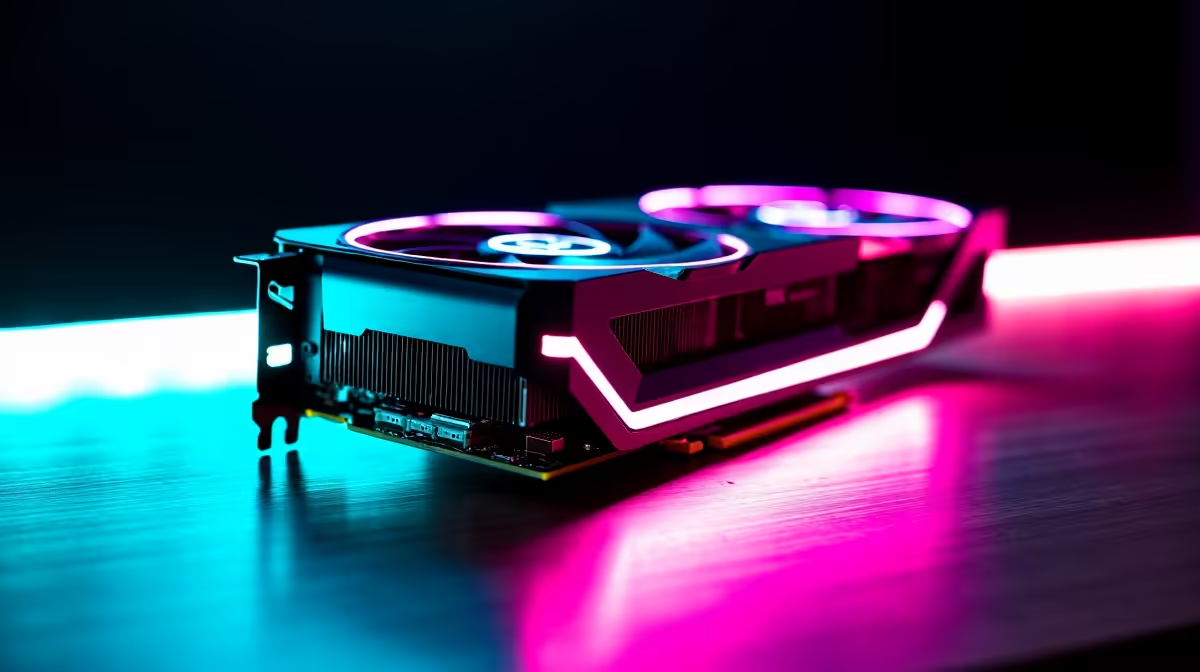
You've found a beast of a second-hand graphics card. Awesome! But will it actually work with the rest of your components? Ensuring compatibility here involves checking physical dimensions and power requirements.
A common oversight is case clearance. A massive, triple-fan RTX 4080 won't squeeze into a compact micro-ATX case from 2015. Before you buy, measure the maximum GPU length your computer case can accommodate.
Next, consider power. High-end NVIDIA or ATI graphics cards are thirsty for electricity. Your power supply unit (PSU) must have enough wattage and the correct PCIe power connectors (e.g., 6-pin, 8-pin, or the newer 12VHPWR). A reliable Corsair power supply with a bit of overhead is always a smart investment to handle power spikes and ensure stability, especially with older components.
Compatibility Check Master Tip ⚡
Use a free online tool like PCPartPicker. Even if you're buying used parts from different sellers, you can enter the exact models into the system builder. It automatically flags major incompatibilities like CPU socket mismatches or RAM type errors. It's the perfect first step to avoid a costly mistake before you spend a single Rand.
The Finishing Touches: Storage & Cooling
You're almost there, but a few final checks can save you a lot of frustration. These details are often overlooked in the excitement of the build.
Modern PCs rely on super-fast storage. If you've snagged one of the latest M.2 NVMe solid-state drives, you must confirm your used motherboard has a compatible M.2 slot. Older boards may only have SATA ports, which are much slower and use a different connector.
Cooling is also crucial. The mounting mechanism for CPU coolers is socket-specific. A cooler designed for an old AMD AM3 socket won't fit a modern Intel LGA 1700 board without a special adapter kit, which might be hard to find. Finally, never reuse old thermal paste. It dries out and becomes ineffective. A fresh application from a tube of quality thermal solution is a tiny, essential investment for keeping your CPU temperatures in check. ✨
The Smart Shortcut for South African Builders
Feeling a bit overwhelmed? We get it. Juggling sockets, chipsets, RAM generations, and power connectors for a full build can be a headache. The challenge of used PC parts compatibility is that you're relying on different sellers and parts with unknown histories.
For a stress-free start, consider a bundle. An Intel or AMD-based bundle pack from Evetech gives you a brand-new CPU, motherboard, and RAM combination that is 100% guaranteed to work together perfectly right out of the box. It's the rock-solid, warrantied foundation you need, letting you focus on the fun parts, like choosing your graphics card and case.
Ready to Build with Confidence? Scouring the second-hand market can be rewarding, but it's filled with risks. For brand-new, warrantied parts that are guaranteed to work together, Evetech is your ultimate destination. Explore our massive range of PC components and build your dream rig without the compatibility headaches.










