


Scoring a deal on second-hand PC components feels like a massive win, especially when you're trying to save a few thousand Rand on a new build. But that excitement can quickly turn to frustration when you discover your bargain parts won't work together. This guide is your ultimate checklist for navigating the tricky world of used PC parts compatibility, ensuring your budget-friendly build in South Africa boots up without a hitch the first time. 🚀
The Foundation: CPU, Motherboard, and RAM Compatibility
Getting the core trio right is non-negotiable. This is where most first-time builders stumble when mixing and matching used parts. A mismatch here means your PC won't even POST (Power-On Self-Test).
The CPU and Motherboard Handshake
The most critical relationship is between the CPU socket and the motherboard. An Intel CPU with an LGA 1700 socket simply will not fit into an AMD AM4 or AM5 socket, and vice versa. Always check the exact socket type of the CPU processor and ensure your chosen second-hand motherboard has the matching one.
Beyond the physical socket, check the motherboard's chipset compatibility. An older motherboard might need a BIOS update to recognise a newer CPU of the same socket type—a process that can be a real headache without a compatible older CPU to perform the update.
Compatibility Pro Tip ⚡
Use a free online tool like PCPartPicker. You can enter your used components, and it automatically flags major compatibility issues, like mismatched CPU sockets or RAM types. It’s an excellent first step to avoid costly mistakes and is a crucial part of checking used PC parts compatibility before you buy.
Don't Mix Your Memory Generations
RAM compatibility is the next hurdle. A motherboard is built for a specific generation of RAM. You cannot install DDR5 RAM into a DDR4 slot, or DDR4 into a DDR3 slot. The notches are physically different to prevent this. When buying used, confirm what generation your motherboard supports and buy the correct DDR RAM modules to match.
Will That Second-Hand GPU Actually Work?
Graphics cards are generally more forgiving thanks to the universal PCIe slot. A 10-year-old GPU will technically work in a brand-new motherboard. However, ensuring full compatibility for used components involves two key checks.
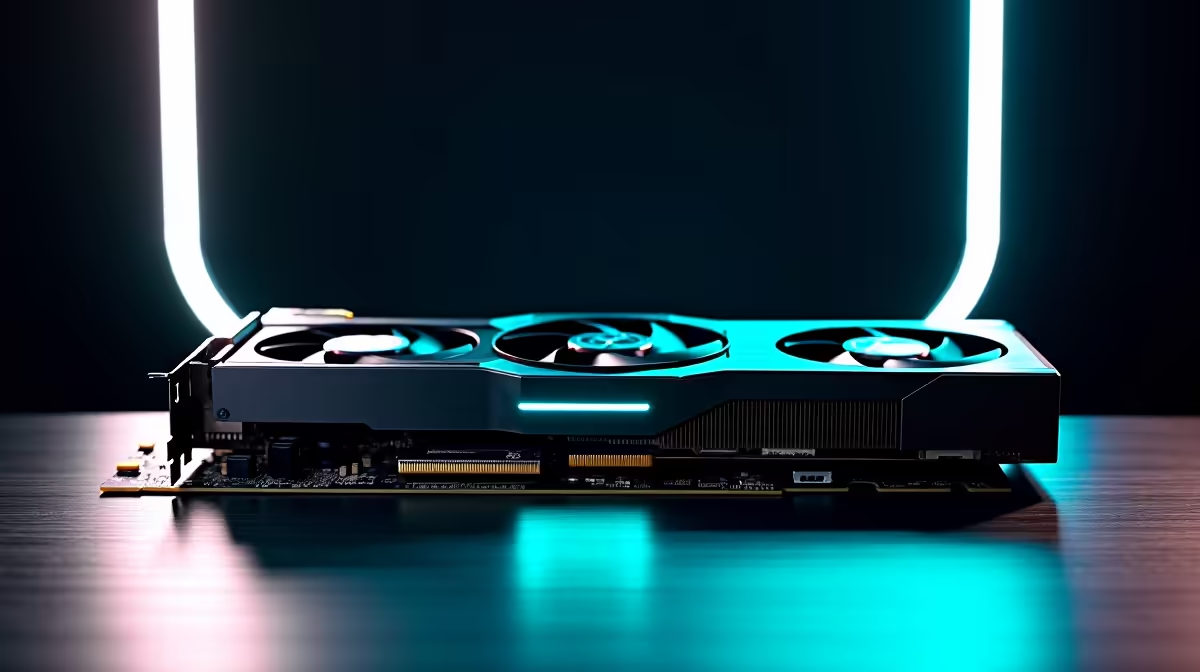
First, physical size. High-end NVIDIA or AMD graphics cards can be massive. Measure the length, height, and width of the card and check it against the specifications of your prospective computer case.
Second, power. Check the GPU's power requirements. Does it need one 8-pin connector? Two? A new 12VHPWR connector? Ensure the power supply unit (PSU) you have or are buying has the necessary cables and, more importantly, enough wattage to handle the GPU and the rest of your system under load.
Storage and Power Supply Considerations
When looking at used storage, the main compatibility check is the interface. Older motherboards might only have SATA ports, while newer ones include much faster M.2 NVMe slots. Make sure your board has the right slot for the Solid State Drive you're planning to buy.
A word of caution on used PSUs: be very careful. A power supply degrades over time, and a failing one can potentially damage every other component in your system. This is one area where buying new is often the smarter, safer investment for your build's longevity.
Cooling and Final Compatibility Checks 🔧
Finally, don't forget the cooler. A CPU cooler must come with the correct mounting bracket for your motherboard's socket type (e.g., LGA 1700 or AM5). Also, check for clearance—a large air cooler can sometimes interfere with tall RAM modules. And if you're re-using a cooler or installing a used CPU, always clean off the old thermal paste and apply a fresh layer of quality thermal solution for optimal heat transfer.
The Smart Shortcut: Pre-Configured Bundles
While hunting for individual used parts can be rewarding, it's undeniably risky. Checking used PC parts compatibility requires time, research, and a bit of luck. If you want to eliminate the biggest risks entirely, there's a much easier way.
Getting the CPU, motherboard, and RAM combination right is the hardest part. By opting for a professionally assembled upgrade kit, you get components that are guaranteed to work together perfectly out of the box. This saves you the headache of BIOS updates and compatibility research, giving you a rock-solid foundation for your build. It's the ultimate peace of mind.
Ready to Build Without the Headache? Navigating used PC parts compatibility can be a minefield. For guaranteed performance and zero guesswork, our expertly matched component bundles are the perfect starting point for your next build. Explore our Intel & AMD Upgrade Kits and build with confidence today!









