Building a beast of a gaming PC in Mzansi can feel like a boss battle for your bank account. But what if you could slash costs without sacrificing performance? Enter the world of used PC parts. South Africa has a thriving second-hand market where savvy builders can find incredible value. It’s not just about saving some cash; it’s a sustainable way to build a powerful, custom rig. Let's dive into how you can hunt for treasure... and avoid the traps. 🔧
The Smart Shopper's Guide to Used PC Parts in South Africa
Scoring a deal on second-hand components feels amazing, but it comes with a simple trade-off: you swap warranty and peace of mind for a lower price. The key to a successful build using used PC parts in South Africa is knowing which components are low-risk and which are a complete gamble.
A "hybrid" build strategy, mixing reliable new parts with tested used ones, often delivers the best of both worlds. You get the thrill of the hunt and massive savings on certain items, while protecting your investment with warrantied core components where it matters most.
The "Go For It" List: Components to Safely Buy Second-Hand
These parts are generally robust, have long lifespans, and are less prone to hidden faults. This is where you can save a significant amount of your budget.
CPU & RAM
Processors are workhorses. With no moving parts and a durable design, a used CPU is one of the safest bets you can make. As long as the pins aren't bent, you're usually good to go. Just compare the second-hand price against a new, solid CPU to ensure you're getting a proper deal.
Similarly, RAM modules are incredibly reliable. Failures are rare. The main challenge is compatibility, so ensure the used sticks you're eyeing match your motherboard's specs, whether it's older DDR3 or modern DDR4 or DDR5 RAM.
Graphics Card (GPU)
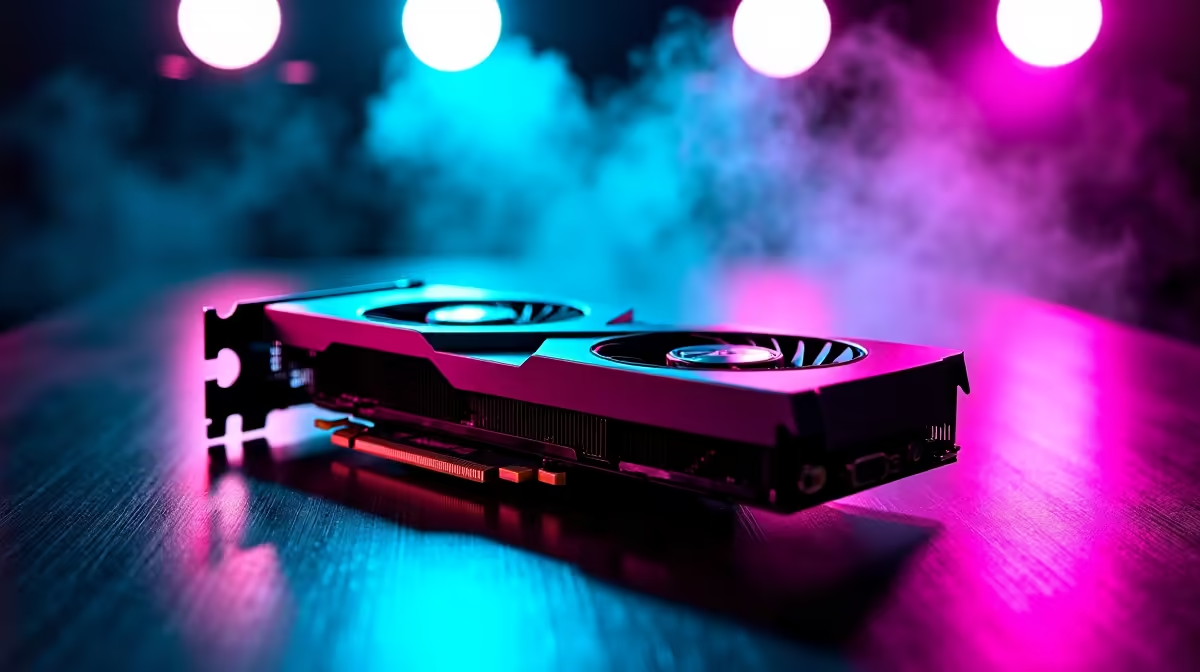
This is the big one. The GPU is often the most expensive part of a gaming rig, and the second-hand market is where you'll find the biggest discounts. You can often get a previous-generation high-end card for the price of a new mid-range one. The main risk is buying an overworked card from a crypto-mining setup, so always ask for recent benchmarks if possible before committing. Still, the potential savings make hunting for used but powerful graphics cards very appealing. ✨
Case, Coolers & Peripherals
These components are typically a safe bet. Scratches on PC cases are just cosmetic, and fans on CPU coolers are cheap to replace if they're noisy. Just give everything a good clean, and it'll feel brand new.
Pre-Flight Check ⚡
Always ask the seller for a recent video of the component working before you buy. For a GPU, a short clip of a benchmark like FurMark or a game running is ideal. For a CPU or RAM, a screenshot of CPU-Z showing the specs is great confirmation. This simple step can save you a world of hassle.
The "Think Twice" List: When New is the Wiser Choice
Some parts are too critical to leave to chance. A failure here doesn't just mean one dead component... it can take your entire system down with it. For these, buying new is a smart investment.
Power Supply Unit (PSU)
Never, ever skimp on the PSU. It's the heart of your PC. A cheap or failing used power supply can fry your expensive motherboard, CPU, and GPU in an instant. The warranty and proven reliability of a reliable new power supply is non-negotiable for a stable system.
Storage (SSD & HDD)
Storage drives have a finite lifespan. You have no idea how many hours a used drive has been running or how much data has been written to it. With the price of brand-new solid-state drives being so affordable now, the risk of losing your data to a failing used drive just isn't worth the minor saving.
Motherboard
A motherboard is the complex central nervous system of your PC. With countless tiny capacitors, delicate pins, and sensitive slots, there are too many potential points of failure. A hidden fault might not show up for weeks. Opting for new, affordable motherboards with a full warranty is the wiser, safer path.
Assembling Your Hybrid Build: The Best of Both Worlds 🚀
So, what does the ultimate smart build look like? It’s a hybrid.
Start with a new, warrantied core. An excellent strategy is to look at pre-tested component bundles that include a CPU, motherboard, and RAM. This guarantees compatibility and gives you a rock-solid foundation. From there, you can hunt for a great deal on a used GPU and case to get that high-end performance on a mid-range budget.
And remember, whether you're installing a used CPU or a new one, always clean the surfaces and apply fresh thermal paste to ensure optimal cooling and performance. Happy building!
Ready to Build Your Smart Rig?
Hunting for used parts is a thrill, but pairing them with reliable, warrantied new components is the masterstroke. It's the best way to balance budget and peace of mind. Explore our massive range of PC components and find the perfect parts to power your next adventure.