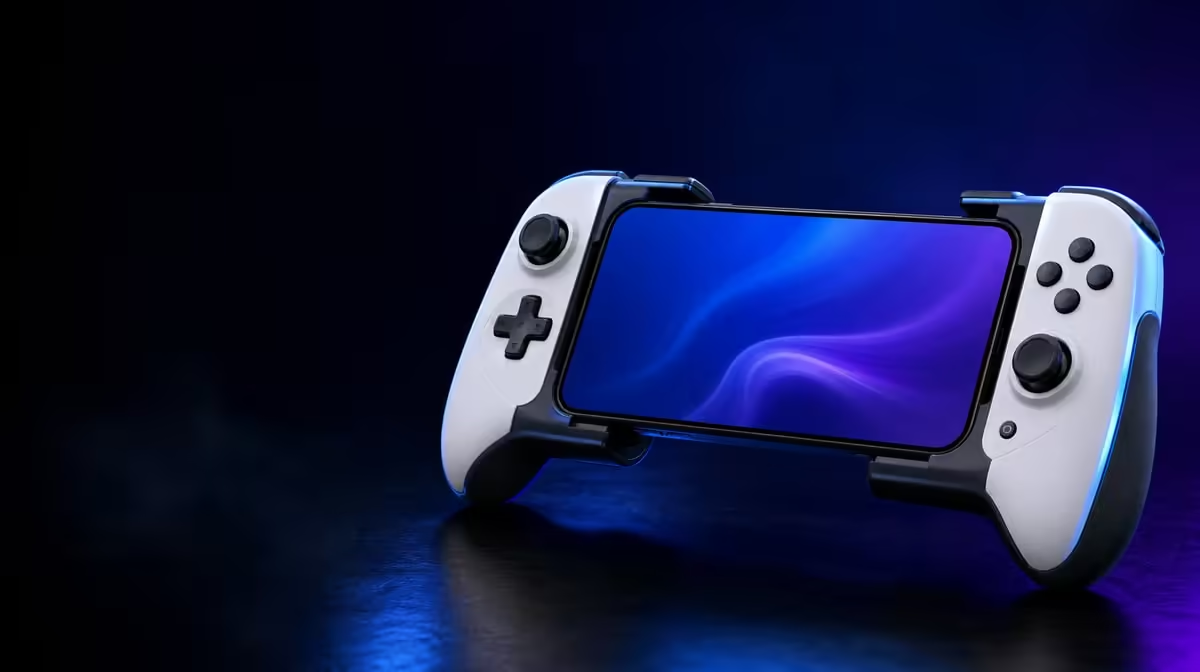
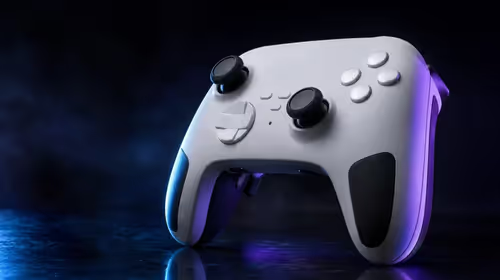
Motion input becomes useful only after the player gives it a clear role. A sound 6-axis gyro aim setup uses physical movement for deliberate corrections while the stick retains broad turning duties. The GameSir X3 Pro includes both gyro and Hall sticks for R1,199, making it possible to build that division inside one mobile controller.
Quick Answer
Calibrate the X3 Pro on a level, motionless surface, begin with low gyro sensitivity and map motion to one supported action before adding complexity. At R1,199, it lets mobile FPS players refine aim and racing players test steering corrections, but improvement depends on game support and practice.
🧱 Start from a motionless baseline
Fit the phone squarely in the stretchable controller and make sure the USB-C connection is not under side pressure. Set the controller on a firm table before using the game's calibration function. Holding it in the air introduces natural hand movement at the exact moment the software is defining neutral.
After calibration, lift the controller into your normal grip and wait without turning it. If the camera or steering moves, repeat the process before adjusting sensitivity. A faulty neutral reference cannot be fixed by practising harder.
Choose one title that clearly supports controller motion input. Menu navigation by tilt does not necessarily prove that the game exposes gyro for aiming or steering. Players comparing compatible physical formats can start with Evetech's mobile gaming controller page, then check support for the games they actually play.
Separate motion from vibration
Reduce dual rumble during initial calibration and testing. Feedback movement is useful in play, yet it can make a new gyro profile seem noisier than it is. Restore vibration after the motion response feels predictable.
🎯 Build an FPS aiming split
Use the right stick for large camera turns and reserve gyro for the last few degrees around a target. Start with a low motion value that makes a visible but controlled correction. Aim at a fixed object, deliberately stop the stick short and finish the movement by rotating the controller slightly.
Repeat that sequence from several directions. If the reticle shakes around the target, lower motion sensitivity or relax the grip. If the controller must rotate uncomfortably far, increase the setting by one small step. Keep the stick sensitivity unchanged during this pass so only the gyro response is being judged.
Practise returning the hands to a comfortable neutral angle after each correction. Without that reset, the controller gradually rotates away from the player's natural wrist position. Some games offer a temporary gyro pause or recentring action; learn it before attempting long tracking movements.
Supporting pieces such as a suitable cable can be reviewed through the gaming accessories range. Route any cable with enough slack that it does not pull against small aiming motions.
🏁 Adapt the method for racing
In a racing game with supported motion control, begin with a wide, predictable corner rather than a technical sequence. Turn the controller a small amount and observe how much steering the game applies. The correct sensitivity lets a comfortable wrist movement cover ordinary corners without making the car weave on a straight.
Deadzone matters here as well. Too little can translate grip movement into unwanted steering; too much creates a dull region around centre. Adjust it only after confirming neutral calibration. Use the Hall stick as a comparison by driving the same section with stick steering and identical driving assists.
Gyro does not need to replace stick control permanently. It may suit one racing title and not another, or it may be useful only in a casual profile. The purpose of the test is to find a controllable relationship between hand movement and steering, not to prove that motion is universally better.
🧪 Run a fair before-and-after trial
Set a short measurement block: ten target transitions in an FPS arena or three clean laps on the same track. Record misses, overshoot or lap consistency rather than relying on the novelty of motion. Repeat the trial after a rest, because tired hands can change the result.
Then add other features one at a time. Restore rumble, test the integrated cooler and confirm that Charge Cool One Cable routing does not resist movement. A cable that drags across a desk can behave like an unwanted spring during fine gyro control.
The accessories best-seller collection offers context for complementary mobile kit. Keep the controller decision anchored to fit, supported games and the quality of the test rather than the number of extras nearby.
Save different motion values for FPS and racing use. Their input tasks are not alike: one asks for tiny reticle corrections, the other for stable directional arcs. A shared calibration procedure is sensible, but identical sensitivity is not required.
Motion comfort also changes with posture. Test the profile seated upright, leaning back and with elbows supported, because each position alters the range available at the wrists. If a useful correction requires the shoulders to move or the phone threatens to shift, the sensitivity and grip need another pass.
Finish by checking the controller's USB-C seating after repeated rotations. Gyro should move the entire unit as one stable object. Any phone movement inside the stretchable frame makes precise calibration meaningless and should be corrected before further practice.
Frequently Asked Questions
What surface is suitable for gyro calibration?
Use a firm, level surface where the controller can remain completely still. A cushion or the player's hands can shift during the neutral reading.
Should gyro sensitivity start high to show an obvious effect?
Start low. A modest response is easier to assess and increase than an aggressive profile that magnifies every grip movement.
Can motion aiming make every player more accurate?
No. It depends on support, calibration, comfort and learned control. Compare it with stick-only input through the same repeatable task.
How much is the X3 Pro in this example?
The gyro-equipped GameSir X3 Pro costs R1,199. Check Evetech's current controller listings before purchase.
Ready to test aim beyond thumb movement?
Browse Evetech's mobile controller options and choose hardware that supports a stable, comfortable motion-control trial.