You’re deep in the zone, your 4K timeline is finally coming together… and then it happens. Stuttering playback. A sluggish interface. Your PC’s fans scream like a jet engine preparing for takeoff. Sound familiar? Your CPU is likely thermal throttling, and it’s sabotaging your creative flow. For demanding creative work, raw power is nothing without stability. That's where effective video editing PC cooling becomes your most valuable asset, turning frustrating lag into a seamless workflow. 🚀
Why Your Editing PC Hates Heat
Video editing isn't like browsing the web or typing a document. It's a marathon of intense, sustained workloads for your processor (CPU) and graphics card (GPU). When you’re encoding a final render or scrubbing through complex timelines with multiple effects, these components run at 100% capacity for extended periods, generating a massive amount of heat.
If that heat isn't efficiently removed, your components automatically slow themselves down to prevent damage. This is called thermal throttling. The result?
- Longer Render Times: A throttled CPU can add minutes, or even hours, to your final export.
- Choppy Timeline Performance: Smooth playback becomes a stuttering mess.
- Reduced Component Lifespan: Consistently running hot can shorten the life of your valuable hardware.
Investing in a proper cooling solution isn't a luxury; it's essential for getting the performance you paid for, especially in high-end purpose-built workstation PCs.
Choosing Your Cooling Solution
When it comes to video editing PC cooling, you have two main paths: air cooling and liquid cooling. Neither is universally "better"—the right choice depends on your specific hardware, workflow, and budget.
Air Coolers: The Reliable Workhorse 🔧
An air cooler uses a metal heatsink with fins to draw heat away from the CPU, and a fan to blow that heat away.
- Pros: Highly reliable with fewer points of failure, often more affordable, and modern high-end models can compete with many liquid coolers.
- Cons: Can be bulky, potentially interfering with RAM or case side panels. Performance might be limited on the most powerful, overclocked CPUs.
For many editors, a quality air cooler provides a fantastic balance of performance and price, making it a staple in many of our well-balanced pre-built PC deals.
AIO Liquid Coolers: The Performance Kings
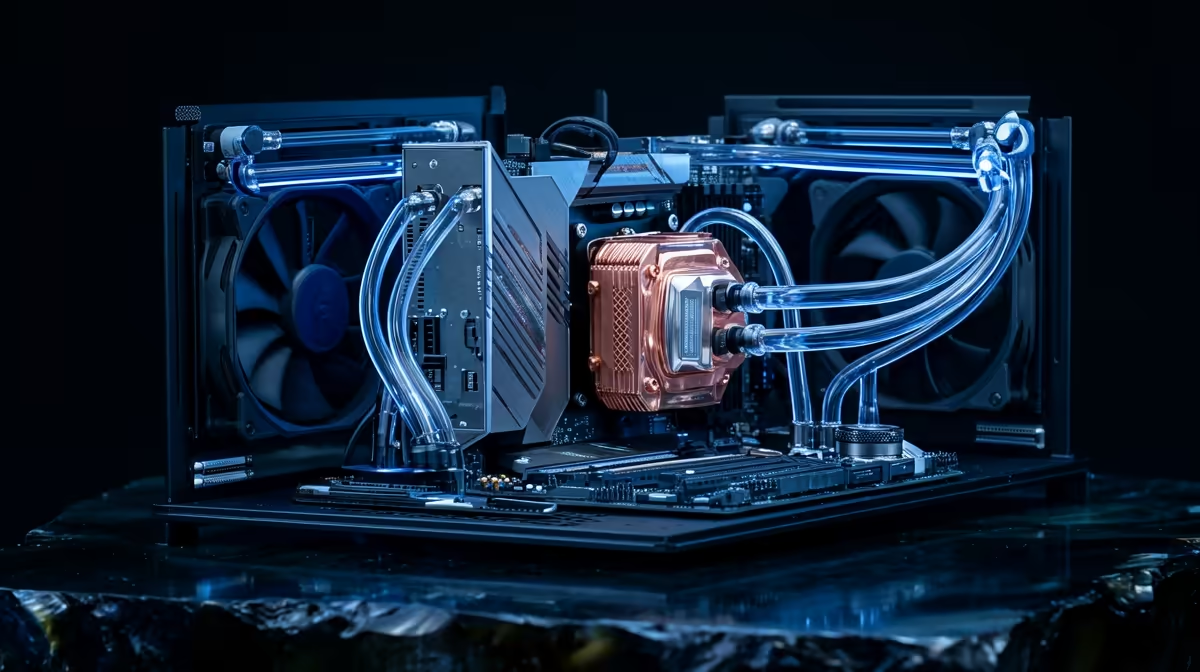
All-in-One (AIO) liquid coolers use a closed loop of liquid to transfer heat from the CPU to a radiator, where fans dissipate it. They offer superior thermal performance, making them ideal for taming the beastly CPUs often found in demanding editing rigs.
- Pros: Excellent cooling capacity, perfect for high-core-count CPUs and overclocking. They also offer a cleaner, more modern aesthetic inside your case.
- Cons: More expensive and have more potential points of failure (like the pump or potential leaks, though rare in modern units).
If your workflow involves the latest power-hungry chips found in our high-performance Intel builds or powerful AMD Ryzen systems, an AIO is often the best way to unlock their full potential.
Check Your Temps! ⚡
Use a free tool like HWMonitor or Core Temp to see your CPU temperatures in real-time. If you're consistently hitting 90°C or more under load, it's a clear sign your video editing PC cooling needs an upgrade before performance degradation... or worse, component damage... occurs.
Don't Forget Your Graphics Card
Your CPU isn't the only component working hard. The GPU is critical for accelerating effects, colour grading, and rendering in programs like DaVinci Resolve and Adobe Premiere Pro. Both NVIDIA GeForce graphics cards and AMD Radeon GPUs come with their own cooling systems, but their effectiveness is heavily dependent on the overall airflow within your PC case. A case with poor ventilation will trap hot air, causing your GPU to throttle just like your CPU.
Ultimately, a holistic approach to PC cooling for video editing is key. A powerful CPU cooler, a well-ventilated case, and a GPU with a robust cooling shroud all work together to create a stable, high-performance machine that won't let you down on deadline day. ✨
Ready to Build a Cool & Capable Editing Rig?
Don't let thermal throttling kill your creativity. A well-cooled PC is the foundation of a smooth, efficient video editing workflow. Explore our expertly configured PC deals and find the perfect machine to bring your vision to life.