


Clean Gaming Keyboard: Guide for Dusty & Humid Conditions
Clean gaming keyboard quickly and safely in dusty or humid conditions with step-by-step tips, tool checklist, and maintenance routines to prevent corrosion and switch failure. 🧼💨
Read more• Audit airflow • Place VRM fans • Add heatsinks • Monitor temps VRM cooling: Practical airflow steps to keep VRMs under safe temps and extend component life in high-performance rigs 🚀🛠️
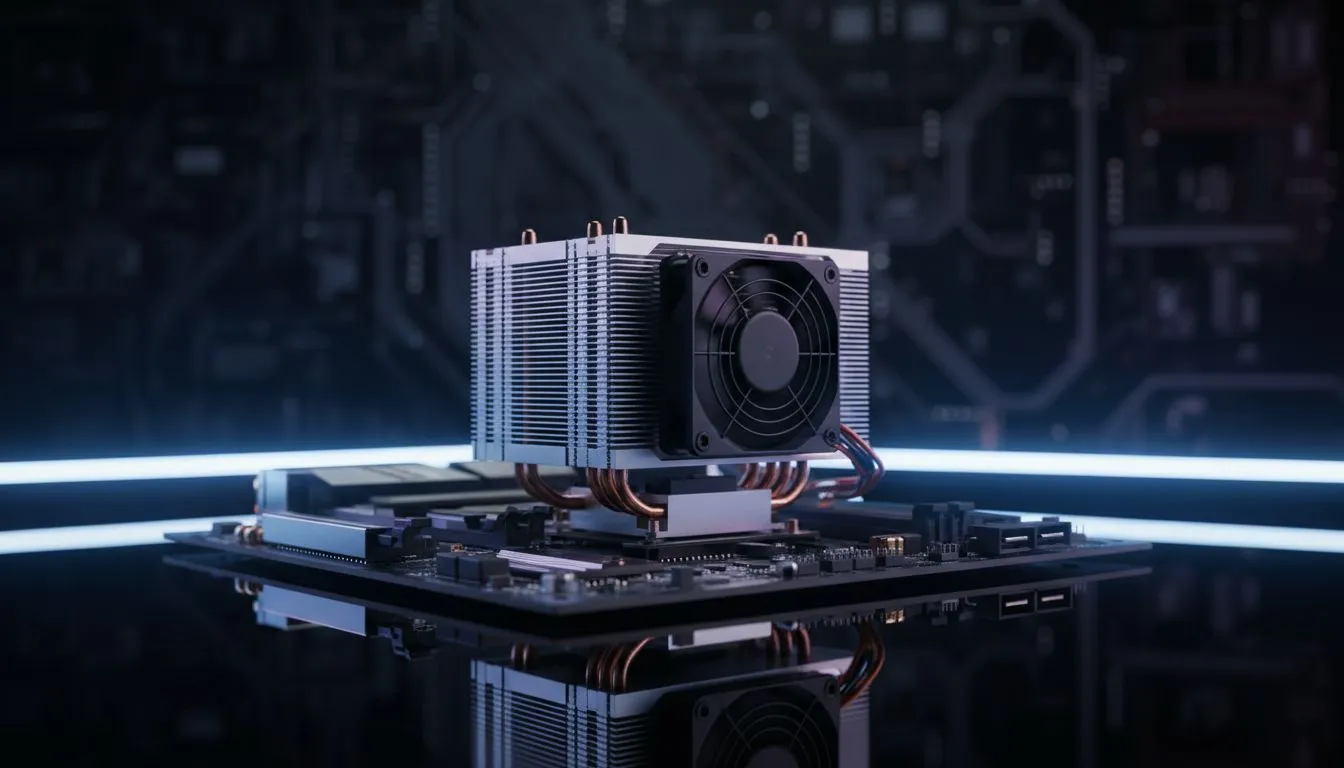
Ever wondered why your PC performance dips during a heavy gaming session even when your CPU temperature seems fine? It is likely your Voltage Regulator Modules (VRMs) overheating. In the heat of a South African summer, knowing how to manage VRM cooling: Configure airflow to keep VRMs cool in rigs is essential for any serious builder looking to protect their investment and maintain peak performance. 🔧
While most gamers obsess over CPU and GPU temperatures, the VRMs often go unnoticed. These components are responsible for converting the high-voltage power from your PSU into the low-voltage power your processor needs. This conversion process generates significant heat. If these modules get too hot, your motherboard will automatically throttle your CPU speed to prevent damage... leading to those frustrating frame rate drops in the middle of a match.
The VRM consists of MOSFETs, chokes, and capacitors. On modern motherboards, these are usually covered by heatsinks. However, a heatsink is only effective if there is moving air to carry the heat away. Without proper airflow, that metal block simply becomes a heat soak, eventually reaching temperatures that can exceed 100 degrees Celsius. Keeping these components within a safe range ensures your system remains stable under heavy loads.
To achieve the best thermal results, you must look at your PC as a wind tunnel. To master VRM cooling: Configure airflow to keep VRMs cool in rigs by ensuring that cool air from your intake fans actually reaches the top-left area of your motherboard. Many builders focus solely on the GPU, but the VRM area near the CPU socket requires dedicated attention.
Use a "Positive Pressure" setup where you have more intake fans than exhaust fans. This forces air out of every small gap in the chassis and prevents dust from being sucked in through unfiltered openings. For VRMs, ensure at least one top or rear exhaust fan is positioned close to the motherboard's VRM heatsinks to pull hot air away immediately.
A standard setup involves intake fans at the front and exhaust fans at the rear and top. If you are using an All-In-One (AIO) liquid cooler, be careful... mounting the radiator at the top as an exhaust can sometimes starve the VRMs of fresh air. In these cases, adding a small dedicated fan or choosing a chassis with high-clearance mounting points can make a massive difference in your VRM temperatures. 🚀
Your choice of housing is the foundation of your thermal strategy. When browsing the wide selection of computer cases available today, look for models that prioritise mesh front panels rather than solid glass. A mesh front allows for unobstructed airflow, which is the first step in keeping your internal components from baking in the South African sun.
If you are looking for the gold standard in acoustic dampening and thermal engineering, Fractal Design PC cases are renowned for their intelligent layouts that specifically cater to motherboard cooling. These cases often include high-quality fans that move more air at lower RPMs, keeping your rig quiet and cool. ⚡
For those who want performance without breaking the bank, Gamdias gaming cases provide excellent value and often come pre-installed with multiple RGB fans to get your airflow started right away. Even if you are on a strict budget, there are several budget-friendly options under R1500 that offer mesh designs and enough fan mounting points to ensure your VRMs stay well within their safe operating limits. ✨
Ready to Build the Ultimate Cool Rig? Don't let thermal throttling hold you back from your next victory. Whether you need a premium airflow chassis or a budget-friendly upgrade, we have the stock to keep your temperatures low and your frame rates high. Explore our massive range of computer cases and find the perfect match for your next build today.
Improve VRM airflow by adding targeted intake/exhaust, installing a VRM fan, and fitting heatsinks. Monitor temps to validate changes.
Dedicated VRM fans help under heavy loads and overclocking. Place them to push cool air across VRM heatsinks for effective VRM cooling.
Aim to keep VRM temps below manufacturer recommendations, typically under 100°C; ideal targets are 60–85°C with good VRM airflow.
Yes. Optimizing case airflow paths and fan placement reduces ambient board temps and improves VRM cooling and component longevity.
Install quality VRM heatsinks to increase surface area and pair with proper airflow. Heatsinks are a core VRM cooling solution.
Use motherboard sensors or third-party probes and software for VRM temperature monitoring to track temps during gaming or stress tests.
Yes. Overclocking raises VRM load; upgrade heatsinks, add fans, and refine airflow to maintain safe VRM temps and stable power delivery.
Clean gaming keyboard quickly and safely in dusty or humid conditions with step-by-step tips, tool checklist, and maintenance routines to prevent corrosion and switch failure. 🧼💨
Read more
Best gaming keyboard features to prioritize when building a high-end setup: mechanical switches, low latency, hot-swap, RGB, macros, durability and ergonomics 🎮⌨️
Read more
Custom actuation point keyboard setup guide: learn to set per-key actuation on your analog gaming keyboard for faster, precise inputs and better control 🎮⚙️
Read more
Cable management for home entertainment helps you eliminate cable clutter quickly and safely. Learn routing, concealment, and product picks to tidy your setup fast 📺🔌
Read more
conference room setup Microsoft Teams Zoom: Upgrade AV, camera, mic, and network to ensure seamless meetings, clear audio, and crisp video 🎯🔧
Read more
• Audit setup • Link accounts • Configure ViewBoard • Test workflows Integrate Google Workspace with ViewSonic ViewBoard to enable secure SSO, calendar and Drive sync, and smooth collaborative whiteboarding 🔗📋
Read more
Discover webcams that automatically adjust light and color for crystal-clear video calls 🎥✨. Boost your streaming quality today!
Read more
Discover webcams that blend into your workflow 🎯 Capture moments while you work, stream, or create. Upgrade your setup with smart, multitasking tech!
Read more
Dedicated media keys give streamers one-touch control to mute, switch scenes, clip highlights, and adjust audio — cutting task time and boosting consistency 🎛️⚡
Read more
PBT vs ABS keycaps: Clear, local guide for South African gamers—compare feel, sound, durability and where to buy. Find the best material for your budget and playstyle 🎮🇿🇦
Read more
- Multi-Function Digital Dial: define benefits - Show gamer setups and macros - Offer buying and setup tips Multi-Function Digital Dial puts programmable control at your fingertips for faster actions and smoother streaming. 🎮⚙️
Read more
- Explain benefits; - Show the science; - Compare options; - Recommend picks. Magnetic wrist rest for gaming cuts wrist strain and boosts comfort during long sessions 🕹️✨
Read more