Quick Answer
An R30,000 Western Cape budget buys a strong 1440p gaming PC. A sensible plan is roughly R22,000 on the tower (RTX 4070, Ryzen 5 or 7, 32GB RAM, 1TB NVMe), R5,000 on a 1440p 165Hz monitor, and the rest on quality peripherals. A 1440p 165Hz panel is the right match here, so there is no need to drop to a 1080p screen. A 750W 80 Plus Gold PSU gives clean power and headroom for a future GPU upgrade. A mechanical keyboard, a light mouse, and a comfortable headset complete this 1440p setup nicely, and the saved budget stays within easy reach for a later upgrade.
The 1440p Sweet Spot
R30,000 moves you comfortably into 1440p gaming. An RTX 4070 pushes 1440p high settings past 80fps in most titles, and a Ryzen 5 or 7 keeps it fed without bottlenecks. 32GB RAM gives breathing room for streaming or multitasking, while a 1TB NVMe SSD handles a solid game library with fast loads.
Match The Monitor And Power
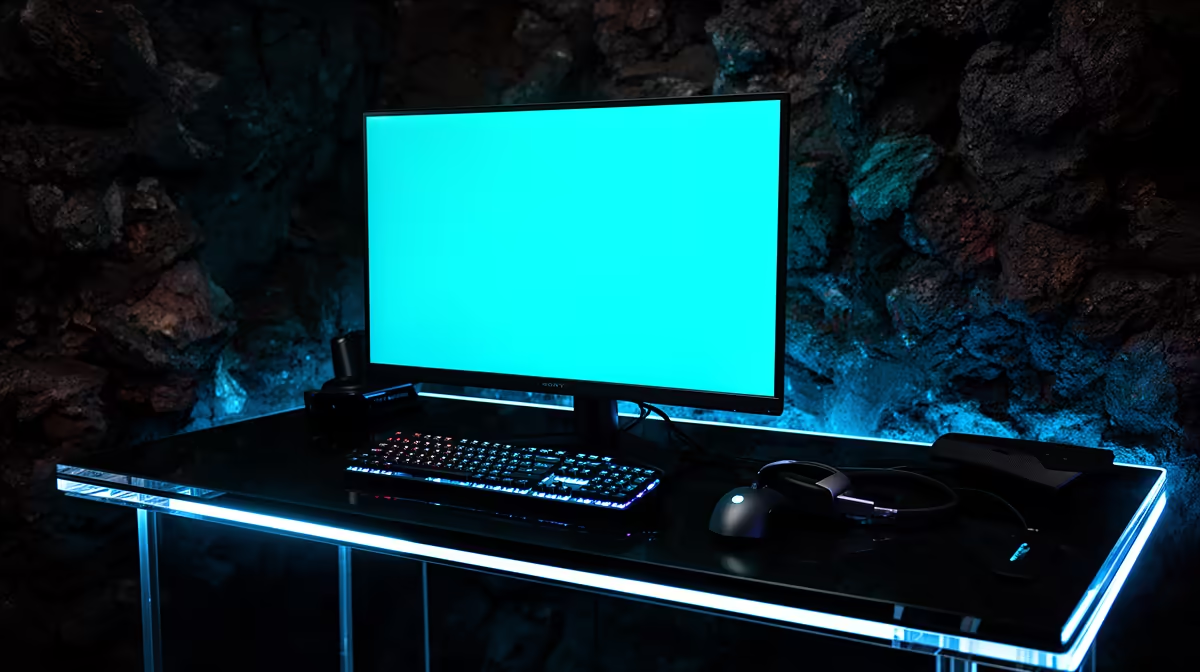
A 1440p 165Hz IPS monitor pairs perfectly with the RTX 4070, so the GPU's frames are not wasted on a low-refresh screen. A 750W 80 Plus Gold PSU gives clean power and upgrade headroom. Spend what remains on a mechanical keyboard, a light mouse, and a comfortable headset to round out the build.
FAQ
Is R30,000 enough for 1440p gaming?
Yes, an RTX 4070-based build at this budget handles 1440p high settings at strong frame rates, making it a comfortable resolution to game at long-term.
Why 32GB RAM at this tier?
It gives headroom beyond gaming for streaming, browser-heavy multitasking, and creative apps, and it is a small cost relative to the rest of the build.
Can this build do 4K gaming?
It can manage 4K in lighter or older titles, but it is tuned for high-refresh 1440p, where it performs best. 4K maxed needs a stronger GPU tier.
Pro Tip
Pair the RTX 4070 with a 1440p 165Hz panel, not a 1080p screen. Dropping to 1080p here wastes the card's headroom, while 4K asks more than it comfortably delivers.