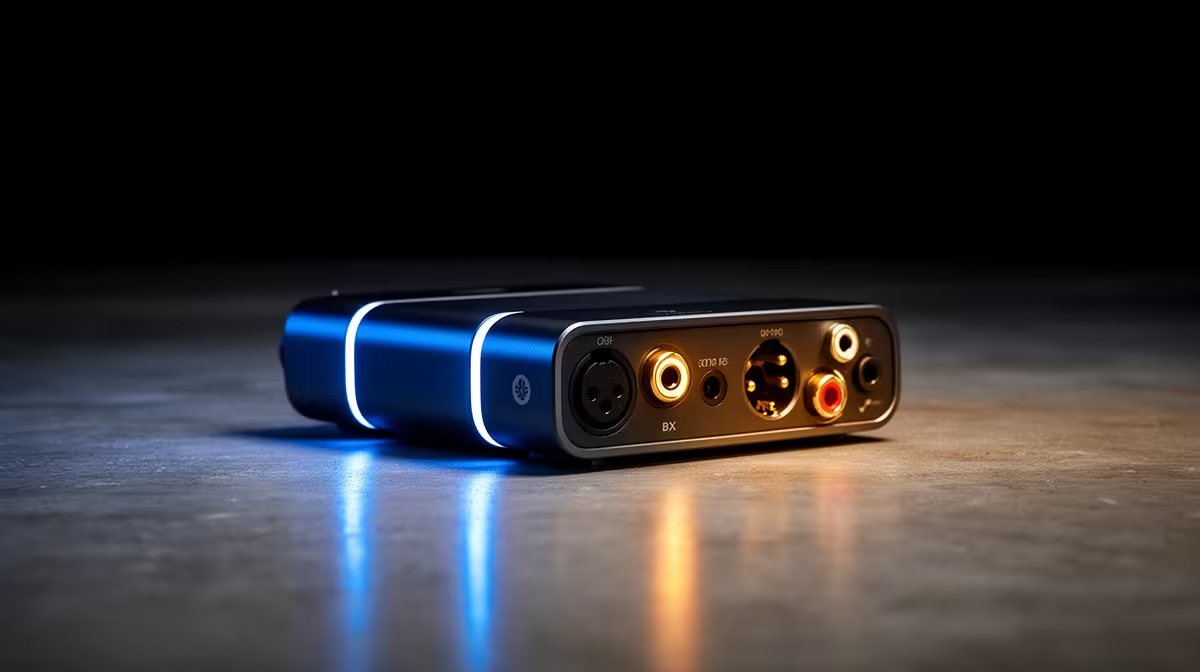
When a USB DAC starts showing BSOD right after a Windows 11 update, treat it as a change-control problem first: the most recent change is almost always the cause, and rolling it back cleanly is faster than chasing ghosts. This is a tested, ordered fix for South African setups.
Quick Answer
If your USB DAC shows BSOD after a Windows 11 update, the single most effective fix is to roll back the update or the related driver via Settings > Windows Update > Update history > Uninstall updates — this resolves the majority of these cases within 15 minutes. If BSOD persists after reverting the Windows update, the cause is hardware or settings, and the steps below isolate it in order.
Step-by-step: fixing BSOD on a USB DAC
- Open Settings > Windows Update > Update history > Uninstall updates and remove the most recent cumulative or driver update.
- Note the BSOD stop code (for example
IRQL_NOT_LESS_OR_EQUAL or WHEA_UNCORRECTABLE_ERROR) — it points at the failing component. - Run
sfc /scannow and DISM /Online /Cleanup-Image /RestoreHealth to repair system files. - Update or roll back the specific driver named in Event Viewer, then pause Windows Update for a week.
- Re-enable your memory profile last, since an unstable EXPO/XMP profile often surfaces only after an update.
USB DAC specifics
A USB DAC failing after an update is almost always a USB power-management or driver enumeration issue, not the DAC itself. In Device Manager, open the USB Root Hub and Realtek/USB Audio entries and untick 'Allow the computer to turn off this device to save power'. Move the DAC to a rear motherboard USB port (not a hub), set the sample rate to 24-bit/96000 Hz to match your output, and reinstall the manufacturer's ASIO/USB Audio driver after the OS update.
FAQ
Why did my USB DAC start showing BSOD right after a Windows 11 update?
Because a Windows 11 update is the most recent change, it is the prime suspect — it can ship a regression, reset a setting, or conflict with an existing overclock. Reverting it is the fastest way to confirm or rule it out.
Will reverting the Windows update lose my data or settings?
No — rolling back the Windows update only changes that component, not your files. Back up first as good practice, but a clean driver reinstall or update rollback leaves your documents and games untouched.
When should I take the USB DAC in for repair?
If BSOD persists after reverting the update, testing on defaults, and reseating connectors, the cause is likely failing hardware. At that point Evetech's support team can diagnose it rather than risking further trial-and-error.
Still stuck after rolling back the update?
If your USB DAC keeps showing BSOD, browse Evetech for a verified replacement part or contact the support team for a guided diagnosis before you spend on parts you may not need.