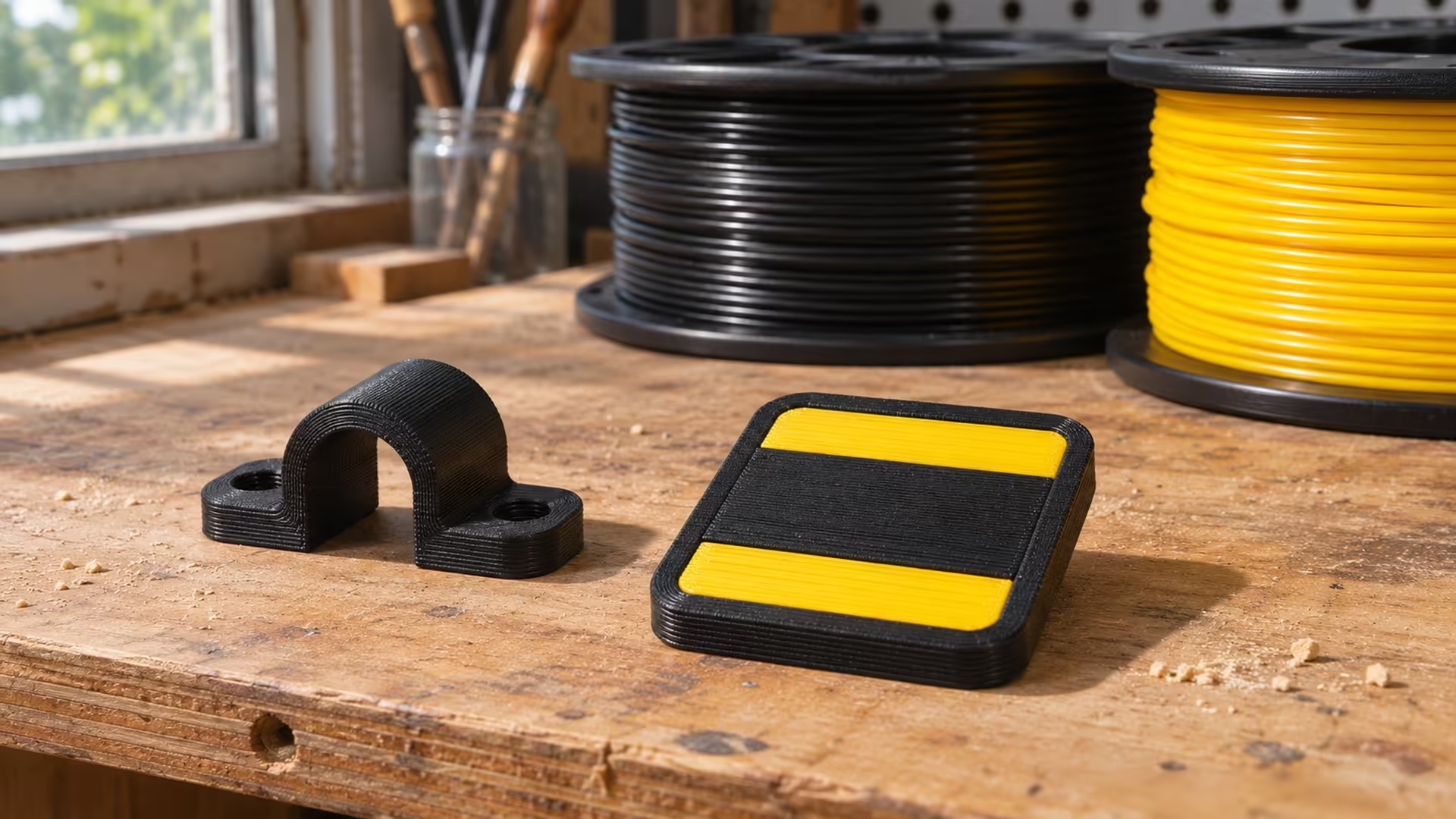
A plain cable clip takes one spool. A black nameplate with yellow lettering printed into the same layer calls for a different workflow. If you are comparing Bambu Lab P2S listings in South Africa, decide how often your projects need those filament changes before paying for the Combo.
Quick Answer
Buy the standalone P2S for projects you expect to print from one spool at a time. Pick the Combo if you want the included AMS 2 Pro to change filament automatically within a job. Compare both complete offers in rand and check what each listing includes before ordering.
🧵 Start with the parts you actually print
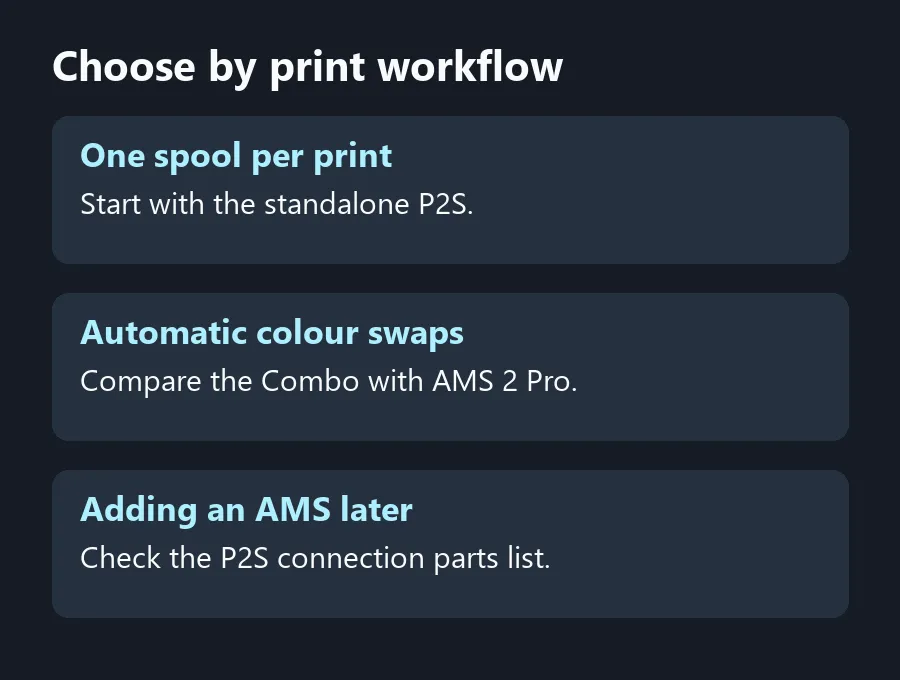
Write down three projects you want to make. A drawer divider, cable clip or plain bracket may only need one colour per print. You can use different colours for different jobs by changing the spool between them. The P2S manual covers the external-spool workflow, so you have a path to start printing even if you leave the automatic system out of the order.
Think about which projects need more than one colour in a single print. If you only want a contrasting tag on the front of a storage box, consider whether you can print the pieces separately and assemble them. A part that needs several colour changes within one layer makes a stronger case for the automatic feeder.
🎨 Compare the included hardware
The P2S Combo pairs the printer with the AMS 2 Pro. That feeder handles automatic swaps between loaded filaments. You still choose the filament assignments when preparing the job. Check the manufacturer's material guidance for any filament you already own and confirm whether it can go through the feeder or should use the external holder.
If you plan to start with the standalone printer and add an AMS later, price the complete connection for your setup. Check the parts list in the manufacturer's instructions for the exact feeder and printer you intend to use. If a product listing names the P2S but omits the feeder or connection hardware from the box contents, ask for the exact bundle before using that price in your comparison.
📐 Compare the same job before you spend
Prepare an example part as a single-colour job and again with the colours you want. Read the slicing estimates side by side, including any extra filament the software reports for changes. Use your own model rather than assuming the same difference applies to every part. Build space matters too. Plan a spot you can reach to change spools and, if you choose the Combo, access the feeder.
Use 3D Printers to compare complete bundles. Check 3D Printing Filament for materials you can buy locally and verify the spool against the feeder guidance before ordering several rolls.
Frequently Asked Questions
Does the standalone P2S need an AMS to start printing?
No. Bambu Lab documents how to print from an external spool on the standalone P2S.
What does the P2S Combo add?
The Combo includes the AMS 2 Pro, which handles automatic changes between loaded filaments.
Can I use different colours on the standalone printer?
Yes, for separate jobs. Change the external spool before starting the next print.
Can I add an AMS later?
Check the P2S documentation for your exact feeder. Confirm the required connection parts and include those in the cost comparison.
Will every spool I own work in the AMS 2 Pro?
Check the material and spool guidance first. Use the supported feed path for that filament.
What should I check on a South African listing?
Confirm whether the quoted price includes the feeder and the P2S connection hardware. Compare the full bundle you need.
One spool per print
Compare the local standalone and Combo quotes against the projects you will print.