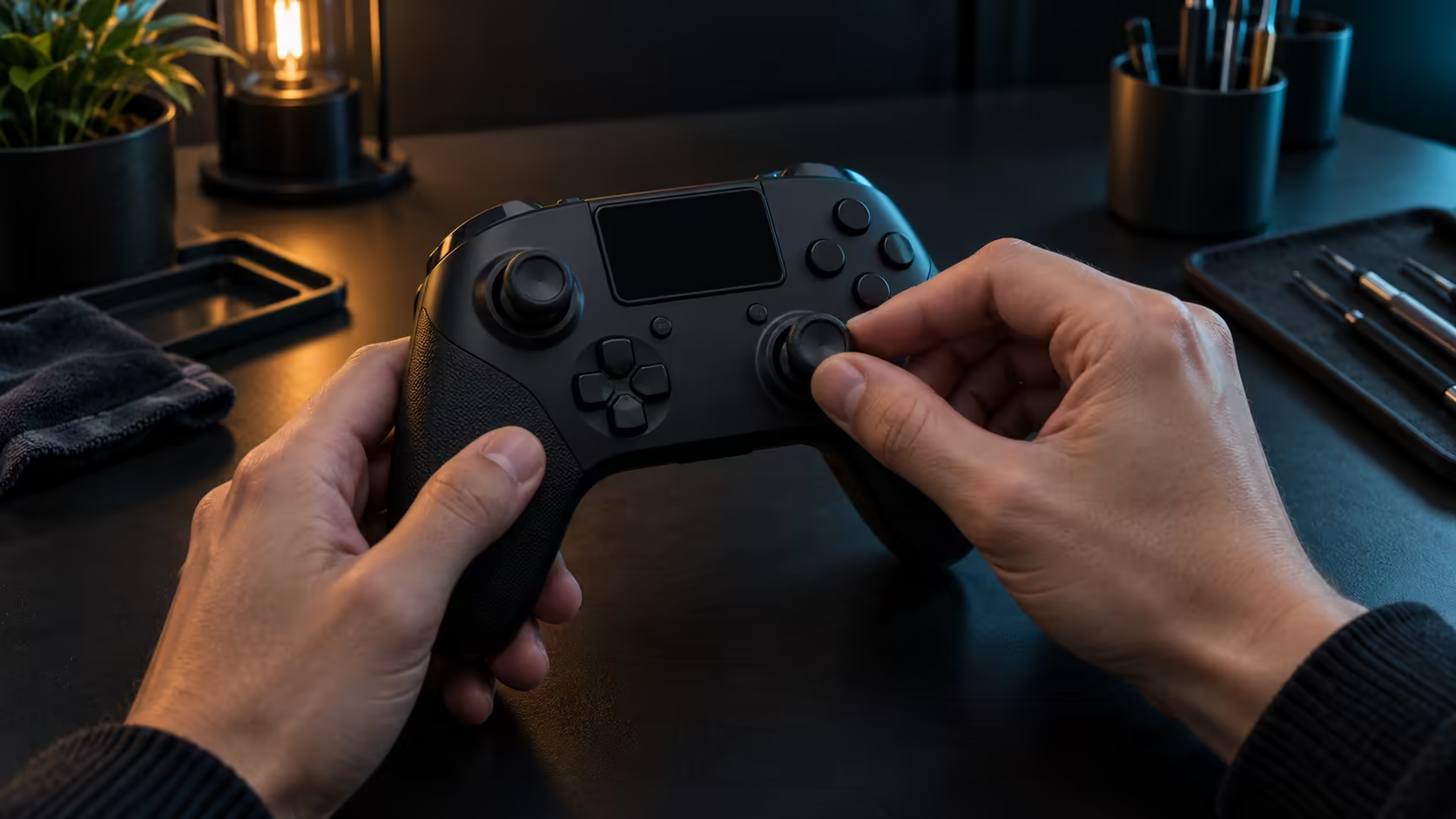
A stick that feels smooth on day one tells you little about day 400. Choosing a controller with hall effect anti-drift thumbsticks is a bet on how the stick will age, as much as on how it feels in your hand. This guide sets out what to check before you buy, in the order that matters, so you judge the sticks on the right things.
Quick Answer
Check the sensing method first, then the stick feel and the connection links. Hall effect anti-drift sticks read a magnet, so nothing rubs in the housing, which suits long use. The Stealth Pivot has hall effect anti-drift sticks, so judge the feel in your hand where you can before you commit.
🧲 Sensing method before stick feel
The sensing method decides how the stick wears. A hall effect stick reads the position of a magnet, so there is no track or wiper to scrape over months of use. A standard analog stick reads a resistive track, and that track is what wears and collects dust. Feel matters, but feel can be tuned, while wear cannot be undone, so the sensing method is the first question to answer.
Do not let a pleasant first impression decide the matter. A stick can feel tight and precise on day one and still carry the same wear profile as any other standard stick. Read the sensing method on the listing, then use the feel test to choose between pads that use the same method.
A stick that feels right for 2 minutes in a shop can still wear badly over 3 years of regular play, so a quick feel test does not settle the sensing question.
🔧 Feel and dead zone in the first week
Once the pad arrives, give the sticks a week of ordinary use before you judge them. Start with a 2-minute check on the Windows test screen, opened with joy.cpl, to see whether either stick reports movement at rest. Then play a session in your usual game and note any resistance, looseness or a centre that feels off.
Dead zones are a game setting, not a stick property, so check them as well. A small dead zone suits precision aiming, and a larger one suits a pad you hold with a loose grip. Change one value at a time and play for 20 minutes between changes, so you can see which one helped.
🧭 Links and the room you play in
Before you buy, check the connection links, because the best stick in the world is useless on a route your machines cannot use. A Windows PC often runs over Bluetooth, while an Xbox usually runs over a cable, and the connection list tells you which routes a pad supports. Match those routes to your setup first, then compare the sticks.
Dust is the other practical factor. In a dusty room, a sealed sensing method is a practical advantage, but a stick still needs a dry brush from time to time. Keep the base clear, and the pad will stay closer to the day-one feel for longer.
Small items that keep a pad in shape sit in the gaming accessories listings. The accessories best sellers and the peripheral best sellers show what other buyers pick, and the gaming controllers list is where to compare the pads on your shortlist.
Frequently Asked Questions
What does anti-drift mean on a controller stick?
It means the stick is designed to resist the wear that makes it report movement at rest. Hall effect sticks achieve this by reading a magnet rather than a worn contact.
Will a hall effect stick ever need calibrating?
It can, because calibration sets the centre point and the game's dead zone decides what counts as movement. Calibration is a setting, and it is quick to redo.
What should I check when a new pad arrives?
Check the connection route on each machine, run the 2-minute stick test at rest, and then play a normal session to see whether the feel matches what you expected.
Is a hall effect stick worth paying more for?
It is worth it when you play for many hours a week and expect the pad to last. For occasional play, the sensing method matters less than the connection and the layout.
Ready to compare sensing methods across the range?
Start with the sticks, then match each pad's routes to the machines in your home.