



YouTube View Counts Change on 24 August: Creator Guide
YouTube will count public views from the first frame across video formats from 24 August, while earnings and eligibility remain tied to engaged viewing.
Read moreFortnite 1080p Max: Performance Issues. Diagnosis steps, proven fixes & when to seek professional help. SA-specific support info included.
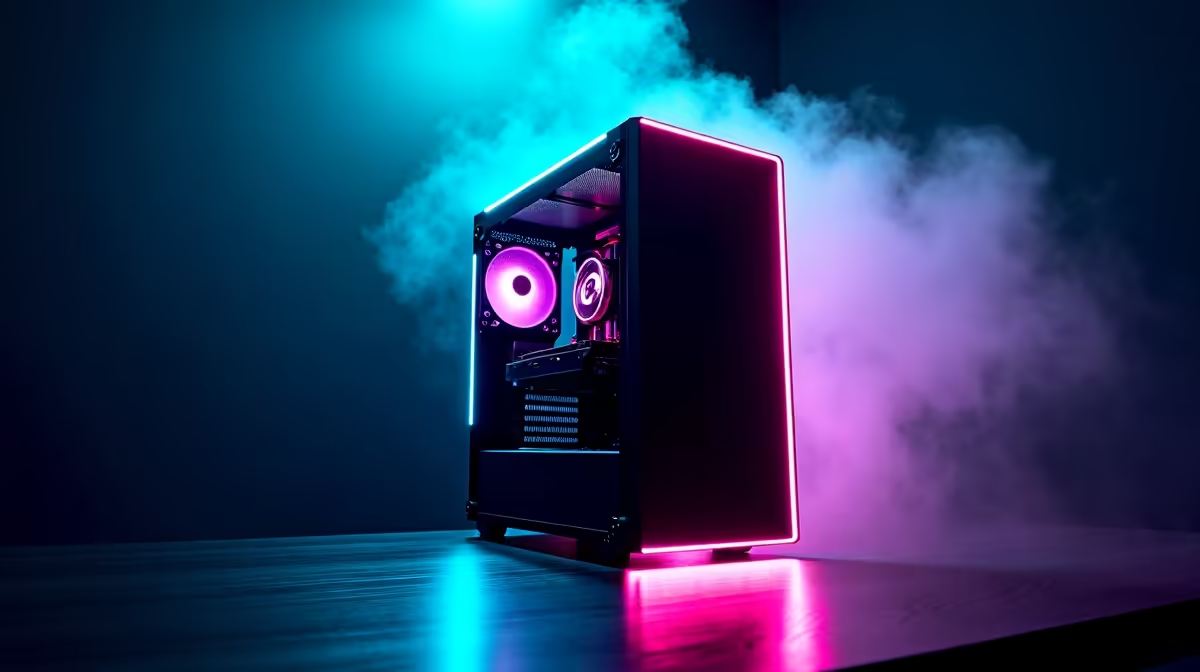
Fortnite at 1080p max settings should be a smooth experience on modern hardware, but performance issues - stuttering, frame drops, and low FPS - remain common complaints even on capable gaming PCs. Understanding why this happens is the first step to fixing it.
Fortnite performance issues at 1080p max settings are most commonly caused by running Epic quality settings with high shadow and effects that stress even high-end GPUs, outdated GPU drivers, or CPU bottlenecks. Lowering shadows and post-processing while keeping textures at Epic usually delivers the best visual-to-performance ratio.
Fortnite's "max" settings are not one-size-fits-all. At Epic quality on all sliders at 1080p, the game stresses both GPU and CPU significantly. The largest performance drains are shadows (set to Epic), effects quality, and ray tracing if enabled. A mid-range GPU like an RTX 3060 or RX 6600 XT can dip below 60 FPS in busy builds and combat zones at these settings, which is playable but inconsistent.
CPU bottlenecks are also common in Fortnite because the game's building mechanics and large player counts push CPU usage high. If your GPU sits below 90% utilisation while FPS is low, your CPU is likely the limiting factor. Check Task Manager during gameplay to identify whether CPU or GPU is maxing out.
Rather than dropping all settings to low, a targeted approach preserves image quality while recovering significant frames:
With these adjustments, most mid-range gaming PCs can sustain 100+ FPS at 1080p, which is the competitive sweet spot.
Fortnite's Unreal Engine responds well to updated GPU drivers. Both NVIDIA and AMD release game-ready drivers that include optimisations for Fortnite specifically. Check GeForce Experience or AMD Software for updates before troubleshooting deeper.
Also verify that Windows power plan is set to High Performance or Balanced (not Power Saver), that background apps are closed during sessions, and that your system is not thermal throttling. Check GPU and CPU temperatures in-game using software like HWiNFO64. If your GPU exceeds 90°C, airflow or thermal paste may need attention. A better GPU may also be the right long-term solution if your current card consistently struggles.
Q: Why does Fortnite run worse than more graphically demanding games? A: Fortnite's building system creates dynamic geometry changes every frame, which is unusually CPU-intensive. Many games with better graphics have simpler CPU workloads.
Q: Does enabling DLSS help in Fortnite at 1080p? A: Yes, DLSS Quality mode at 1080p gives a meaningful FPS boost with minimal visual quality loss on NVIDIA RTX cards. It is worth enabling if your card supports it.
Q: Is 60 FPS enough for competitive Fortnite play? A: Most competitive players target 144 FPS or higher to match high refresh rate monitors. 60 FPS is playable but puts you at a reaction-time disadvantage against players running smoother frame rates.
Evetech stocks Fortnite Gaming PCs and Graphics Card Deals — shop online with fast delivery across South Africa.
Ready to Find Your Perfect Match? Explore relevant Evetech options, compare current South African pricing, and choose hardware that fits your setup. Shop now
Fortnite 1080p Max: Performance Issues available at Evetech.co.za with local warranty and fast delivery.
Fortnite 1080p Max: Performance Issues - check Evetech for latest stock and SA pricing.
Depends on your use case. Fortnite 1080p Max: Performanc offers good value at current Rand pricing.
YouTube will count public views from the first frame across video formats from 24 August, while earnings and eligibility remain tied to engaged viewing.
Read more
Microsoft is testing a simpler File Explorer context menu with controls for built-in commands, app extensions, icon labels and the position of Properties.
Read more
O-Week throws a packed schedule at new students, so a durable laptop for O-Week has to handle the chaos. Match the university floors of 16GB RAM, 512GB storage and Windows 11 before lectures start. The IdeaPad Slim 3 at R10,499 keeps orientation costs sensibly down.
Read more
Before the November Black Friday rush in SA, lock in your specs and budget so deals are easy to judge. Set the 16GB and 512GB university floor as your minimum. Shortlist the ExpertBook P1 at R12,999 and ThinkBook 15 G4 at R17,599 so you know each model's real price going in.
Read more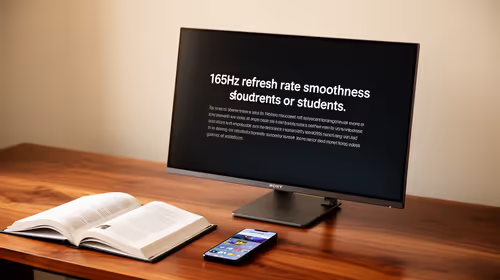
Matric studies rarely require 165Hz, but the monitor can be a good buy if it combines smooth use with clear reading for notes, videos and research. South African students should focus on comfort, panel quality and desk fit before treating refresh rate as the deciding feature.
Read more
DDR5 build FPS drops needs a methodical troubleshooting pass. Review drivers, thermals, power settings, background apps, cables and game settings before replacing parts in an SA gaming setup.

Fps drops on ddr5 build in south africa usually needs a settings, driver, thermal, or power check first. Work through safe SA troubleshooting steps before replacing parts or assuming a full upgrade.

Wi-Fi 6E vs Wi-Fi 6 depends on AAA single-player gaming needs, platform limits, and budget fit. Compare compatibility, latency, upgrade path, and real setup constraints before choosing for an SA build.

Ryzen 9 9950X3D dead pixel checks should isolate the panel first. Run colour fills, inspect the monitor menu, test another cable or input, and capture proof before linking it to the SA CPU upgrade.
YouTube will count public views from the first frame across video formats from 24 August, while earnings and eligibility remain tied to engaged viewing.

Canonical expects Ubuntu on WSL users to outnumber native Ubuntu desktop users before the end of 2026. The software is open source and runs inside supported Windows PCs.

Telkom's daily bundles pair WhatsApp access with 10 all-network voice minutes. The R15 option includes 300MB, while the R17 option uses a fair-use threshold.

A 10,000-hour test found similar image retention across older and newer OLED TVs, while newer panels were brighter and more efficient. Local OLED monitors started at R9,999.
YouTube will count public views from the first frame across video formats from 24 August, while earnings and eligibility remain tied to engaged viewing.

CXMT memory has been demonstrated at DDR5-9000 and DDR5-6000 CL28, but the results depend on tuned hardware and do not represent a broad retail specification.
Microsoft is testing a simpler File Explorer context menu with controls for built-in commands, app extensions, icon labels and the position of Properties.

Lexar's THOR ULTRA is a DRAMless PCIe 5.0 SSD rated up to 11,000MB/s reads and 10,000MB/s writes, with capacities from 512GB to 4TB.