You just dropped serious ZAR on a shiny new GPU. You boot up your favourite game... but your frame rates are tanking. If you are noticing your RTX 5060 Ti underclocking automatically, you are not alone. This frustrating quirk can ruin your gaming session. Let us unpack exactly why your graphics card is dialling back its performance. We will also show you how to fix it today.
The Main Reasons for Thermal Throttling ⚡
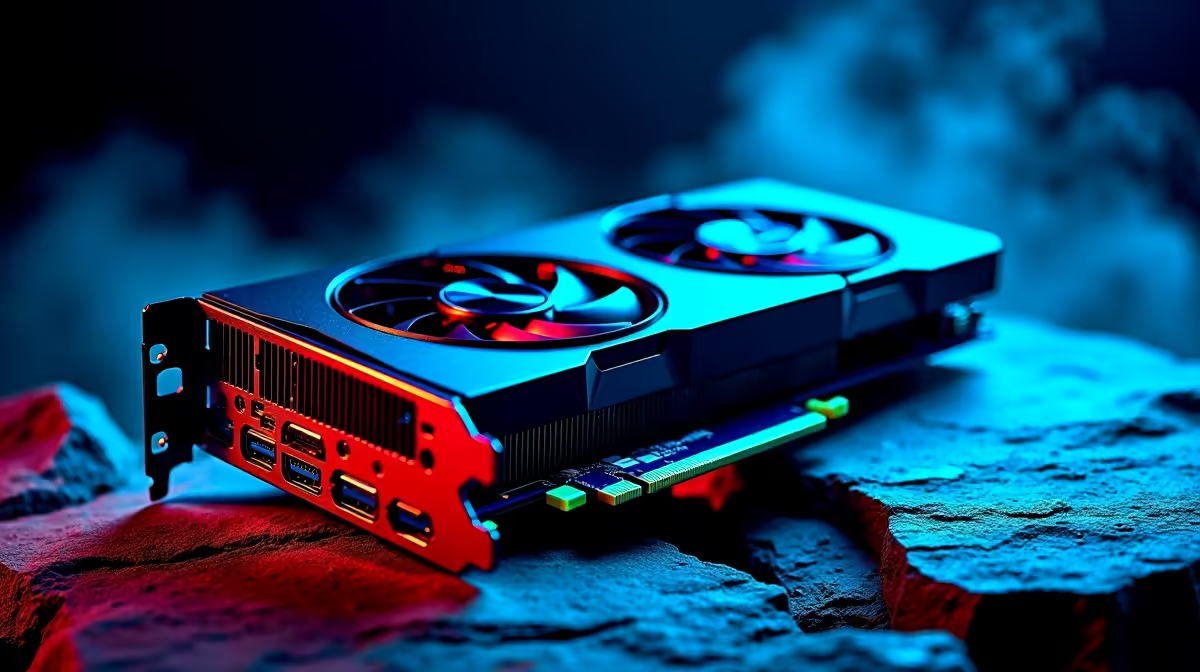
Modern GPUs are incredibly smart. They constantly monitor their own health and temperatures. The most common culprit for your RTX 5060 Ti underclocking automatically is thermal throttling. When the South African summer heat hits your gaming room, your card protects itself. It drops clock speeds to keep the silicon safe. Unfortunately... this sacrifices your smooth frame rate.
Power Limits and Cable Issues
Your card might simply be starved for adequate power. Ensure your power supply unit can handle the heavy load. Next-generation cards can experience massive power spikes. An older power supply might panic and drop the voltage. This instantly forces your graphics card to lower its clock speed. Investing in a modern ATX 3.0 power supply is a smart move for stability. A loose PCIe power cable can also force the GPU into a safety mode. If you are shopping for new graphics cards, always double-check the recommended wattage. Do not let a budget power supply choke your premium hardware.
How to Stop the Unwanted Downclocking
Fixing this issue usually requires a few simple tweaks. Start by checking your chassis airflow. Dust buildup is a silent killer for PC components. Spending thousands of Rands on gear requires proper maintenance.
Optimise Your Case Cooling ✨
If your case feels like an oven, your GPU will suffer. Adding a few quality intake fans can work absolute wonders. You should also adjust your custom fan curves. The default zero-RPM mode is great for silent browsing. However... it is terrible for intense gaming sessions. Ramp those fans up earlier to keep the heatsink chilled. Are you tired of battling high temperatures in an older chassis? It might be time to look at some pre-built PC deals. These systems are designed with optimal airflow in mind. You can also explore our top gaming PC deals. They offer complete rigs that handle the heat perfectly.
Software and Driver Quirks
Sometimes the physical hardware is perfectly fine. A corrupted NVIDIA driver can easily cause your GPU to underclock unexpectedly. Use Display Driver Uninstaller to wipe your old drivers completely. Then install the latest software version fresh. This logic applies whether you are on a desktop or a portable machine. Check out the latest gaming laptops if you prefer mobile power.
Monitoring Pro Tip 🔧
Download MSI Afterburner and enable the on-screen display. This lets you watch your GPU temperatures and clock speeds in real-time while gaming. If temps hit 83°C or higher, you know thermal throttling is the culprit causing your frame drops.
Maximise Your Hardware Potential 🚀
Do not let a bottlenecked system hold you back. Sometimes an older CPU or cramped motherboard restricts your GPU. Upgrading your core components ensures maximum performance. You want every ounce of power you paid for. Keep an eye on our weekly specials. You can upgrade your setup without breaking the bank.
Ready to Maximise Your Frame Rates?
If your current rig is struggling to keep up with next-gen hardware, it might be time for a fresh start. Explore our massive range of gaming PC specials and find the perfect machine to conquer your favourite titles in glorious high resolution.