



Ubuntu on Windows Is Growing Fast: What WSL Means for You
Canonical expects Ubuntu on WSL users to outnumber native Ubuntu desktop users before the end of 2026. The software is open source and runs inside supported Windows PCs.
Read moreRX 7600 Doom The Dark Ages Competitive Settings. Real-world benchmark data, FPS numbers & performance analysis. What SA gamers can actually expect.
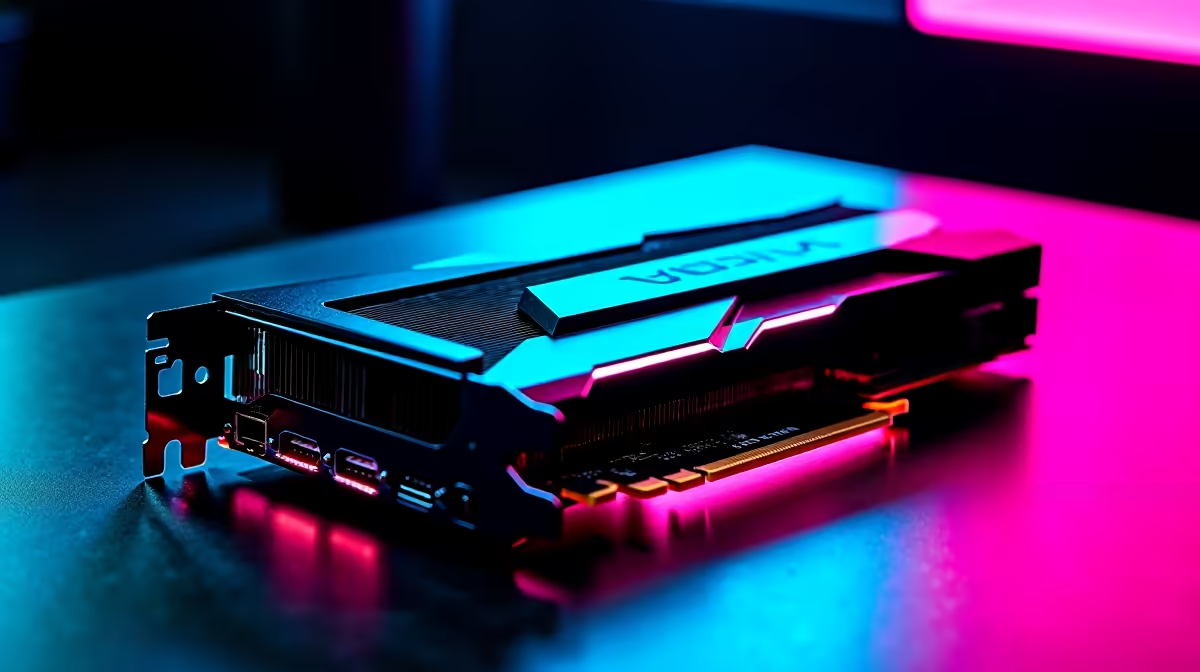
The RX 7600 runs Doom: The Dark Ages at competitive settings in 1080p very well. With shadows on Low, textures on High, and effects on Medium, expect 100 to 140 FPS in most combat scenarios. Using FSR Performance mode pushes averages above 150 FPS for a genuine competitive advantage on 144Hz and 165Hz monitors.
Doom: The Dark Ages continues the id Tech engine tradition of being exceptionally well-optimized on AMD hardware, and the RX 7600 benefits from this. At stock High settings without upscaling, the RX 7600 delivers 90 to 120 FPS across most combat scenarios, with frame rates climbing higher in enclosed corridors and dipping toward 80 FPS during the most effects-heavy outdoor encounters with dense demon populations and large-scale particle effects.
For competitive play at 1080p, the goal is consistent frame rates well above your monitor's refresh rate, minimizing frame time variance that causes perceived stutter during intense fights. The settings below are tuned to maximize that consistency on the RX 7600 without degrading visual clarity enough to hurt target identification or environmental readability.
Textures: High. Doom's texture streaming is efficient and 8GB of GDDR6 handles High-resolution textures at 1080p without VRAM pressure. Dropping textures to Medium costs visual clarity on weapon surfaces and enemy details without recovering meaningful frame rate.
Shadow Quality: Low. Shadows are the highest-cost setting in Doom: The Dark Ages. Moving from High to Low can recover 20 to 35 FPS in complex outdoor combat areas. Competitive play does not require high-fidelity shadows, and Low shadow quality still provides enough scene depth for spatial awareness.
Effects Quality: Medium. Explosion and particle effects are core to Doom's feel, and dropping below Medium makes the game look noticeably sparse. Medium strikes the balance between atmosphere and GPU budget.
Anti-Aliasing: TAA Low or FSR 2 Performance. At 1080p competitive settings, some players prefer minimal anti-aliasing for the sharpest edges possible. FSR Performance at 1080p output uses an internal render resolution of around 720p, which is on the lower end for clarity but delivers very high frame rates. FSR Balanced or Quality gives better image quality at a smaller frame rate advantage.
Ray Tracing: Off. The id Tech engine's RT implementation in this generation adds substantial GPU cost. For competitive play on the RX 7600, RT off is the correct choice.
VSync: Off. Always off for competitive play. Use FreeSync if your monitor supports it for tear-free output without the input latency penalty of VSync.
With the above profile (Textures High, Shadows Low, Effects Medium, FSR Balanced, RT Off), the RX 7600 delivers averages of 120 to 155 FPS in most combat scenarios at 1080p. Frame rate minimums (1% low) stay above 90 FPS in the majority of encounters, which is the number that matters most for perceived smoothness. During the most intense set-piece battles, 1% lows can touch 75 to 85 FPS briefly before recovering.
For South African gamers playing on a 144Hz or 165Hz monitor, this profile provides a very comfortable competitive experience. The RX 7600 sits in a price bracket accessible to builders in the R4,000 to R5,500 GPU range at current local pricing, making it good value for the 1080p competitive performance it delivers.
FSR Balanced gives the best combination of image clarity and frame rate improvement. FSR Performance adds more frames but the lower internal render resolution can cause target details to soften slightly, which some competitive players find distracting.
Yes, but the performance cost is significant. Enabling ray tracing drops average frame rates by 30 to 50 percent at 1080p, which is not compatible with competitive play goals. RT is best left off on the RX 7600 for any frame-rate-sensitive scenario.
For 1080p competitive play, yes. It consistently delivers 100-plus FPS in well-optimized titles and its price-to-performance ratio is strong at current South African pricing. For 1440p competitive play, a step up in GPU tier gives better headroom.
Ready to Find Your Perfect Match? Upgrade your GPU for faster, smoother competitive gaming at 1080p. Shop Graphics Cards at Evetech
RX 7600 Doom The Dark Ages Competitive S available at Evetech.co.za with local warranty and fast delivery.
RX 7600 Doom The Dark Ages Competitive S - check Evetech for latest stock and SA pricing.
Depends on your use case. RX 7600 Doom The Dark Ages Com offers good value at current Rand pricing.
Canonical expects Ubuntu on WSL users to outnumber native Ubuntu desktop users before the end of 2026. The software is open source and runs inside supported Windows PCs.
Read more
Telkom's daily bundles pair WhatsApp access with 10 all-network voice minutes. The R15 option includes 300MB, while the R17 option uses a fair-use threshold.
Read more
Black Friday NVMe SSD strategy in SA should be shortlisted around the job it must do. South African buyers should compare capacity, speed, thermals, and motherboard support, warranty path, and upgrade room before treating any pick as best.
Read more
A Mac mini M5 refresh is expected later in 2026, though supply-chain constraints continue to affect Apple's release schedule across the Mac lineup. The current M4 Mac mini remains one of the most capable compact desktops available while you wait for the next generation.
Read more
A festive gift wins when it lasts the whole holiday on a single charge, ideal for December road trips and visits. Since 78.9% of SA web traffic is mobile-first, a light all-day machine matches how people browse over the break. The ZenBook A14 near R17,999 balances stamina against travel weight.
Read more
Prepping a creator laptop for the festive season means setting it up for travel, content and downtime before the holidays hit. Update and back up first, and pre-download large files on broadband so you save data once you are away.
Read more
The Epomaker RT75 is a tri-mode 75% keyboard with a removable TFT screen. Local screen-equipped compact boards started at R1,199 in our snapshot.

Gigabyte has launched two B450M D3HP boards for Ryzen 3000 to 5000 CPUs. The exact models had no confirmed Evetech listing on 15 August.

Attackers are exploiting a patched Mac screen-sharing flaw to gain root access. Update macOS and remove public port 5900 exposure immediately.

An auto-clamping phone holder offers seamless, one-handed convenience for your vehicle. Discover how it compares to manual cradle mounts to see which keeps your device secure during your daily drive. 🚗📱
The Epomaker RT75 is a tri-mode 75% keyboard with a removable TFT screen. Local screen-equipped compact boards started at R1,199 in our snapshot.
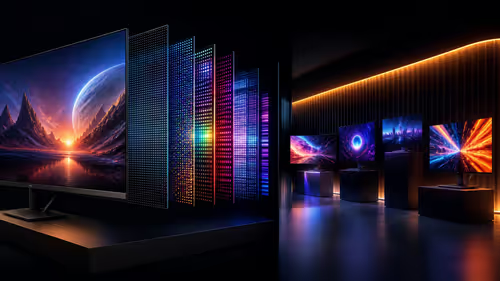
OLED monitor shipments rose 26.1% quarter on quarter in 2Q26. Seven in-stock Evetech OLED displays ranged from R9,999 to R22,999 on 14 August.
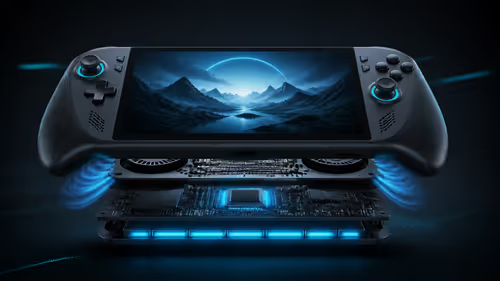
MSI's Claw 8 EX AI Plus pairs Arc G3 Extreme graphics with an 8-inch 120Hz screen and 80Wh battery. The exact model has no confirmed Evetech listing.

The native GeForce NOW Linux app is now out of beta with responsiveness and frame-rate improvements. Test the connection before replacing working hardware.

A 10,000-hour test found similar image retention across older and newer OLED TVs, while newer panels were brighter and more efficient. Local OLED monitors started at R9,999.
Canonical expects Ubuntu on WSL users to outnumber native Ubuntu desktop users before the end of 2026. The software is open source and runs inside supported Windows PCs.
Telkom's daily bundles pair WhatsApp access with 10 all-network voice minutes. The R15 option includes 300MB, while the R17 option uses a fair-use threshold.

PC Partner expects entry-level graphics-card shortages to worsen in the second half of 2026. Current Evetech GPU listings started at R4,399 in our snapshot.