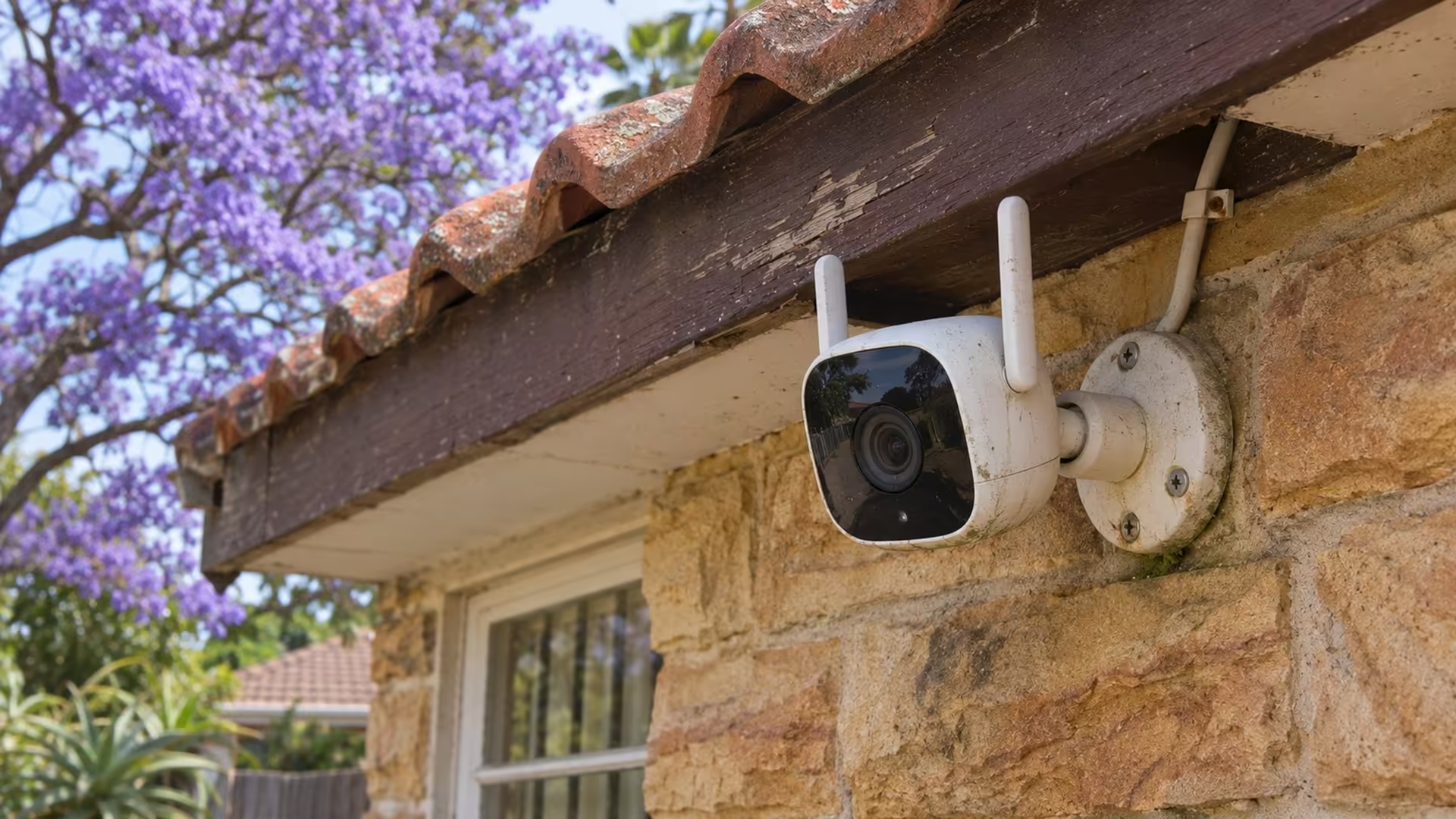
Your router still shows Wi-Fi, but the fibre connection has dropped. Where your WiFi camera saves recordings determines whether you will have a gap in the footage. A camera that writes to working local storage may keep footage that its cloud service or phone alerts cannot deliver during the outage.
Quick Answer
A Wi-Fi camera can keep recording through an internet outage if that model supports local recording and stays powered. You can test it for R0 if the camera already has working local storage. Interrupt only the internet link, create a timed event, then look for the clip after reconnecting.
📹 Check what stores the footage
Open the recording or storage section in your camera app. Identify whether the camera is writing to a card inside the camera, to a hub or recorder on the local network, or to the provider's servers. If an SD card slot is present, check that the app recognises the card and the recording schedule is enabled. The slot on its own does not tell you whether anything is being saved.
Check whether you selected events or continuous recording. With an events-only schedule, a quiet period on the playback timeline can be normal. Set up a predictable, harmless test such as walking into the camera's field of view. Test at an hour when recording is scheduled. If you are comparing Security Cameras, read the exact model's setup and offline recording notes before assuming that a camera marketed as wireless can save footage without a cloud link.
🧪 Test an internet outage while leaving Wi-Fi on
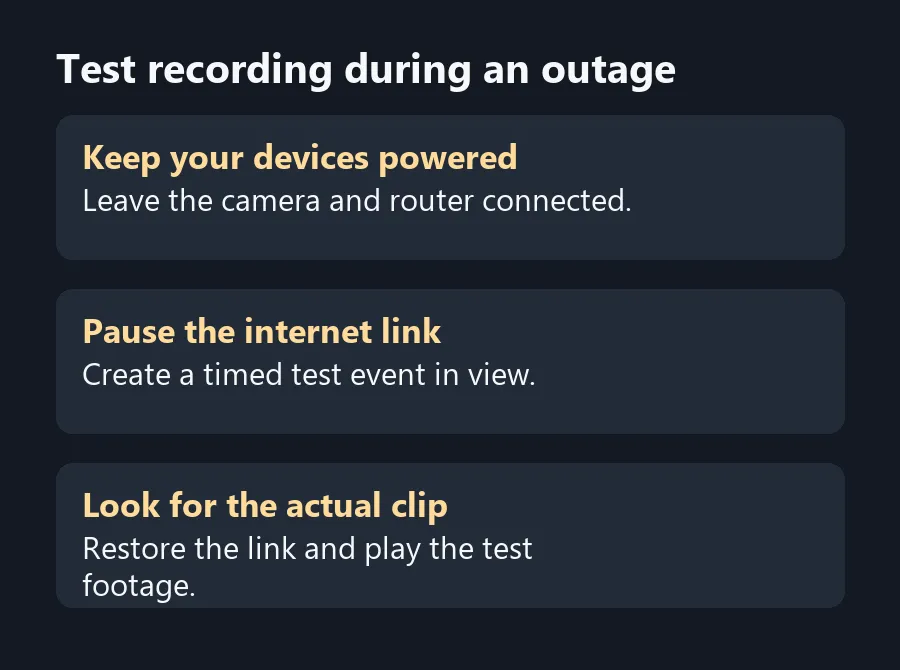
Choose a time when interrupting the connection will not interfere with someone else's work. Disconnect the router from its internet uplink for the test and keep the router and camera on. Avoid resetting any device. Make a note of the time your test event occurs. Wait briefly, then restore the internet link and look for the event in playback.
A phone on mobile data tests remote access, which is separate from local recording. Some apps may still show a local view when the phone shares the camera's network. You need to open the recorded clip to confirm it was saved during the gap. A live view after reconnecting proves the camera came back online, while playback shows whether you saved the intervening minutes.
🏠 Test the failures your setup actually sees
If your setup has a local hub, leave it powered and in range during the internet-only test. A loss of Wi-Fi between the camera and a network recorder is a different failure. A battery camera may also use a different recording mode from a wired model. Check the manual before counting on continuous footage.
For a distant camera, Wireless Routers are worth comparing only after checking whether the camera itself loses the local network. A stronger wireless link cannot add a local recording mode to a camera that depends on cloud storage.
Frequently Asked Questions
Can a camera record without an internet connection?
Some models can record to a working microSD card or local recorder once set up. Check the model and prove it with playback.
Will phone alerts still work when the internet is down?
Remote push alerts may stop even if local footage keeps recording. Check each feature on your model.
Why leave the router powered during the test?
You are testing loss of internet first. Keeping the router on preserves the local network for the camera and recorder.
Does seeing a live picture prove it recorded?
Open playback at the time you interrupted the link. A live view only confirms that you can see the camera now.
Why is there no clip during a quiet period?
An event-only schedule saves footage when it detects a trigger. Check the schedule and walk into view during the test.
Will this work with a new camera that has not been set up?
Set up the camera and confirm storage and recording before testing. Some models need internet for initial setup.
Test recording during an outage
Test local recording after setup, with the router and camera still powered.