Why 1440p is the Strategic Choice for Helldivers
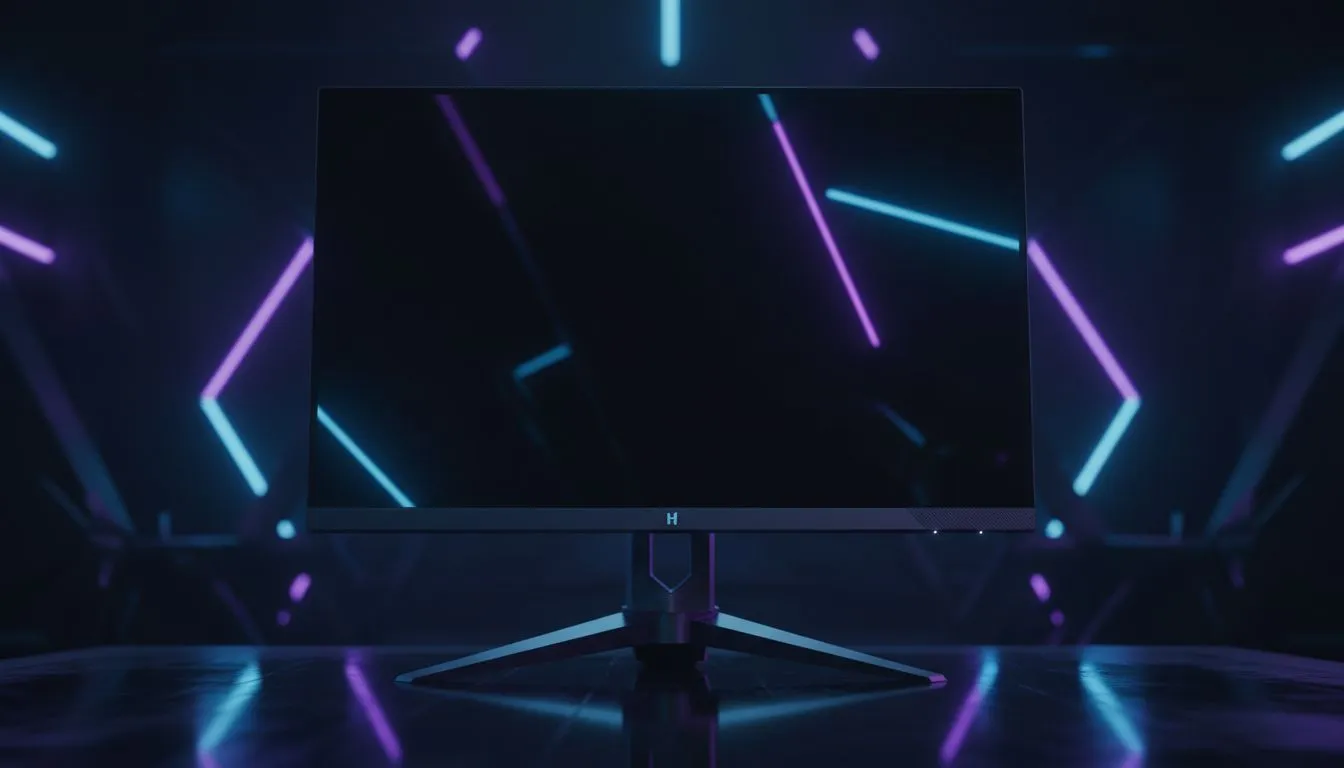
Dropping into a hot zone in Helldivers 2 requires split-second reactions and a clear view of those pesky Stalkers. If you are still squinting at a 1080p display, you are doing your Super Earth service a disservice. Finding a high-quality 1440p monitor under R8000 is the ultimate sweet spot for South African gamers who want crisp visuals without a massive price tag. 🚀
At this resolution, the pixel density on a 27-inch screen is significantly higher than standard HD. This means you can spot Terminid patrols from much further away. When you browse the latest best pc monitor deals, you will notice that QHD (2560 x 1440) has become the new standard for mid-range builds. It offers roughly 77% more screen real estate than 1080p... allowing you to appreciate every spark of an orbital strike.
Finding Value in the South African Market
Navigating the world of PC monitors can be tricky when you are on a budget. In South Africa, the R8000 mark is a competitive bracket. You are looking for a balance between panel quality, colour accuracy, and refresh rate. Most options for a 1440p monitor under R8000 will feature IPS panels, which are excellent for the vibrant, chaotic environments of different planets.
Performance Pro Tip ⚡
To ensure your 1440p experience is smooth, always use a DisplayPort cable instead of HDMI where possible. This unlocks higher refresh rates and ensures that G-Sync or FreeSync works correctly... preventing screen tearing when the action gets intense during an extraction.
Refresh Rates and Panel Types
When looking through all gaming monitors, aim for at least a 144Hz refresh rate. Even if your GPU cannot hit 144 FPS in Helldivers 2, having the overhead makes daily desktop use feel much smoother. Some players prefer curved monitors for that extra bit of immersion... wrapping the battlefield around your field of vision. ✨
If you are a mobile gamer or need a secondary display for Discord, portable monitors are also an option, though they rarely hit that 1440p sweet spot for primary gaming. While some enthusiasts might point you toward 5k and 4k monitors, those often require a much beefier GPU and a significantly larger budget. For most, a 1440p monitor under R8000 remains the most logical upgrade path.
Final Touches for Your Setup
Once you have picked your screen, do not forget the ergonomics. Investing in monitor accessories like a gas-spring arm can clear up desk space and help you position the screen at eye level. This prevents neck strain during those long weekend sessions defending the galaxy. 🔧
Choosing the right 1440p monitor under R8000 means you are ready for the future of gaming. It is an investment in your performance and your enjoyment. Stay sharp, Helldiver... the reach of Managed Democracy depends on your aim. ⚡