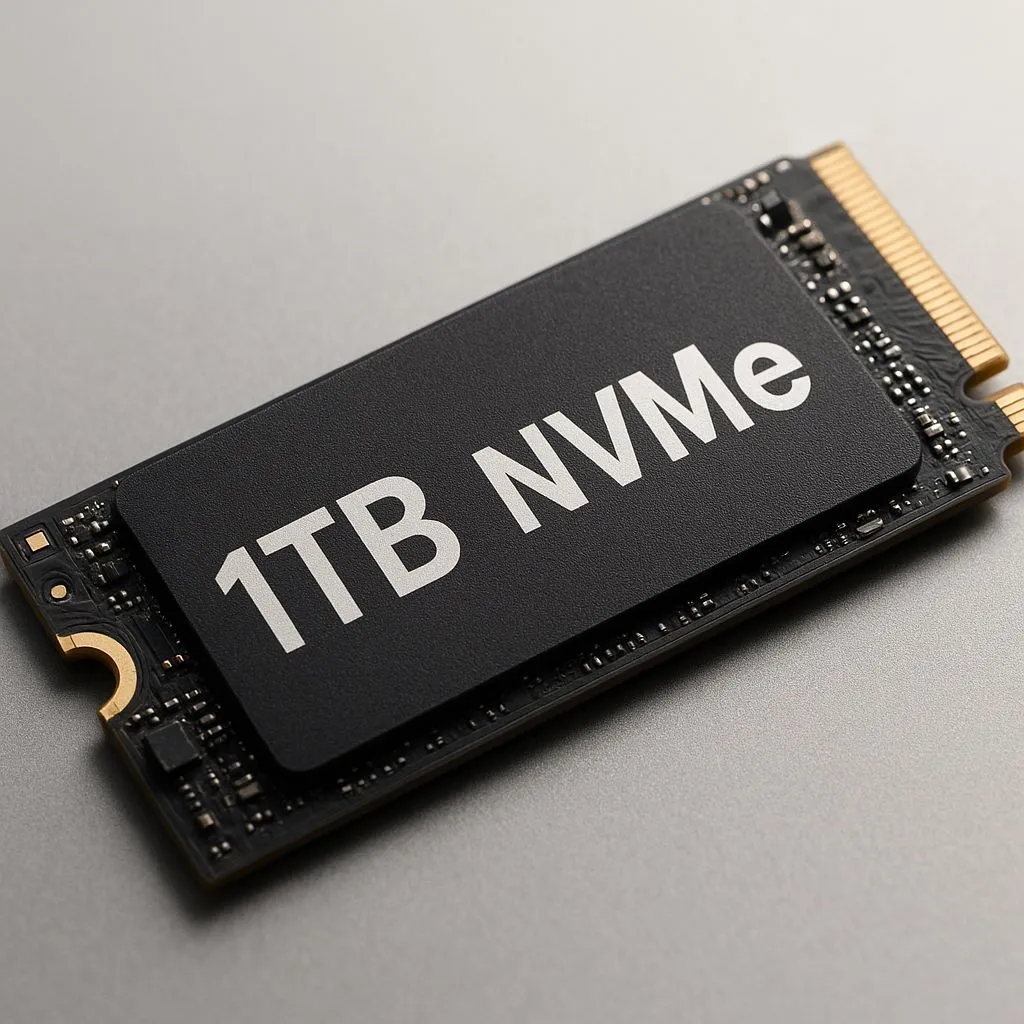
Tired of watching loading screens more than you play? But what if a massive speed boost was more affordable than you think? Getting a top-tier 1TB NVMe under R1800 is no longer a dream. It's the single best upgrade you can make in 2025 to kill lag, slash load times, and get back in the game... instantly. 🚀
Why a 1TB NVMe is the Sweet Spot
Remember the days when a 256GB SSD felt like a luxury? With games like Call of Duty and Baldur's Gate 3 easily eating up over 100GB each, a full terabyte of storage is the new standard. It’s not just about space, though. The real magic is the speed.
An NVMe (Non-Volatile Memory Express) SSD connects directly to your motherboard's PCIe slot, bypassing the older, slower SATA connection. This means:
- Blazing-Fast Boot Times: Your PC goes from off to desktop in seconds.
- Instant Game Loading: Say goodbye to those agonising waits between levels.
- Snappier System: Everything from opening apps to transferring files feels incredibly responsive.
For gamers and creators, this upgrade is a no-brainer. And with prices dropping, there’s never been a better time to explore the world of modern solid-state drives.
Finding the Best 1TB NVMe SSD Deals Under R1800
Scoring a great deal isn't just about the price tag. When you're hunting for an affordable 1TB NVMe under R1800, a few key specs can help you find a true performance bargain.
Key Specs to Watch
- Read/Write Speeds: Measured in megabytes per second (MB/s). For a PCIe Gen3 drive, look for speeds around 3,000 MB/s. For Gen4, you can expect 5,000 MB/s or more!
- PCIe Generation: Gen4 is faster, but Gen3 offers incredible value and is still a massive leap from any hard drive or SATA SSD. Your motherboard needs to support the generation to get its full speed.
- Endurance (TBW): Terabytes Written tells you how much data the drive can write over its lifetime. Higher is better, but even budget drives offer more than enough for years of gaming.
Understanding these basics will help you sift through the marketing jargon and identify the best of today's top NVMe SSDs for your specific needs. ✨
Check Your Motherboard! 🔧
Before you buy, pop open your PC case or check your motherboard's manual online. Look for an "M.2 slot". Make sure it supports NVMe (some older ones are SATA-only) and check which PCIe generation it is (e.g., PCIe 3.0 x4) to ensure you get the speeds you're paying for.
Our Top Picks for Value-Packed Performance
While specific models change with stock, brands like Crucial, Kingston, Western Digital (WD), and ADATA consistently offer fantastic performance for the price. The trick is to watch for promotions and specials. A mid-range Gen4 drive from last year can often be found for the same price as a new budget Gen3 drive, giving you a huge performance bump for your buck.
Don't get too caught up in chasing the absolute highest numbers on a spec sheet. For gaming, the real-world difference between a 3,500 MB/s drive and a 5,000 MB/s drive can be surprisingly small. The biggest leap is moving to NVMe in the first place. Keep an eye on our latest SSD deals to snag a powerhouse drive without breaking the bank. From budget-friendly options to high-performance beasts, you'll find something in our full range of SSDs.
Beyond Your PC: What About External SSDs?
Is your PC sorted but your PS5 or Xbox is crying out for more space? Or maybe you're a content creator who needs to move large files between machines? This is where external SSDs shine. While they connect via USB, modern USB-C ports offer incredible speeds that can still dramatically cut down on console game load times or file transfer waits.
For pure gaming performance on a PC, an internal NVMe is always the top choice. But for portability and console expansion, high-speed external SSDs are an amazing and versatile solution.
Ready for Warp Speed?
A slow drive is the biggest bottleneck in any modern PC. Upgrading to a 1TB NVMe is the most impactful and affordable way to make your entire system feel brand new. Explore our incredible SSD deals and leave loading screens in the dust.