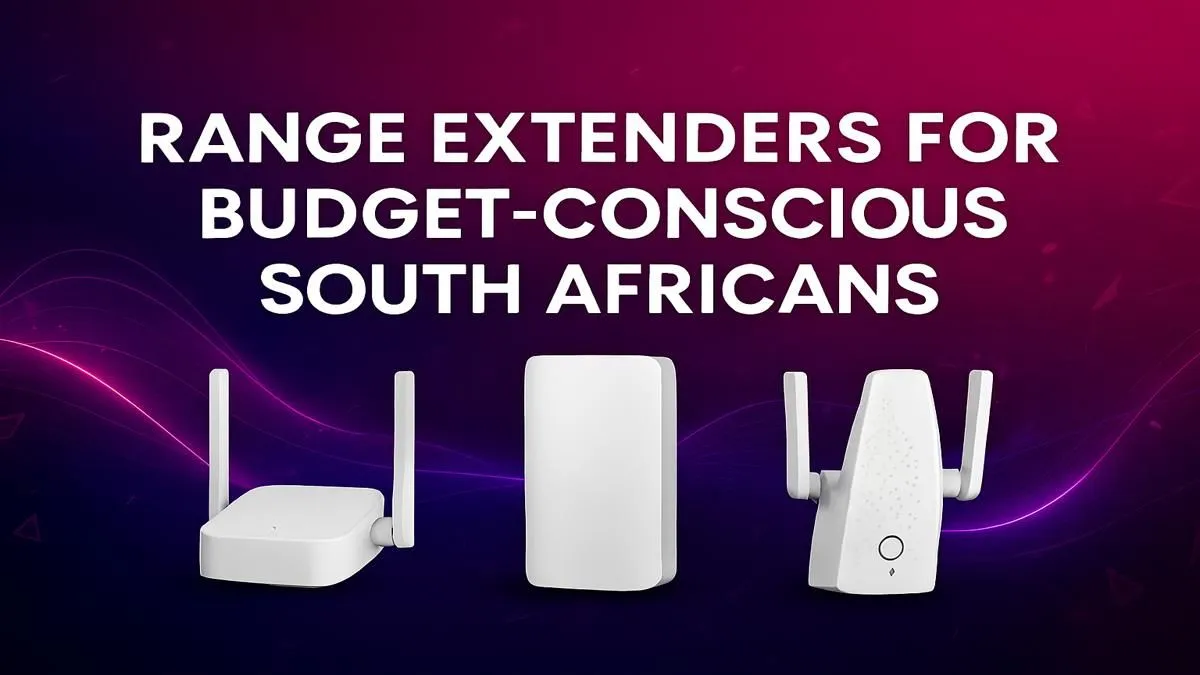
Is your WiFi signal weaker than an Eskom promise? You're trying to clutch a round in Valorant. That dreaded buffering wheel appears just as the season finale drops. We get it. Weak WiFi in the far corners of your South African home is a massive pain. But you don't need a pricey, complex mesh system. Often, the perfect fix is a simple, affordable WiFi extender.
Why You Need a Budget WiFi Extender
A WiFi extender, or range booster, is a simple device that tackles a common problem: WiFi dead zones. Think of it as a relay for your internet signal. It picks up the existing signal from your router and rebroadcasts it, pushing that sweet, sweet connectivity into previously unreachable areas like the patio, the upstairs bedroom, or the home office in the garage. 📶
Finding the best budget WiFi extender in South Africa means you can solve these issues without breaking the bank. It's the perfect solution for extending your network's reach for streaming, gaming, or just scrolling through social media without interruption.
What to Look for in a WiFi Extender South Africa
Choosing the right device doesn't have to be complicated. Forget confusing tech jargon. For most homes, here are the key things to check when you're browsing for wireless range extenders online:
- Wireless Standard: Look for "AC" (WiFi 5). This offers great speeds for HD streaming and online gaming and is the sweet spot for budget-friendly performance.
- Ease of Setup: Most modern extenders have a WPS (Wi-Fi Protected Setup) button. This lets you sync it with your router with a single press… no complex passwords or software needed.
- Ethernet Port: This is a fantastic bonus! An extender with an Ethernet port lets you connect a device like a gaming console, smart TV, or desktop PC with a cable for an ultra-stable connection.
- Signal Strength Indicators: Small LED lights that show you how strong the signal from the router is. This helps you find the perfect spot to plug it in.
Placement Pro Tip ⚡
Don't plug your extender into the dead zone itself! It needs a decent signal to extend. The ideal spot is roughly halfway between your main router and the area with weak WiFi. Use a smartphone app like 'WiFi Analyzer' to find a location that still gets a good, stable signal from your router.
How to Boost Your Signal for Good
Once you have your budget WiFi extender, getting a great result is all about placement. Avoid thick brick walls, metal appliances (like the fridge or microwave), and fish tanks, as these are notorious signal killers. A clear line of sight is always best.
Sometimes, the problem isn't just range; it could be your main router struggling to keep up with multiple devices. If your router is more than a few years old, upgrading to one of our more powerful wireless routers could provide a much bigger boost across your entire home.
And what if it's just one device, like an older desktop PC, that's struggling? Before you overhaul your whole network, check if dedicated wireless adapters could solve the problem directly and more affordably. It's all about finding the right tool for the job. ✅
Ultimately, a well-chosen WiFi extender is one of the easiest and most cost-effective ways to eliminate frustrating dead spots and make your entire home a connectivity haven. It’s a small investment for a massive improvement in your daily digital life.
Ready to Banish Buffering for Good?
Stop letting WiFi dead zones dictate where you can game, stream, or work. A simple signal boost is just a click away. Explore our massive range of wireless networking gear and find the perfect, budget-friendly solution for your home today.