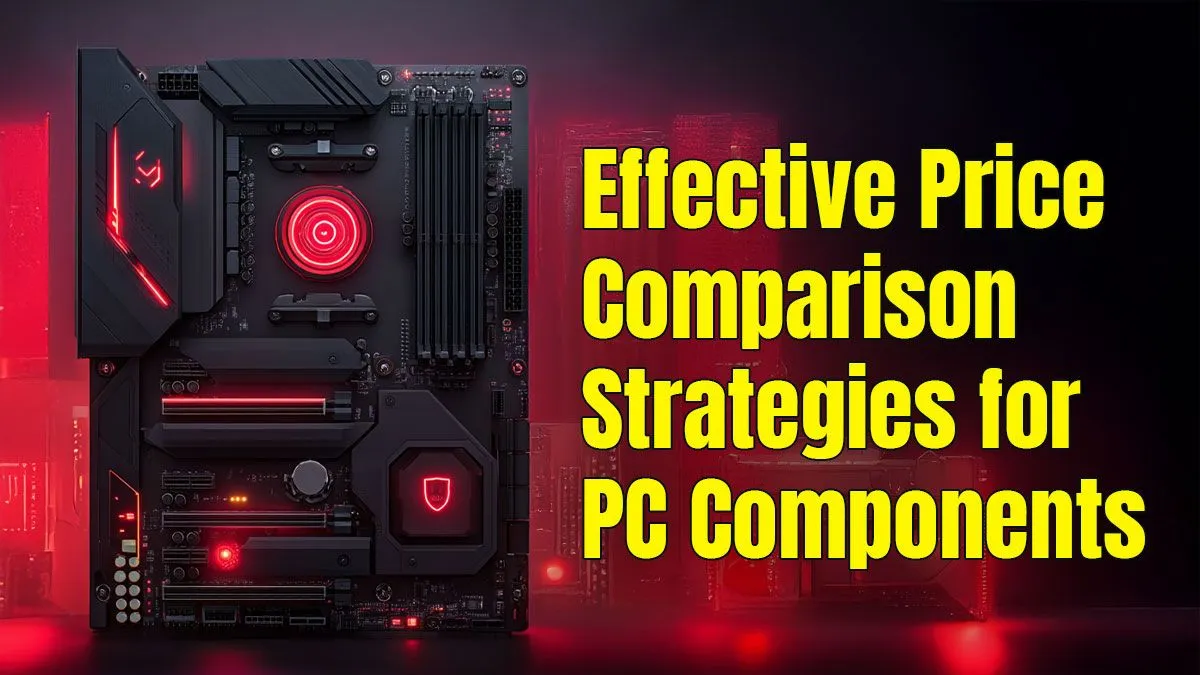
Building a new gaming rig in South Africa can feel like a boss battle for your bank account. 🇿🇦 You've got the dream specs in mind, but the prices... yoh. The good news? You don't need to win the lotto. A smart PC component price comparison is your secret weapon. It’s not just about finding the cheapest parts; it’s about finding the best value to build a beast of a machine without breaking the bank.
Why a Smart PC Component Price Comparison is Your Best Weapon
In the world of PC building, the cheapest option is rarely the best. A true PC component price comparison goes beyond the ZAR value on the sticker. It’s about understanding the price-to-performance ratio. Will that slightly cheaper CPU bottleneck your expensive new graphics card? Is it wiser to spend an extra R500 now to avoid needing an upgrade in six months?
Thinking strategically is key. For example, when new hardware launches, the previous generation often sees significant price drops. Patiently comparing PC component prices over a few weeks can reveal patterns and special offers, saving you a fortune.
The Core Trio: CPU, Motherboard, and RAM
Your CPU, motherboard, and RAM are the foundation of your build. Getting this combination right is crucial for a stable, high-performance machine. One of the most effective ways to save money here is by looking at pre-configured CPU and motherboard bundles. These not only offer great value but also guarantee compatibility right out of the box.
When choosing a motherboard, it's easy to overspend on features you'll never use. Do you really need three M.2 slots and Wi-Fi 6E? A thorough search for affordable motherboards that meet your core needs—like the right socket for your CPU and enough RAM slots—is a smarter move. Speaking of RAM, while it's tempting to go for the highest speeds, finding the sweet spot (often 16GB or 32GB of DDR4 or DDR5) from quality gaming RAM modules will deliver fantastic performance without unnecessary cost.
The Powerhouse Components: GPU and PSU 🚀
Let's be honest: the graphics card is where most of your budget will go. This is where a detailed PC part price comparison pays the biggest dividends. Instead of just looking at the top-tier cards, compare benchmarks for the games you actually play at your target resolution. Sometimes, a mid-range card offers 90% of the performance for 60% of the price. Keep a close eye on the full range of latest graphics cards to spot deals as they happen.
Just as important is the Power Supply Unit (PSU). Skimping here is a massive mistake. A cheap, unreliable PSU can damage your entire system. You don't need a 1200W behemoth, but investing in a reliable power supply with an 80+ Gold rating ensures clean, efficient power for all your precious components.
PSU Power Tip ⚡
Not sure how much power you need? Use an online PSU calculator to estimate your total wattage. Add about 20-30% headroom for future upgrades and peak efficiency. A 750W Gold-rated PSU is a fantastic sweet spot for most modern gaming builds, providing clean, reliable power without being overkill.
Finishing Touches That Don't Have to Break the Bank
Your case and cooler are the final pieces of the puzzle. While aesthetics are important, performance should come first. A fancy glass case with poor ventilation can throttle your components, wasting all the money you spent on them. Prioritise airflow when choosing the right PC case; a well-ventilated chassis can often do more for your temperatures than an expensive cooler.
On that note, while many CPUs come with a stock cooler, they are often just adequate. For a few hundred Rand, you can get one of many effective CPU coolers that will run quieter and keep your processor's boost clocks higher for longer, giving you a tangible performance uplift. 🔧
Your Ultimate SA Savings Checklist
To wrap it all up, here’s a quick guide to making your PC building budget go further:
- Prioritise Performance: Spend the bulk of your budget on the GPU and CPU.
- Hunt for Bundles: Save money and ensure compatibility with CPU/motherboard combos.
- Don't Overspend: Choose a motherboard and case with the features you need, not just the ones that look cool.
- Never Skimp on the PSU: Protect your investment with a quality power supply.
- Be Patient: The best deals come to those who wait and perform a proper PC component price comparison.
Ready to Build a Smarter Rig?
Armed with these strategies, you're ready to make every Rand count. A proper PC component price comparison is the first step to building a machine that punches way above its price tag. Explore our massive range of PC components and start piecing together your ultimate setup today.