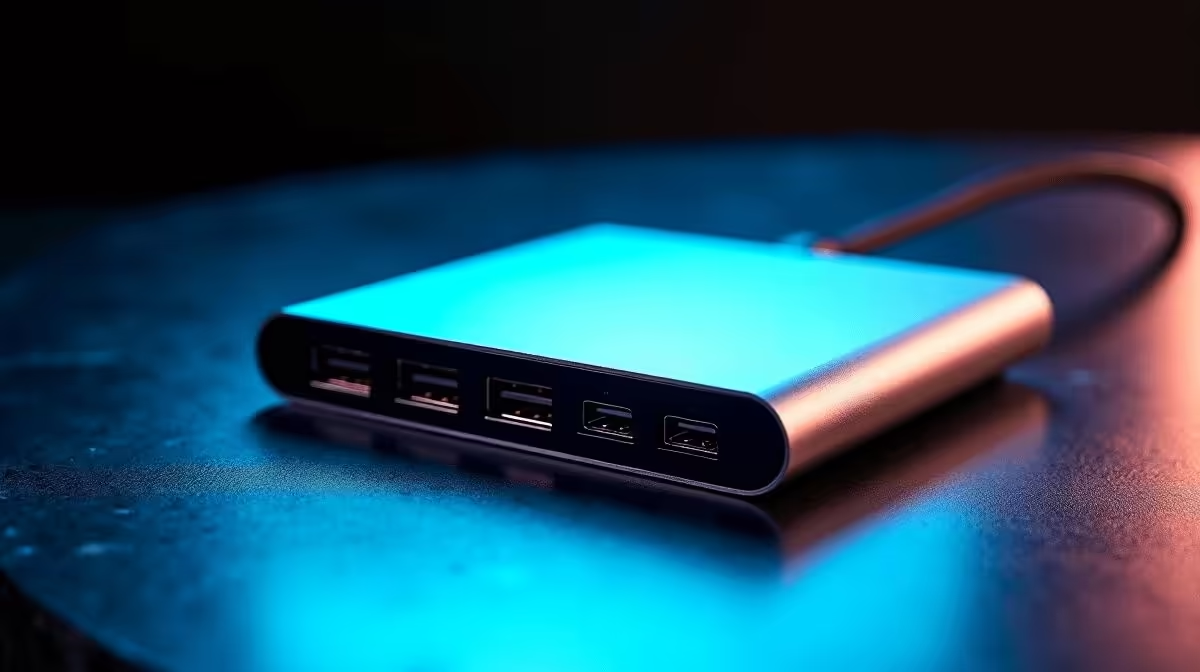
Buying an 11-in-1 USB-C hub in South Africa means navigating a crowded price band where every product looks identical on the surface. The actual differences lie in the chipset inside, the build quality of the shell, and whether the video output spec can deliver what you need. Understanding where the tiers break helps you spend correctly rather than overspend or waste money on a hub that disappoints.
Quick Answer
In SA, 11-in-1 USB-C hubs typically fall between R800 and R2,500. The R800 to R1,200 tier handles basic connectivity and 4K at 30Hz. The R1,200 to R1,800 tier adds HDMI 2.0 and better power delivery. The R1,800 to R2,500 tier brings aluminium construction, active thermal management, and genuine 4K at 60Hz on the primary video output. Spending more than R2,500 without Thunderbolt-specific requirements is rarely justified for most users.
💸 Breaking Down the ZAR Price Tiers
R800 to R1,200: the entry tier. These hubs use a budget bridge chip to pack 11 ports into a compact shell. Expect USB 3.0-speed USB-A ports, an SD slot, HDMI output at 4K limited to 30Hz, and up to 85W power delivery in a plastic or rubberised housing. They handle document-heavy office tasks well. Anything involving motion on the external screen exposes the 30Hz ceiling quickly.
R1,200 to R1,800: the mid tier. This band is where HDMI 2.0 starts appearing reliably. Expect 4K at 60Hz on one monitor, USB 3.1 speeds on USB-A ports, and 85W to 100W power delivery. The shell may still be plastic, but thermal design improves. Confirm the HDMI version on the product page rather than trusting the "4K" headline.
R1,800 to R2,500: the performance tier. At this level expect an aluminium or aluminium-and-glass shell, a chipset that handles multiple high-speed devices without bandwidth contention, proper electromagnetic shielding, and 100W power delivery. Some hubs here add a second video output for 1440p or 1080p extended displays.
🔍 What Justifies the Step Up in Cost
The price gap between entry and performance tier is not about port count. All three tiers can offer 11 ports. The difference lies in four internal factors.
Chipset quality. A higher-grade USB controller handles simultaneous high-bandwidth tasks without dropping USB-A speeds when the video output is active. Budget chipsets slow external drives noticeably when a 4K display is also running.
Shielding. Signal cables inside a hub pick up interference from adjacent power circuitry. Adequate shielding on both internal wiring and the display signal path reduces artefacts and maintains a stable picture, which is why thin plastic hubs sometimes flicker on 4K displays.
Thermal dissipation. Aluminium conducts heat away from the bridge chip passively. On a humid Durban afternoon or a Highveld office where temperatures climb, a plastic hub that traps heat will throttle within an hour.
Power delivery stability. Budget PD circuits sometimes negotiate lower wattage than advertised under combined device load, leaving the laptop partly on battery. A higher-tier hub's PD circuit holds its rated output consistently.
🛒 Which Tier Suits Which User
Students and light office workers using the hub for a 1080p or 1440p monitor, a wired keyboard and mouse, and occasional USB-A peripherals: the R800 to R1,200 tier is sufficient. The 30Hz ceiling matters far less at 1080p than at 4K.
Creative professionals needing a single 4K monitor at 60Hz, wired Ethernet, and fast external storage throughput: aim for R1,200 to R1,800 and confirm HDMI 2.0 on the product page.
Engineers and remote workers running demanding all-day workflows with multiple devices: invest in the R1,800 to R2,500 tier. The chipset and thermal quality returns its cost in reliability rather than in troubleshooting.
Frequently Asked Questions
Does port count affect hub performance?
Not directly, but more ports on a cheap hub can mean more devices competing for the same bandwidth pool. Higher-tier hubs manage this with better internal arbitration, so all 11 ports function at rated speed simultaneously.
Is 100W power delivery enough for all laptops?
It covers most 13-inch to 15-inch laptops. Larger mobile workstations with dedicated GPUs sometimes require 130W or 140W, which exceeds what a standard hub can supply. Check your laptop's original charger wattage before selecting a hub.
Why do some 11-in-1 hubs omit an Ethernet port?
A Gigabit Ethernet controller takes up significant chipset bandwidth. Budget hubs sometimes exclude it to keep costs down. If wired networking matters, confirm Ethernet is included rather than assuming it.
Can the same hub work on a MacBook and a Windows laptop?
Yes. USB-C hubs are operating-system agnostic. Drivers are not required for standard functions like USB-A, HDMI, Ethernet, or card readers on either macOS or Windows.
Is it safe to leave the hub plugged in overnight?
A hub with a well-designed power circuit is safe to leave connected. However, plugging in drives or charging devices through a no-name hub overnight is riskier because of less predictable power regulation.
Find the right hub for your workflow and budget.
Visit Evetech to compare 11-in-1 USB-C hubs across every price tier, with full spec listings to match your laptop and monitor requirements.