Quick Answer
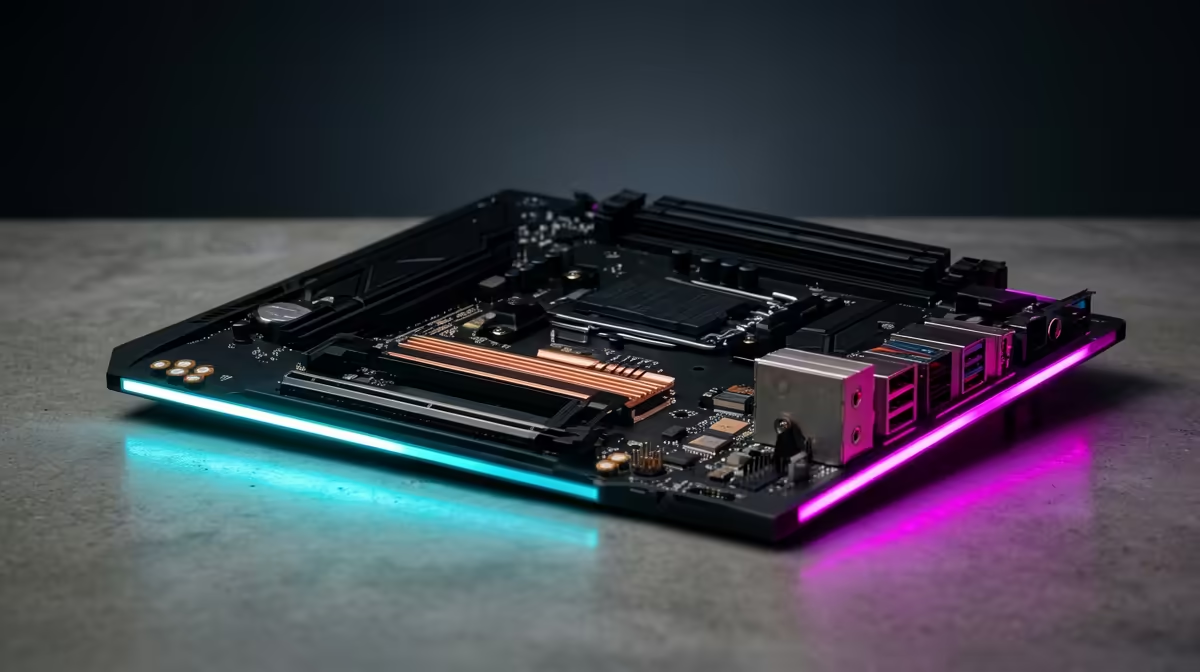
For a Core i3-13100F build, the best onboard 10GbE choice is a premium Z790 or workstation board such as ASUS ProArt Z790-CREATOR WIFI, bought only after checking board support, cooler clearance and the RAM QVL. In SA, keep the motherboard spend in a broad R2,500-R8,000 band unless the build has a clear creator, compact-case or networking reason to go higher.
Best Fit For This CPU
The Core i3-13100F is strong enough to expose bad platform choices, but it does not need every premium feature. 10GbE only makes sense if you move large files to a NAS or creator server; most SA gaming homes are better served by 2.5GbE. For a gaming-focused PC, a stable two-stick DDR5 kit, a sensible B760 or Z790 board, and clean airflow usually matter more than a spec label that will never be used. Buyers in Pretoria should also consider support turnaround and case size before choosing a rare board.
Compatibility Checks
Confirm the socket, chipset, BIOS support, memory type and cooler clearance before adding the part to the basket. DDR5 boards do not accept DDR4, and compact boards may only have two DIMM slots. If the post is about memory, prefer 2x16GB, 2x32GB or 2x64GB kits over mixing separate packs; if it is about motherboards, check rear USB, M.2 slot sharing, Ethernet speed and Wi-Fi generation.
Performance And Value
For gaming, the right DDR5 choice may change averages by only no fps by itself, but it protects ports, stability and upgrade room, so stability is the real win. For creator work, 64GB or 128GB can prevent project slowdowns even when raw fps barely changes. Use XMP on Intel boards, test the profile, and step down one speed grade if the system shows training delays or random crashes.
FAQ
Is onboard 10GbE worth it with Core i3-13100F?
Yes when the feature solves a real need. It is not worth paying premium money for 10GbE, USB4, ECC or very high DDR5 speeds if the PC is only for normal 1080p gaming.
What DDR5 speed should SA buyers choose?
DDR5-6000 CL30 or CL36 is the safest general target for most Intel gaming builds. Higher MT/s can work on strong Z-series boards, but it should not come before capacity and stability.
Should I buy the cheapest board or RAM kit?
No. Buy the cheapest option that still has the right socket, warranty path, ports and two-stick memory layout. A small saving is not useful if it blocks a GPU, AIO cooler or second NVMe SSD later.
Buyer check
Before checkout, match the exact motherboard model, RAM height and kit capacity on one note, then confirm they fit the case and cooler.