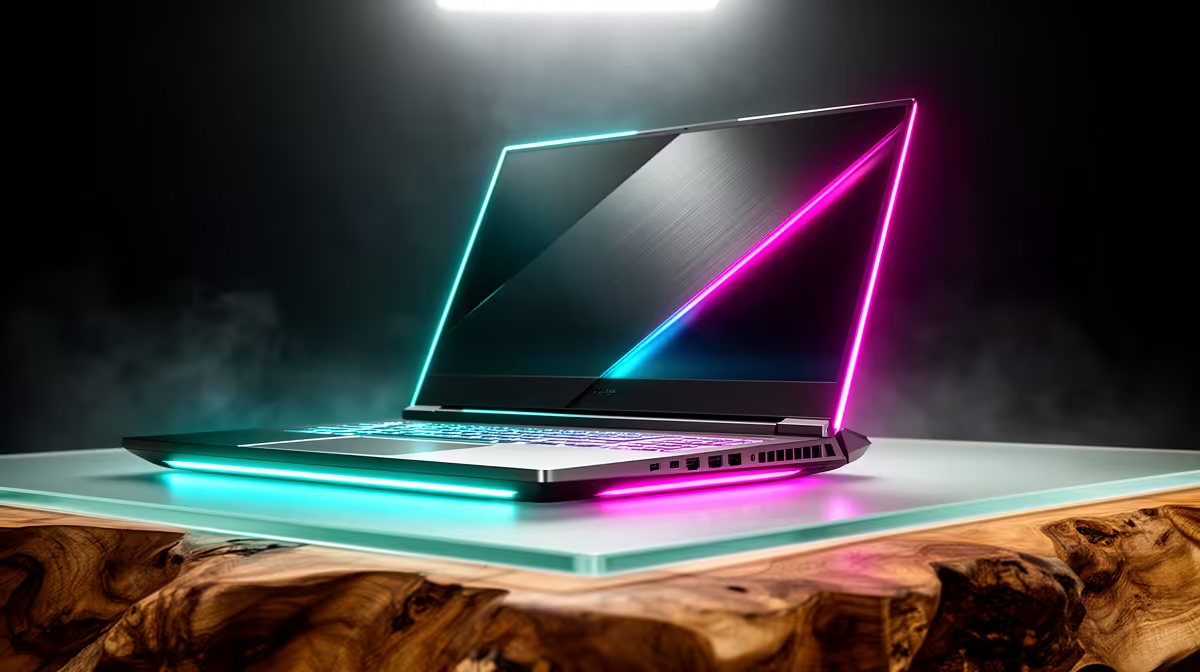
Lenovo LOQ RTX3050 at R9,500 suits a starter streamer who wants a laptop with dedicated RTX3050 graphics for smoother stream handling, overlays, and light gaming capture. A 16-inch machine can feel worthwhile when the bigger screen helps you monitor chat and scenes, but the real buying decision should start with graphics, processor class, and desk comfort rather than size alone.
What matters more than screen size
The Lenovo LOQ RTX3050 at R9,500 is the strongest fit here because RTX3050 graphics give it a clearer role for streaming than a basic office notebook. If your setup includes a webcam preview, browser chat, and capture software, that graphics spec gives you more breathing room than buying only for a larger panel.
The Lenovo IdeaPad Slim 3 i7 at R13,400 makes sense for a creator who values an i7 processor and a cleaner everyday machine for editing clips, managing uploads, and running stream admin. The ASUS Vivobook X1504VA i7 at R13,999 is another i7 option if your work leans more towards productivity, planning, and content management than gaming capture.
Creator Desk Setup In SA
On a compact creator desk, the ASUS Vivobook S14 OLED at R10,719 is useful when colour-rich preview work matters, because the OLED spec is the standout feature. It is not the obvious first pick for game streaming, but it can be a strong companion for thumbnails, short-form review, and checking visual polish before posting.
The ASUS ExpertBook P1503 i5 at R9,858 is better for lighter live sessions, notes, browser dashboards, and call-based content where an i5 laptop is enough. The ASUS ExpertBook P5405 at R12,700 suits a more business-like desk where the stream is part of teaching, sales, or community updates rather than high-load gaming.
Ready to choose the right laptop?
Use ASUS ExpertBook P1503 i5 at R9,858 as the laptop shortlist benchmark, then check whether its listed spec matches the space, workload, and upgrade path.