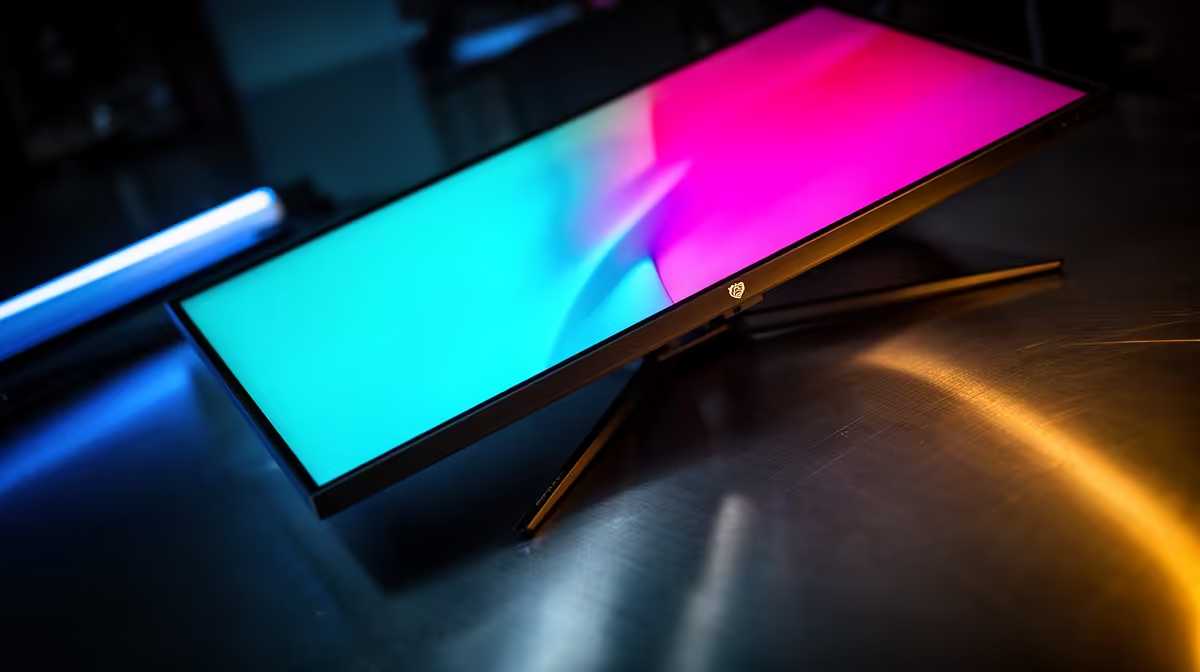
The MSI MAG 274F 200Hz at R3,006 suits Centurion buyers who want a fast, smooth gaming monitor for competitive play without moving into expensive specialist displays. Its 200Hz refresh rate gives extra headroom above the 165Hz brief, which is useful if your PC can push higher frame rates in esports titles.
Why 200Hz makes sense over basic 165Hz
The ViewSonic VX2779A 240Hz at R2,350 is the strongest value play if refresh rate is your main priority. At 240Hz, it gives noticeably more motion clarity than a standard 165Hz target, especially for quick camera movement, flick shots, and fast menu navigation.
The Dahua LM25 200Hz at R1,850 is a practical budget pick for a smaller desk where speed matters more than a larger panel. Its 200Hz spec keeps gameplay responsive, while the R1,850 price makes it easier to pair with a mid-range desktop build.
Centurion gaming room desk check
For a Centurion bedroom or gaming room setup, the AOC 27in QHD 200Hz at R3,200 is the more spacious option. The 27in size and QHD resolution suit players who want sharper desktop space for browsing, Discord, and game launchers while still keeping a 200Hz refresh rate for play.
The Dell SE2726H 144Hz at R1,797 is the cheapest listed option, but it sits below the 165Hz target. It makes sense only if price matters more than refresh-rate headroom, while the MSI MAG 274F 200Hz at R3,006 is the cleaner match for buyers who specifically want a faster screen.
Ready to choose the right gaming monitor?
Use Dell SE2726H 144Hz at R1,797 as the Centurion setup benchmark, then check whether its listed spec matches the space, workload, and upgrade path.