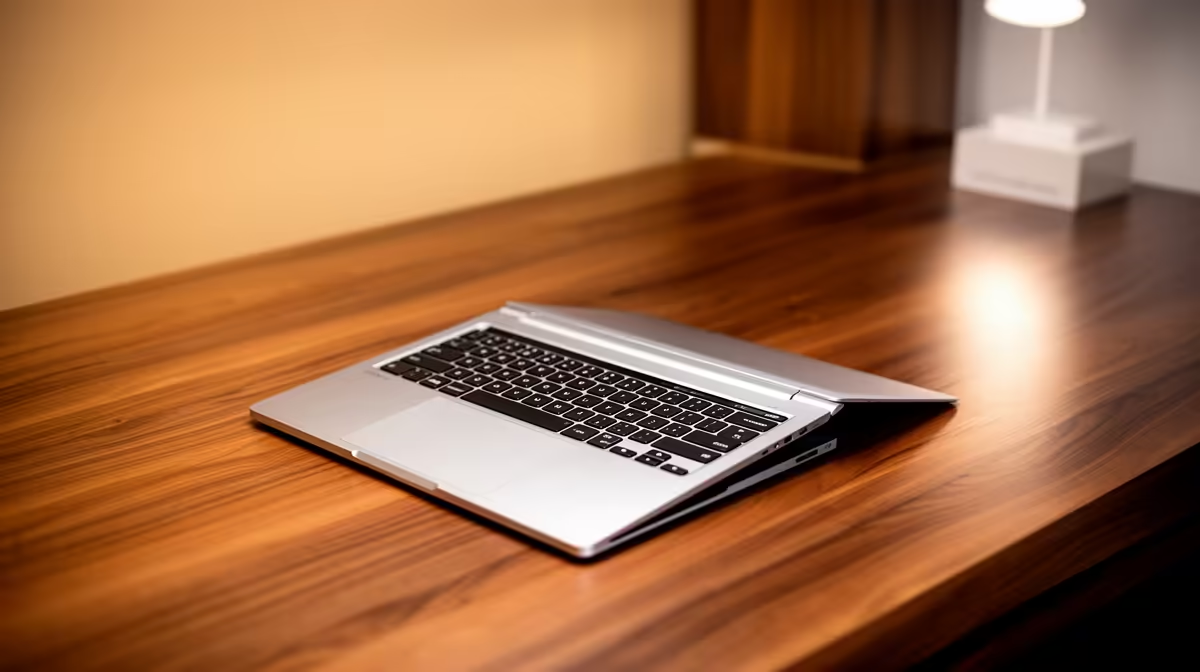
Yes, the ASUS ExpertBook P1503 i5 at R9,858 is enough for a solo podcaster who records, edits show notes, manages guests, and uploads episodes from one practical laptop setup. A 2-in-1 can be convenient for notes and touch controls, but the safer buying decision is still a strong everyday laptop with enough processor headroom for recording, browsing, and light editing without turning the desk into a gadget pile.
Practical laptop picks for podcast work
The ASUS ExpertBook P1503 i5 at R9,858 is the sensible entry point because its i5 spec suits voice recording, browser-based research, script editing, and basic audio cleanup. It is also the kind of machine that makes sense when the podcast is still growing and the budget needs to cover a USB mic, headphones, and a quiet recording corner.
If editing speed matters more, the Lenovo IdeaPad Slim 3 i7 at R13,400 gives you an i7 spec for heavier multitasking. That helps when you are exporting an episode while checking notes, trimming clips, and keeping a messaging app open for guest coordination.
For creators who want a nicer screen for thumbnails, episode artwork, and timeline work, the ASUS Vivobook S14 OLED at R10,719 is the standout because its OLED spec is useful on a creator desk. The ASUS Vivobook X1504VA i7 at R13,999 is another i7 option if your workday mixes podcast production with heavier office tasks.
Creator desk reality in South Africa
A compact recording desk usually has a mic arm, headphones, charger, notebook, and maybe a small audio interface, so the laptop should reduce clutter rather than add to it. The ASUS ExpertBook P5405 at R12,700 fits that role well as a work-focused laptop option, while the Lenovo LOQ RTX3050 at R9,500 makes more sense if the same machine will also handle graphics-leaning creator tasks after recording.
Ready to choose the right laptop?
Use ASUS ExpertBook P1503 i5 at R9,858 when laptop enough running podcast matters, then compare the desk fit against its listed spec.