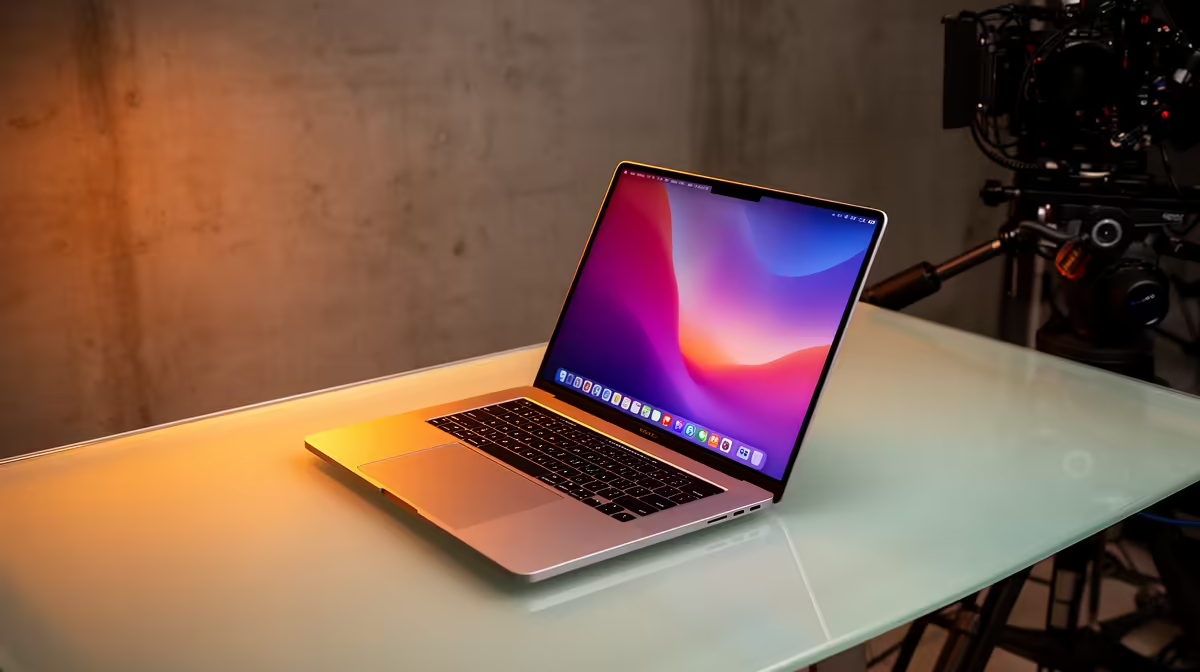
ASUS ExpertBook P1503 i5 at R9,858 suits a podcaster who needs a dependable laptop for scripts, call notes, uploads, and light editing without paying extra for a convertible screen. A 2-in-1 can be useful for handwritten planning, but for this use case the better buy is usually a stable clamshell with enough CPU headroom and a comfortable keyboard.
Better laptop picks for podcast work
The ASUS ExpertBook P1503 i5 at R9,858 is the practical starting point because the i5 spec is enough for recording prep, browser-based show research, episode admin, and basic audio cleanup. It makes more sense than chasing a touch hinge if most of the work happens at a desk with a microphone, headphones, and notes open.
The Lenovo IdeaPad Slim 3 i7 at R13,400 is a stronger fit if the workflow includes heavier multitasking. The i7 spec gives more breathing room when a recording app, browser tabs, cloud storage, and editing software are open together, which matters during longer sessions where lag can break concentration.
Creator desk setup for SA podcasters
At a small creator desk, the ASUS Vivobook S14 OLED at R10,719 is appealing because the OLED spec helps when checking thumbnails, cover art, waveform detail, and episode notes on one screen. The ASUS ExpertBook P5405 at R12,700 is the cleaner business-style option if the same machine also handles client calls, publishing schedules, and admin between recordings.
The Lenovo LOQ RTX3050 at R9,500 only makes sense if the same desk also needs RTX3050 graphics for video clips, thumbnails, or gaming after recording. For audio-first publishing, an i5 or i7 laptop is usually the neater choice.
Ready to choose the right laptop?
Use ASUS ExpertBook P1503 i5 at R9,858 as the podcast recording desk benchmark, then check whether its listed spec matches the space, workload, and upgrade path.