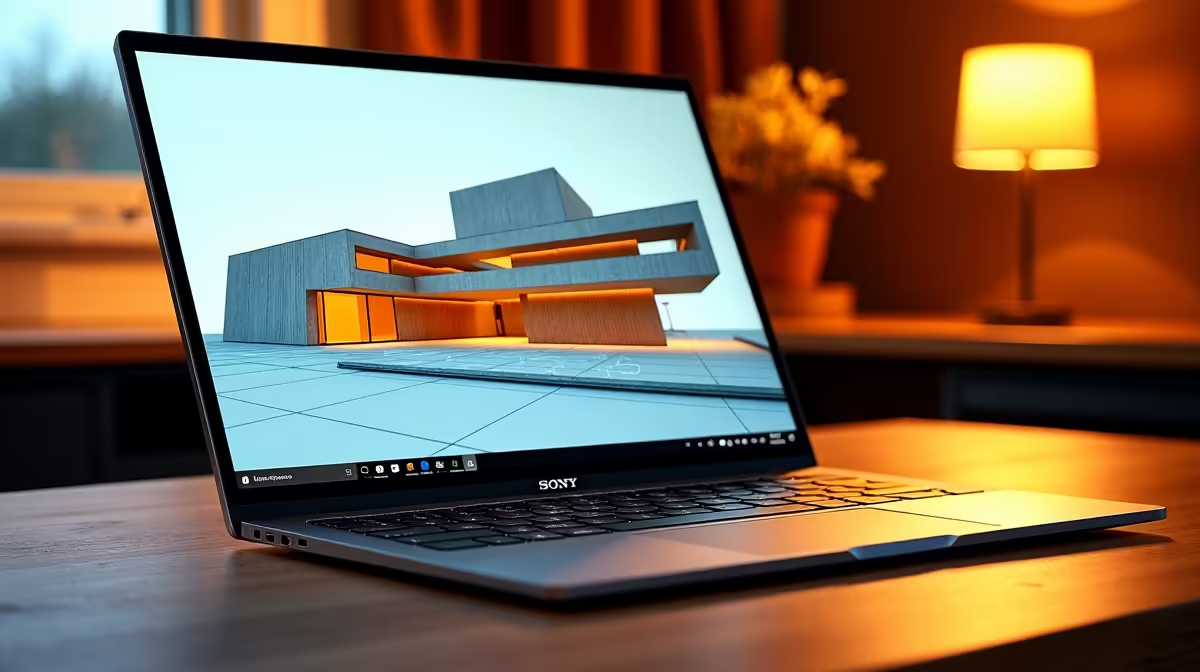
The Lenovo LOQ RTX3050 at R9,500 suits students and entry-level creators who want a laptop with dedicated graphics for smoother modelling work. A 2-in-1 can be handy for sketching ideas, but for heavier 3D scenes the stronger buy is usually a conventional machine with better GPU headroom.
Better laptop picks for modelling work
The Lenovo LOQ RTX3050 at R9,500 is the practical starting point because the RTX3050 spec matters more than tablet folding when orbiting models, previewing materials, and keeping viewports responsive. For learners building room layouts or furniture concepts, that graphics chip is the spec to prioritise first.
The ASUS ExpertBook P1503 i5 at R9,858 is a more office-minded option if the workload is mostly light model edits, plan viewing, emails, and browser research. Its i5 spec makes sense for admin-heavy days, but it is not the same class of pick as the RTX3050 machine for demanding 3D work.
The ASUS Vivobook S14 OLED at R10,719 is the nicer screen choice when colour, sharpness, and presentation matter. Its OLED spec helps when reviewing visual layouts with clients or classmates, while the ASUS ExpertBook P5405 at R12,700 is the cleaner professional step-up if the desk setup needs a more business-focused machine.
Creator desk reality for South African modelling work
At a student desk or compact creator desk, the Lenovo IdeaPad Slim 3 i7 at R13,400 and ASUS Vivobook X1504VA i7 at R13,999 both offer i7 performance for general productivity around that workload. They make sense when CPU responsiveness is the priority, but the Lenovo LOQ RTX3050 at R9,500 remains the stronger modelling-first call because its listed graphics spec directly supports 3D viewport work.
Ready to choose the right laptop?
Use ASUS ExpertBook P1503 i5 at R9,858 as the laptop shortlist benchmark, then check whether its listed spec matches the space, workload, and upgrade path.