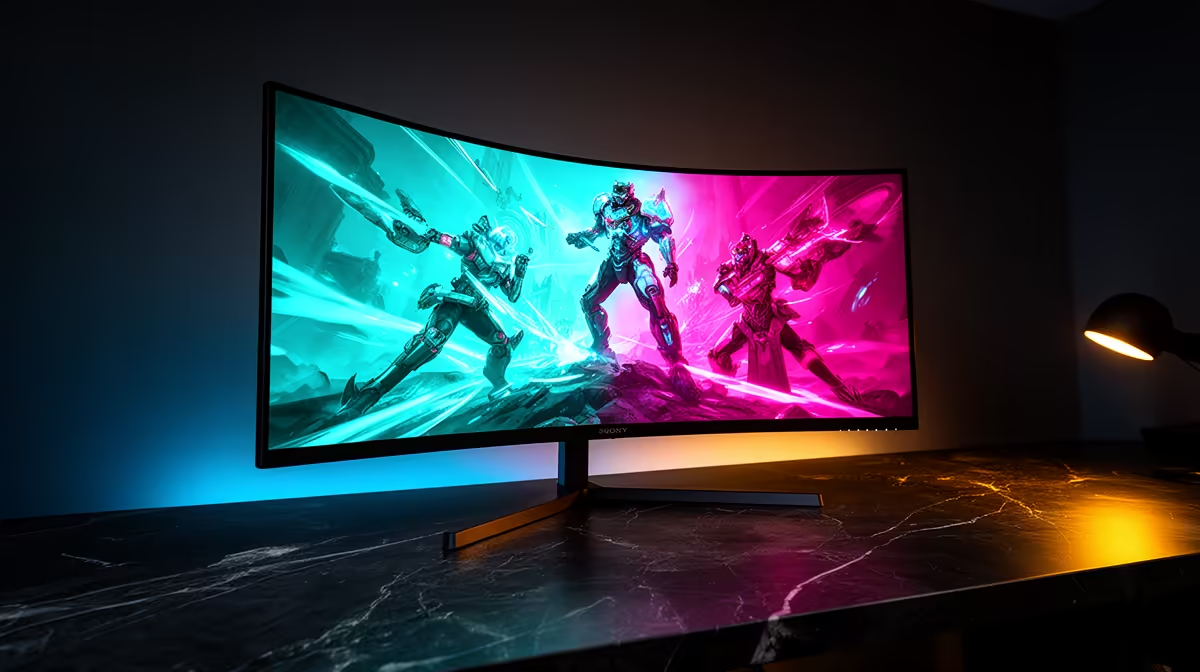
ViewSonic VX2779A 240Hz at R2,350 suits SA gamers who want the smoothest listed refresh rate first, while still keeping a gaming monitor practical for modelling and everyday desk work. If fast play matters more than extra resolution, it is the clearest starting point in this set.
Smooth refresh or modelling clarity
The ViewSonic VX2779A 240Hz at R2,350 is the pick when motion clarity is the main reason for upgrading. The 240Hz spec gives competitive games more headroom than the 200Hz options, and that same responsiveness can make orbiting, panning, and checking a SketchUp model feel more immediate on a busy creator desk.
The AOC 27in QHD 200Hz at R3,200 is better if you want more desktop detail with a still-fast refresh rate. Its QHD spec matters for model views, tool palettes, reference images, and browser tabs, while 200Hz is still quick enough for gaming after work. It costs more than the ViewSonic VX2779A 240Hz, but the sharper workspace is the reason to consider it.
Creator desk choice for gaming after modelling
For a mixed SA desk, MSI MAG 274F 200Hz at R3,006 sits between pure speed and daily comfort. Its 200Hz refresh rate is fast enough for shooters and racing titles, while the 27-inch class makes it easier to keep a model view and controls readable without turning the desk into a multi-screen setup.
Dell SE2726H 144Hz at R1,797 is the budget option for casual gaming and general study or office work, while Dahua LM25 200Hz at R1,850 is the low-cost high-refresh alternative if the smaller screen size is acceptable.
Ready to choose the right gaming monitor?
Use Dell SE2726H 144Hz at R1,797 as the gaming room benchmark, then check whether its listed spec matches the space, workload, and upgrade path.