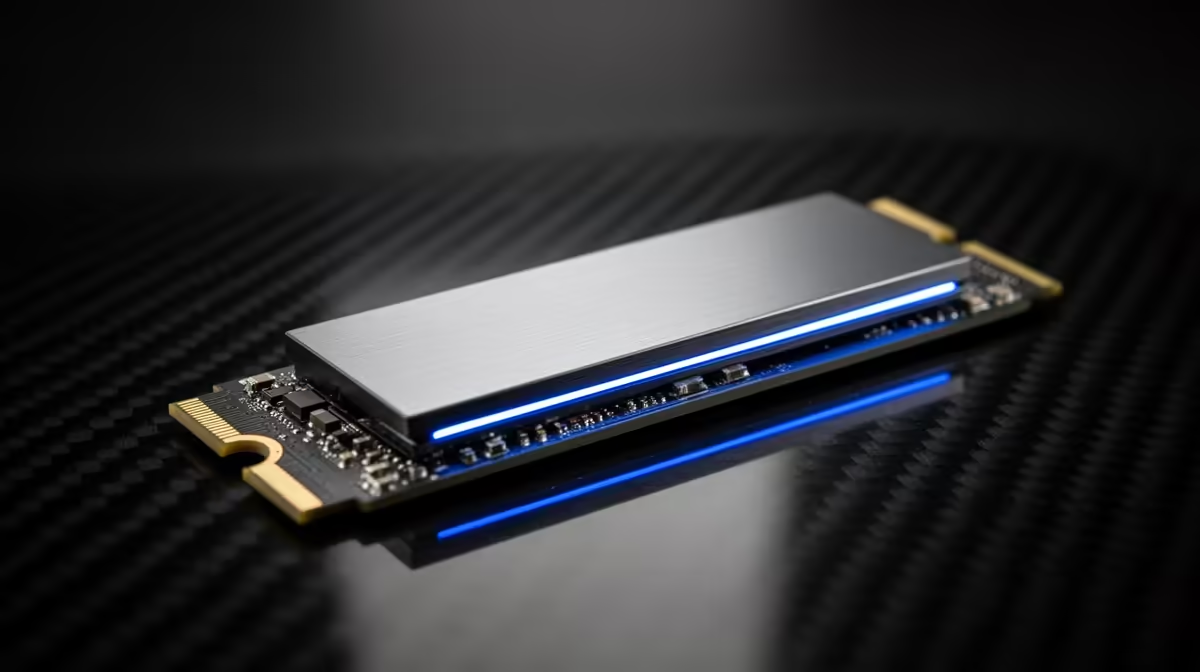
A 2TB SSD is the sweet spot for many gaming PCs because it holds Windows, everyday software and a rotating set of large games without forcing you to manage files each week. A 4TB drive earns its place when you keep a broad library installed, record gameplay or work with large media. Count the data before you pay for capacity.
Quick Answer
Choose 2TB for a curated game library. Move to 4TB when your measured folders, planned games and free-space buffer no longer fit with room for updates.
Start with usable space
The capacity printed on the box and the free space shown in Windows are not identical. Drive makers use decimal units, while the operating system reports space through a different convention. Formatting and system partitions take a little more. A 2TB drive will therefore show less than 2TB in the Windows view.
Then leave breathing room. SSD controllers use free flash for background management, write distribution and recovery from filled blocks. Performance can fall when a drive is packed close to the limit, especially during long writes. You also need room for game patches, which may require temporary working space beyond the final update size.
A sensible plan is to avoid allocating every last gigabyte on paper. Keep a buffer for updates and the games you discover next month.
What fits on 2TB
Game installations range from small competitive titles to releases that consume well over 100GB once texture packs and updates arrive. If your large games average 100GB, ten of them take about 1TB. Windows, applications, launchers, saved captures and smaller titles use the rest.
That makes 2TB comfortable for a player who keeps a focused group installed and removes completed single-player games. Fast fibre makes redownloading less painful where the connection and data arrangement support it. A slower connection gives local capacity more value.
Check your current game folders rather than using a rough internet list. In Windows, inspect the size of each library and your capture folder. Add the games you plan to buy, then allow space for growth.
You can compare form factors and interfaces in the solid-state drive range. Confirm whether your motherboard accepts an M.2 NVMe drive, a 2.5-inch SATA drive or both.
When 4TB becomes sensible
A 4TB SSD suits you when uninstalling games breaks the way you play. Perhaps a household shares one PC, your friends rotate through several multiplayer titles, or a large mod collection needs to remain in place. Flight simulators and creation suites can also grow far beyond their base installation.
Recording is another strong reason. High-bitrate 1440p and 4K footage consumes storage at a pace that game installations do not. If you edit that material on the same drive, working files, cache and exports can occupy several times the final video's size.
The larger drive can also postpone an awkward upgrade in a compact PC with one accessible M.2 slot. That convenience has value. It should be weighed against buying a 2TB drive now and adding another when the library grows.
Price per gigabyte is only one measure
Divide the drive cost by its capacity to compare value, but do not stop there. The 4TB model may offer a better ratio and still cost more than you need to spend. Money tied up in empty flash cannot improve frame rate, image quality or comfort.
Compare controller, flash type, endurance rating, warranty terms and sustained write behaviour. Two drives with the same capacity and interface can behave differently once their fast cache fills. For a game library, short load times and consistent reads matter. For large video transfers, sustained write speed matters more.
The SSD best-seller list gives you a practical shortlist. Open each exact model because manufacturers may sell several capacities with different endurance or performance figures.
NVMe generation and real game use
PCIe 4.0 NVMe drives can move sequential files at several gigabytes per second. Game loading also involves small reads, decompression and CPU work, so a higher headline number may shave little from a real loading screen. Check game tests rather than assuming PCIe 5.0 will feel twice as fast.
Your motherboard determines the interface each slot supports. A newer drive can operate in an older compatible slot at that slot's limit. Some boards share lanes between an M.2 connector and a SATA port or expansion slot. Read the manual before placing the drive.
Heat can reduce performance during long transfers. Use the motherboard's M.2 heatsink where the drive maker permits it, remove the protective film from the thermal pad and ensure case airflow reaches the area.
One large drive or two smaller drives
One 4TB drive keeps libraries tidy and leaves other slots free. Two 2TB drives let you separate games from work or recordings, and you can buy the second later. They also give you more flexibility when moving a library between PCs.
Two drives do not replace backup. If a file matters, keep another copy on separate storage and test that it opens. RAID and extra partitions do not protect against deletion, malware or a failed controller in the way a separate backup can.
For a fresh build, check how many M.2 slots remain usable after the graphics card and other expansion devices are installed. For an upgrade, open Disk Management and the motherboard manual before ordering.
Use your own library to decide
Add the size of your current system, applications, games and personal data. Add planned titles and a 15 to 20 percent operating buffer. If the result sits under about 1.5TB and you are happy to rotate games, 2TB is a strong fit. If it is pushing past that figure before recordings and future releases, 4TB will save repeated housekeeping.
Do the calculation once with your actual folders. It turns a vague capacity debate into a clean answer.
Frequently Asked Questions
Does a 4TB SSD make games faster than a 2TB SSD?
Capacity alone does not make a game faster. Controller, flash, interface and available free space affect performance.
Can I add a second SSD later?
Yes, when the motherboard has a compatible free connector and the case or lane layout supports it.
How much free space should I leave?
Follow the drive maker's guidance and keep enough room for updates and temporary files. A buffer around 15 to 20 percent is a useful planning target.
Measure your installed library and update buffer, then choose 2TB for a rotating collection or 4TB for a large library that must stay ready.