



PCIe 5.0 vs PCIe 4.0 for Strategy and Sim Games in SA
PCIe 5.0 and PCIe 4.0 differ most in lane support, compatibility, and upgrade value for strategy and sim games. SA buyers should match the choice to their actual hardware and games.
Read moreA 360mm AIO moves CPU heat through a liquid loop and radiator, with results shaped by the full system. This bundle uses ASUS ROG RYUO IV SLC 360; verify fit and measure temperatures and noise after installation.
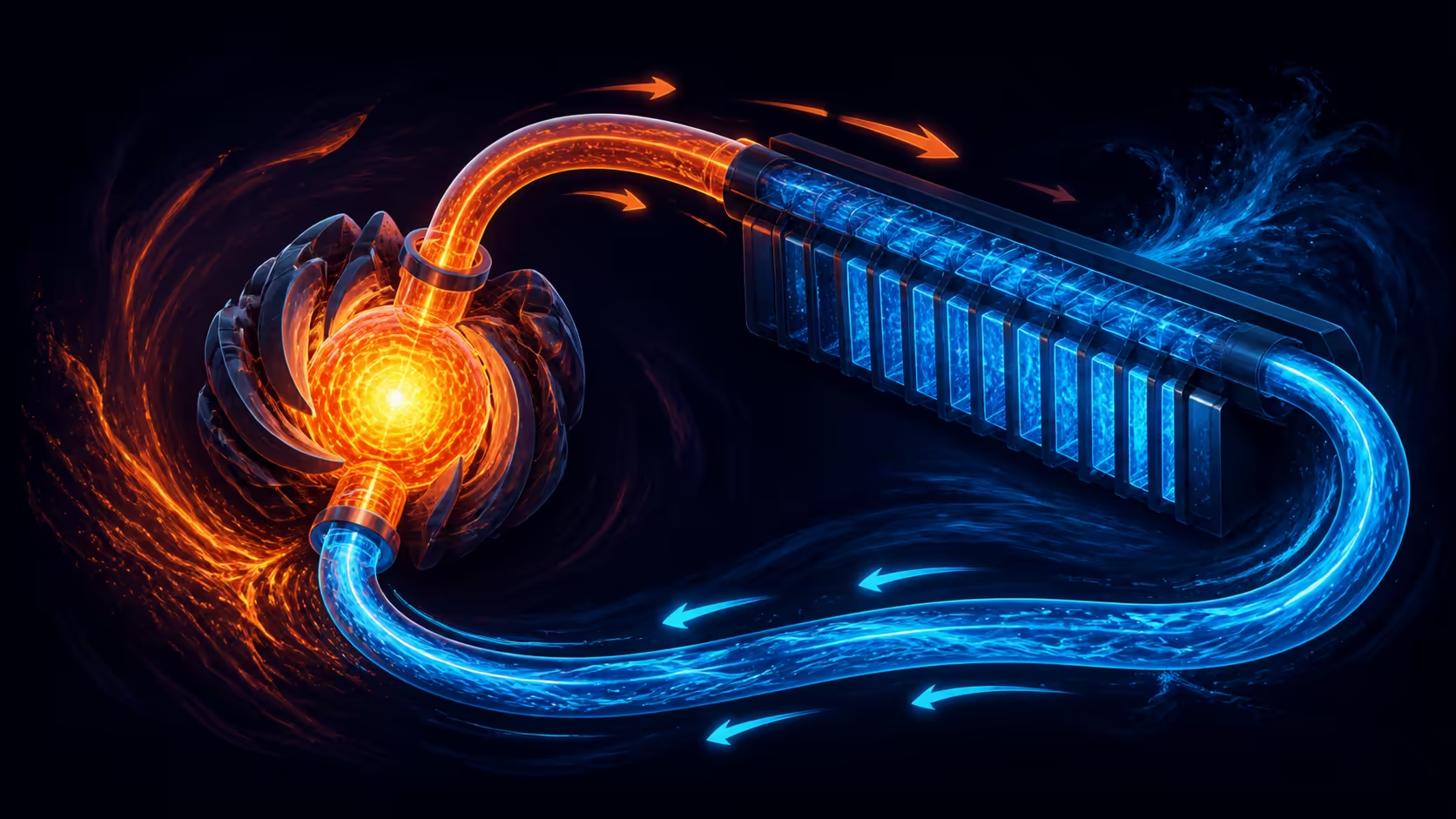
Liquid cooling transfers heat through a loop and radiator, but format alone cannot promise temperatures or silence. This 360mm AIO cooling guide explains the mechanisms and turns a high-performance desktop plan into measurable fit, thermal and acoustic checks.
A 360mm AIO carries processor heat to a radiator spanning three nominal fan positions. Costing R65,999, the 9950X3D2 bundle's cooling model is ASUS ROG RYUO IV SLC 360. Establish fit, temperature and sound on the completed system.
The cold-plate assembly receives heat from the processor area, liquid transports it around the loop, and the radiator exposes that energy to moving air. Fans then push the warmed air toward an exit. Each stage can affect the observed result.
A 360mm designation describes radiator format rather than an exact temperature. Processor workload, settings, contact, liquid flow, fan behaviour, case restriction and ambient air all influence the final measurement. Avoid predicting a result from size alone.
Ryzen 9 9950X3D2 defines the processor under the cooler. Its model does not supply a thermal outcome or decide radiator requirements without measurements from the complete test platform.
Evetech's AMD barebone-kit category offers other platform combinations for keeping cooling in system context.
Select workloads that represent actual use. A short game burst, a sustained render and an idle period answer different questions. Record the duration and settings so a later change can be compared fairly.
Check the target case's official radiator locations, then account for radiator and fan thickness together. Inspect clearances around the X870E board, 96GB memory, graphics hardware and cable paths.
Plan tube routing without forcing a particular bend or blocking access. Orientation affects physical assembly, so draw more than one arrangement if the case permits alternatives. An advertised mount position can still create a conflict with the chosen parts.
Mounting details must match the exact processor, board and cooler combination. Do not infer brackets, hardware or installation steps from the 360mm label. Review the product-specific instructions before work begins and keep every included part identified.
The enclosure also needs a coherent airflow route. Consider where cool air enters and where radiator exhaust travels relative to graphics and motherboard heat. The best arrangement is the one that meets observed system goals, not a universal orientation rule.
For temperature testing, hold ambient conditions, application input, workload duration and system settings steady. Allow the run to reach sustained behaviour and repeat it. Record processor temperature and clock response together so a cool result is not judged without performance context.
Acoustic assessment needs an equivalent load, a fixed listening position and the normal room. Pump, fans, airflow restriction and nearby components can contribute different sounds. A number or impression from another system cannot establish this build's result.
Set acceptance thresholds before changing controls. Decide what is tolerable during ordinary gaming and during a long professional task. Adjust one element at a time, then repeat the same sequence to learn whether the modification genuinely helped.
Assign noise and cooling results to the ROG RYUO IV SLC 360 only after measuring the completed machine under controlled conditions.
Review Evetech's Ryzen 9 upgrade-kit selection once case and acceptance conditions are defined.
If temperatures are higher than expected, confirm workload repeatability, ambient conditions, monitoring consistency and observed clock behaviour first. Then review the physical assembly and airflow using exact product instructions. Avoid changing several settings simultaneously.
If sound is the concern, identify whether it tracks processor load, fan speed, pump behaviour or another component. A slow step-by-step test is more useful than labelling the entire cooler noisy without isolating the source.
At R65,999, this cooler arrives as one part of a larger component package. The value comparison should include the CPU, motherboard and memory requirements as well as any case, fan or power changes needed to use the radiator format.
Document the final configuration and retest after updates. Stable notes turn future maintenance into a comparison with a known baseline and prevent a remembered impression from replacing evidence.
Use a four-stage commissioning run. Begin with a visual inspection while the machine is off, checking fasteners, clearances and the intended airflow direction. Continue with a short startup observation, then a moderate repeatable task, and only then the sustained workload chosen for acceptance. Stop the progression when an unexpected sound, temperature pattern or clock response appears; moving to a heavier stage can hide the first useful clue.
Record changes as a small experiment. If fan control is adjusted, leave processor settings and room conditions untouched. If the radiator airflow arrangement changes, return controls to the prior baseline. Give the system enough time to reach comparable behaviour before judging it. This isolates cause and effect without relying on a vague impression that one setup feels cooler.
Maintenance planning belongs in the cooling decision as well. Preserve access to the radiator, fans and surrounding filters when drawing the installation. Note the baseline sound and thermal pattern while the system is new, then compare later observations with that record. A gradual change is easier to recognise when the original state was measured.
The 360mm format should therefore be accepted through three independent results: physical installation without conflict, sustained workload behaviour that meets the thermal target, and acoustics suitable for the room. Passing one does not automatically pass the others, and no model name can replace those observations.
Repeat the commissioning workload after the computer has reached its normal final configuration. Extra drives, graphics activity and changed cable placement can alter airflow compared with an early open-case run. Use the final-case result as the maintenance baseline, then retain the earlier stages only as diagnostic history. This avoids treating a temporary assembly state as the cooler's long-term performance.
Keep a maintenance interval beside the final thermal baseline. When filters or radiator surfaces are inspected, rerun only the acceptance workload that originally established normal behaviour. Matching the method lets the owner distinguish gradual airflow change from a new software load or room condition.
It describes the radiator format, commonly spanning three nominal fan positions; it does not promise a temperature or noise result.
ASUS ROG supplies the RYUO IV SLC 360 as the liquid-cooling component.
No. Workload, settings, contact, airflow, ambient conditions and the whole enclosure influence measured cooling behaviour.
Use the same sustained load, room and listening position, then distinguish fan, pump, airflow and other component noise.
Confirm exact mounting hardware, radiator-and-fan clearance, tube route, component conflicts and a workable case airflow path.
No. Verify the precise cooler, processor, motherboard and enclosure together before assembly begins.
Ready to make 360mm cooling a measured system choice? Compare Evetech's Ryzen 9 upgrade kits after confirming physical fit and defining sustained thermal and acoustic acceptance runs.
It describes the radiator format, commonly spanning three nominal fan positions; it does not promise a temperature or noise result.
ASUS ROG supplies the RYUO IV SLC 360 as the liquid-cooling component.
No. Workload, settings, contact, airflow, ambient conditions and the whole enclosure influence measured cooling behaviour.
Use the same sustained load, room and listening position, then distinguish fan, pump, airflow and other component noise.
Confirm exact mounting hardware, radiator-and-fan clearance, tube route, component conflicts and a workable case airflow path.
No. Verify the precise cooler, processor, motherboard and enclosure together before assembly begins. {{PRODUCTS: { facets: { query: "upgrade kit" }, limit: 6, title: "Explore Liquid-Cooled Kits", style: "4" } }}
PCIe 5.0 and PCIe 4.0 differ most in lane support, compatibility, and upgrade value for strategy and sim games. SA buyers should match the choice to their actual hardware and games.
Read more
AM5 vs AM4 for video editing in 4K Difference explained is mostly about compatibility, budget, upgrade path, and setup fit. SA buyers should check device support and real needs before expecting a clear win from either option.
Read more
OLED vs QD-OLED for strategy and sim games buyers - what changes is mostly about compatibility, budget, upgrade path, and setup fit. SA buyers should check device support and real needs before expecting a clear win from either option.
Read more
DisplayPort 2.1 and 1.4 differences matter when SA PC builders match GPUs, monitors, and refresh targets. Use this difference between displayport 2 1 and displayport 1 4 explained pc builders guide to avoid mismatched parts.
Read more
Ray tracing vs Path tracing depends on Strategy and sim games needs, platform limits, and budget fit. Compare compatibility, latency, upgrade path, and real setup constraints before choosing for an SA build.
Read more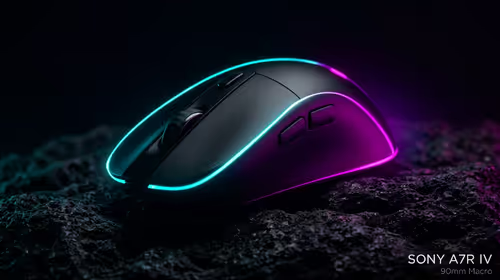
wireless mouse guide for Gqeberha gamers should be shortlisted around the job it must do. South African buyers should compare sensor, shape, weight, and wireless latency, warranty path, and upgrade room before treating any pick as best.
Read more
From 1 October 2026, WhatsApp Business Platform service replies in South Africa are expected to cost about $0.0076, or 12 cents, per delivered message.

DDR5-8000 RAM Kits pros and cons depend on the build, budget, and workload. Weigh gaming needs, platform fit, power, cooling, warranty support, and South African pricing context before shortlisting it.

Wi-Fi 6E vs Wi-Fi 6 depends on AAA single-player gaming needs, platform limits, and budget fit. Compare compatibility, latency, upgrade path, and real setup constraints before choosing for an SA build.

Ryzen 9 9950X3D dead pixel checks should isolate the panel first. Run colour fills, inspect the monitor menu, test another cable or input, and capture proof before linking it to the SA CPU upgrade.

YouTube will count public views from the first frame across video formats from 24 August, while earnings and eligibility remain tied to engaged viewing.

Canonical expects Ubuntu on WSL users to outnumber native Ubuntu desktop users before the end of 2026. The software is open source and runs inside supported Windows PCs.

Telkom's daily bundles pair WhatsApp access with 10 all-network voice minutes. The R15 option includes 300MB, while the R17 option uses a fair-use threshold.

A 10,000-hour test found similar image retention across older and newer OLED TVs, while newer panels were brighter and more efficient. Local OLED monitors started at R9,999.

Windows 11 update KB5121003 is linked to crashes in several multiplayer games on versions 24H2 and 25H2. Check the build, report the fault and avoid risky file or update changes unless the problem is confirmed on your PC.

Comsol's standalone 5G network covers about one million Gauteng homes and starts commercial ISP service in September. Early packages range from R275 to R875 a month, but coverage and fair-use rules still decide the real value.

Sennheiser's Momentum True Wireless 5 adds user-replaceable batteries, 12-hour playback and a $299.95 launch price. There is no confirmed South African date, so compare longevity with live earbuds from R199 to R2,999.

AVerMedia's GC531 and GC535 are professional HDMI capture devices for continuous streaming, with RGB24 capture up to 2K30 and 4K30. South African creators should compare them with live 4K capture cards from R2,099.