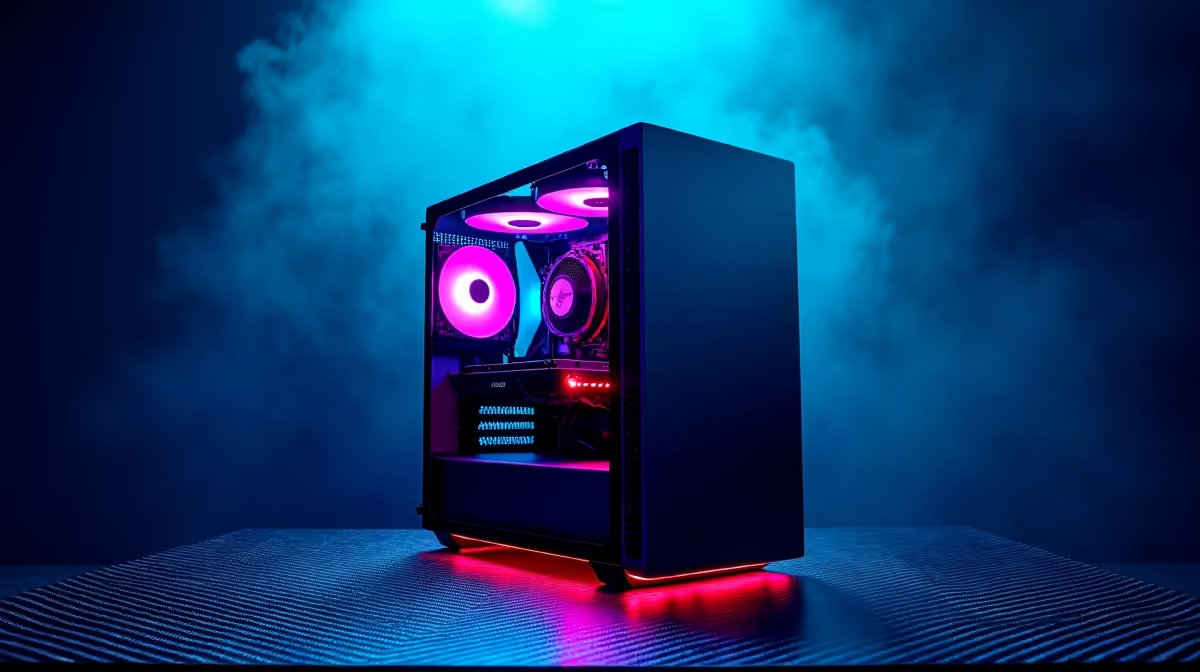
A 3D rendering workstation is usually excessive for music production unless the same computer will also create demanding visual work. Audio projects reward low-latency drivers, a capable processor, enough memory and quiet cooling. Expensive professional graphics add little to mixing, virtual instruments or multitrack editing on their own.
Build around the sessions, not the label
Open the largest real project, set the intended sample rate and buffer, then play the busiest section with every usual plug-in active. Watch processor peaks, memory use, storage response and audio dropouts. This reveals whether the current machine needs a targeted upgrade or a full replacement.
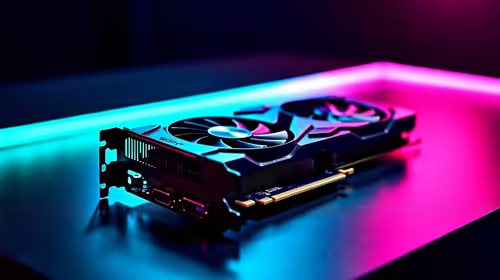
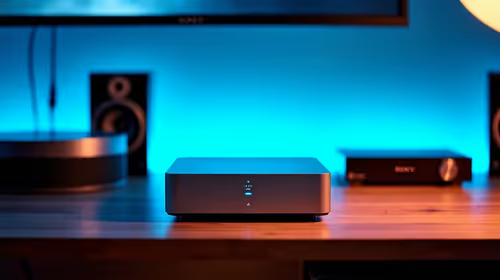
The factpacks verify the Minisforum UM750L with Ryzen 5 7545U, 16GB memory and a 1TB SSD at R4,600. It is a compact reference point for lighter production, but its ports, upgrade options and audio-device support still need checking. The Ryzen 5 9600X processor appears at R3,500 for a custom desktop route. A discrete GPU such as the Palit RTX 5060 8GB at R4,800 becomes relevant only when genuine 3D rendering is part of the workload.
Budget separately for a compatible audio interface, monitors, headphones, acoustic treatment and backup storage. Quiet fans and stable USB connectivity can matter more in a home studio than workstation branding. Buy extra graphics capacity only after the actual visual application and renderer justify it.
Building a quieter production computer? > Compare verified processors, compact PCs and graphics options with Evetech around the real workload.