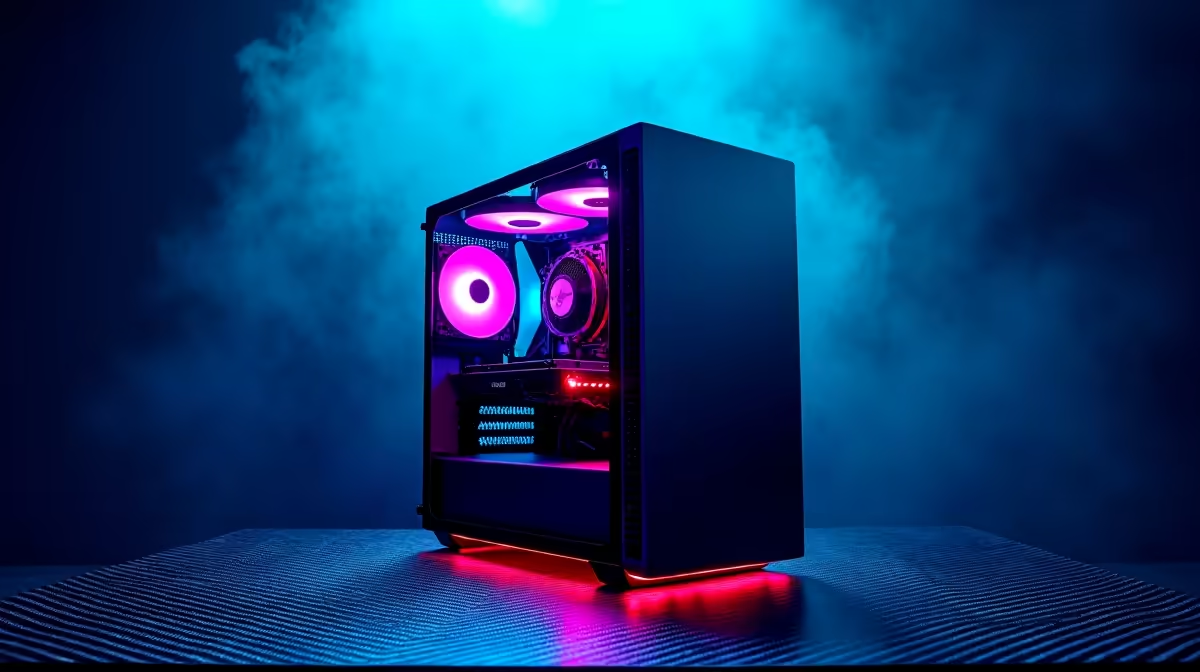
A 3D rendering workstation can be worthwhile for local AI models when both workloads need the same supported GPU, ample graphics memory, system memory and sustained cooling. It can also be an expensive mismatch if the model framework or renderer favours different hardware.
Profile one scene and one model
Choose a representative render with real textures and a representative inference or training job. Record peak GPU memory, system memory, runtime, storage use, temperature and noise for each. Check whether they must run together or can be scheduled at different times.
The PNY RTX PRO 4000 24GB at R16,700 and PNY RTX 2000 Blackwell 16GB at R12,000 are verified professional graphics references. The Palit RTX 5070 Ti 16GB at R12,700 is a confirmed gaming-card reference. These are components rather than complete workstations or software certifications. Verify current renderer and framework support, power, motherboard fit, cooling and warranties.
Keep environments reproducible, version model weights and maintain independent backups for scenes, textures and datasets. Plan checkpoint storage and validate that the PSU has appropriate capacity plus native connectors. A quiet idle desk may still become loud under hours of sustained compute.
Buy one combined machine when both profiles fit comfortably and shared downtime is acceptable. If one task is rare, occasional remote compute or separate access may avoid oversizing the daily workstation.
Combining 3D and local AI work? > Compare Evetech professional GPUs from measured memory and software support.