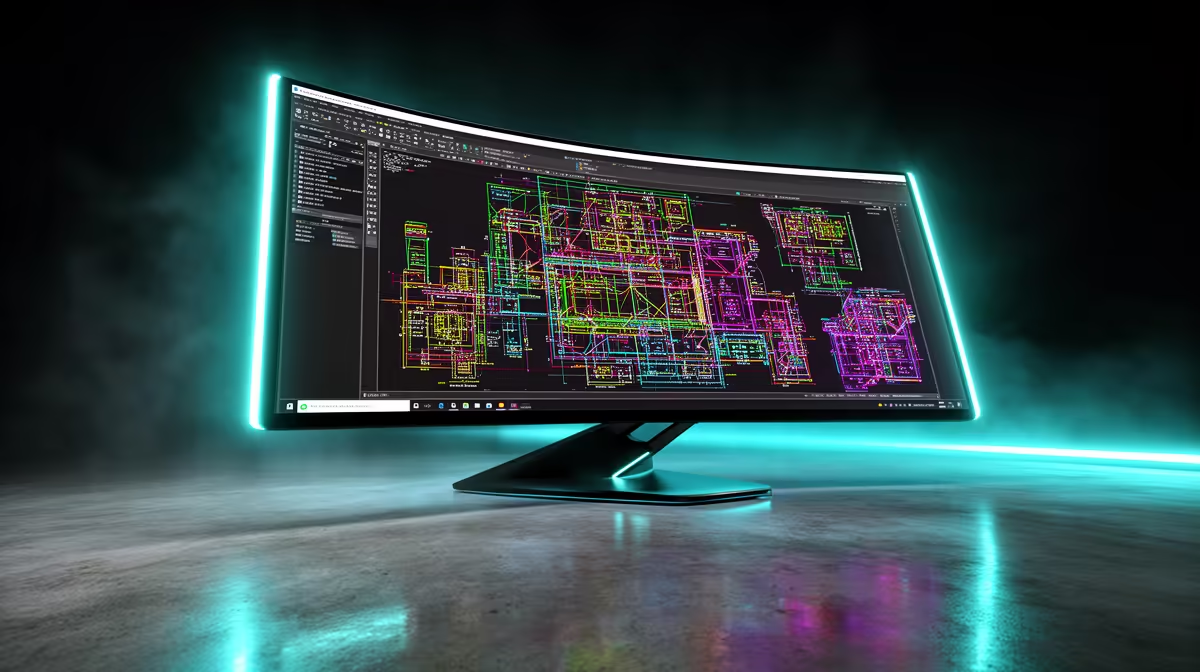
AOC 27"W IPS, QHD,200Hz,1H1DP, HAS MONITOR at R3200 suits an engineering student who wants sharper workspace detail now while deciding whether a 4k monitor is worth the desk space and GPU demand.
Best 4K monitor direction for engineering study
For CAD drawings, spreadsheets, lecture notes, and reference PDFs, 4K makes sense when you will actually use the extra resolution every day. The AOC 27"W IPS, QHD,200Hz,1H1DP, HAS MONITOR at R3200 is not 4K, but its QHD panel gives a useful middle ground: more room than FHD, a 27-inch size, and 200Hz smoothness for gaming after class.
The Dell SE2726H 27-inch 1920 x 1080p FHD 16:9 144Hz 1ms LED IPS Monitor 210-B at R1797 is the value pick if your engineering workload is mainly notes, coding, browser research, and Teams calls. Its 27-inch FHD IPS screen keeps text large and readable, while 144Hz and 1ms make it more flexible than a basic office display.
SA engineering student desk check
On a student desk, the real question is viewing distance. A DAHUA DHI-LM27-A201X 27" LED MONITOR 100Hz at R1500 gives a large 27-inch canvas for a laptop plus monitor setup, and the 100Hz refresh rate feels cleaner than a basic 60Hz screen for scrolling drawings and documents.
Ready to choose the right 4k monitor?
Use DAHUA DHI-LM27-A201X 27" LED MONITOR 100Hz at R1,500 as the student desk benchmark, then check whether (622 in stock) matches the space, workload, and upgrade path.