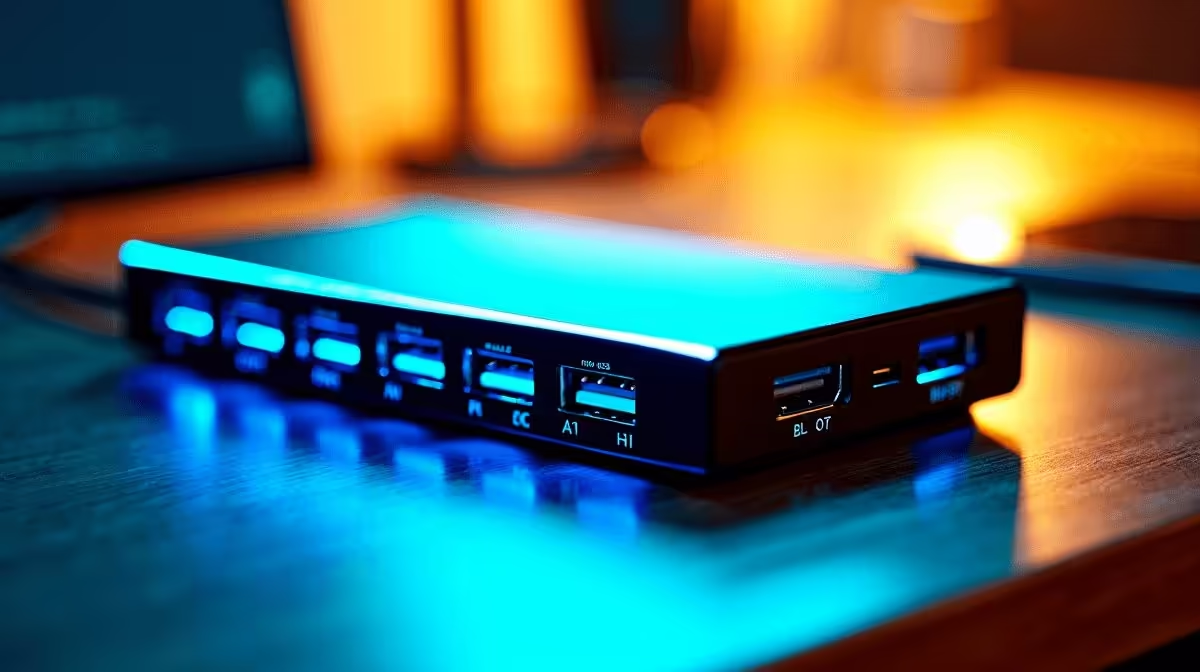
Pick up any budget 6-in-1 USB hub at a Cape Town tech counter and the box will almost certainly claim 4K support. What it quietly avoids mentioning is the frame rate. Most of these compact hubs cap out at 30Hz per display, and running two 4K screens simultaneously pushes them even further into compromise territory.
Quick Answer
No. The vast majority of 6-in-1 USB-C hubs cannot drive dual 4K monitors at 60Hz. They typically manage a single 4K output at 30Hz, or two 4K outputs at 30Hz if the host chipset is generous. To get 60Hz across two 4K screens you need a hub or dock built around DisplayPort 1.4 with Display Stream Compression, or a Thunderbolt connection.
🔍 Why the 6-in-1 Format Hits a Wall
A 6-in-1 hub packs in USB-A ports, an SD card slot, HDMI or DisplayPort, and power delivery into a palm-sized shell. That convenience comes at a cost: the internal bridge chip is usually a single-stream USB 3.2 Gen 1 controller with one display lane.
Driving two 4K panels at 60Hz demands roughly 17.28 Gbps of raw display bandwidth per screen. USB 3.2 Gen 1 tops out at 5 Gbps total across everything the hub is doing, including your mouse, keyboard, and file transfers. There is simply no headroom for two high-frame-rate 4K streams, so the hub negotiates down to 30Hz to fit within its limits.
The result is a monitor that looks slightly soft in motion, with mouse cursors that appear to lag across the desktop. For video editing or fast-scrolling spreadsheets, 30Hz on a large screen becomes noticeable within minutes.
🔧 What the Spec Sheet Actually Means
Manufacturers print "4K" without specifying 30Hz or 60Hz because both are technically 4K. The distinction matters enormously in practice.
When evaluating a hub, look for these indicators of genuine dual-4K-at-60Hz capability:
DisplayPort 1.4 output with DSC support. Display Stream Compression is a visually lossless codec that squeezes a 60Hz 4K signal through the available bandwidth. Without DSC, a single DP 1.4 lane is not quite wide enough for two full 4K streams at 60Hz.
Thunderbolt 3 or 4 host connection. Thunderbolt's 40 Gbps tunnel gives the hub far more room to carry two independent display streams alongside data and power delivery. If your laptop has a Thunderbolt port rather than a generic USB-C port, a Thunderbolt-certified hub or dock can actually deliver on the dual-4K-60Hz promise.
Dual HDMI 2.0 or DisplayPort outputs. A hub with a single video output cannot drive two monitors independently regardless of the spec, so physical port count matters too.
A 6-in-1 hub rarely meets any of these criteria. That format is priced around R800 to R1,200 in South Africa, which reflects a chipset budget that does not include Thunderbolt licensing or high-bandwidth display controllers.
🖥️ When a 6-in-1 Hub Is Enough
Not every setup needs 60Hz on two 4K screens. If you work primarily in documents, chat tools, and browser tabs, 30Hz on a large secondary display is often imperceptible during normal use. Content authors who only need extra screen space for a reference panel can function perfectly well with a budget 6-in-1 hub.
The hub also works if you drive a single 4K monitor at 60Hz and use the second port for a 1080p or 1440p screen. Lower-resolution displays demand less bandwidth, so the allocation balances more favourably.
Where the 6-in-1 genuinely falls short is a dual-4K workstation for video grading, CAD, or laptop gaming. The frame-rate compromise affects work quality directly, and stepping up to a proper multi-stream dock becomes a practical necessity.
Frequently Asked Questions
Can a 6-in-1 USB-C hub output to two monitors at once?
Yes, but almost always at 30Hz per screen in 4K mode. Many budget 6-in-1 hubs share a single display output lane, meaning the second monitor may mirror the first rather than extend the desktop independently.
What does "4K 30Hz" actually feel like on a large monitor?
At 30 frames per second, cursor movement and scrolling appear slightly choppy. It is workable for static content like documents, but video playback and fast spreadsheet navigation both reveal the limitation clearly.
Does the laptop's USB-C port type affect the result?
Yes, considerably. A Thunderbolt port on the laptop gives the hub access to far more bandwidth than a standard USB 3.2 port, even if both use the same physical connector.
What is the cheapest way to get dual 4K at 60Hz?
A Thunderbolt 3 or 4 dock typically starts around R2,000 to R3,500 in SA, and it is the most reliable path to genuine dual-4K-60Hz performance from a single cable to your laptop.
Is there any firmware update that can fix a 30Hz hub?
No. The 30Hz limitation is a hardware constraint set by the bridge chip inside the hub. Firmware cannot change the physical bandwidth of the chip's display controller.
Ready to find a hub that actually delivers?
Browse Evetech's full range of USB-C hubs and multi-port docking stations to compare bandwidth specs and port configurations before you buy.