Choose a 750W power supply for a distance-learning computer only when the final processor, graphics card and upgrade plan require that capacity. Video classes, browsers and documents do not need a high-wattage PSU by themselves, and laptops use their own external power systems.
Start with the complete desktop parts list
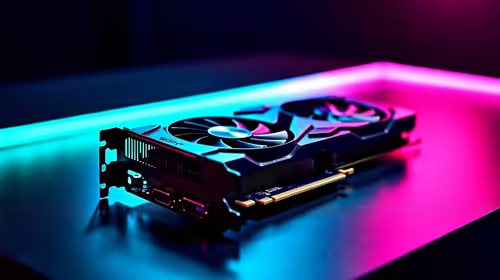
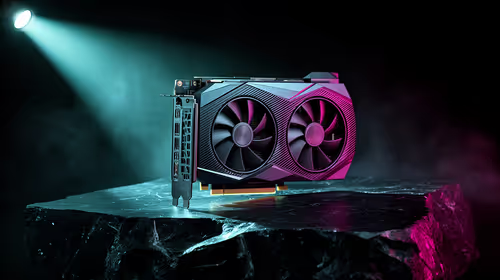
Identify course software, then specify the CPU, GPU, drives and cooling needed for it. Use component guidance to calculate load and transient demand. Confirm connector types, chassis dimensions and whether any future graphics upgrade is realistic.
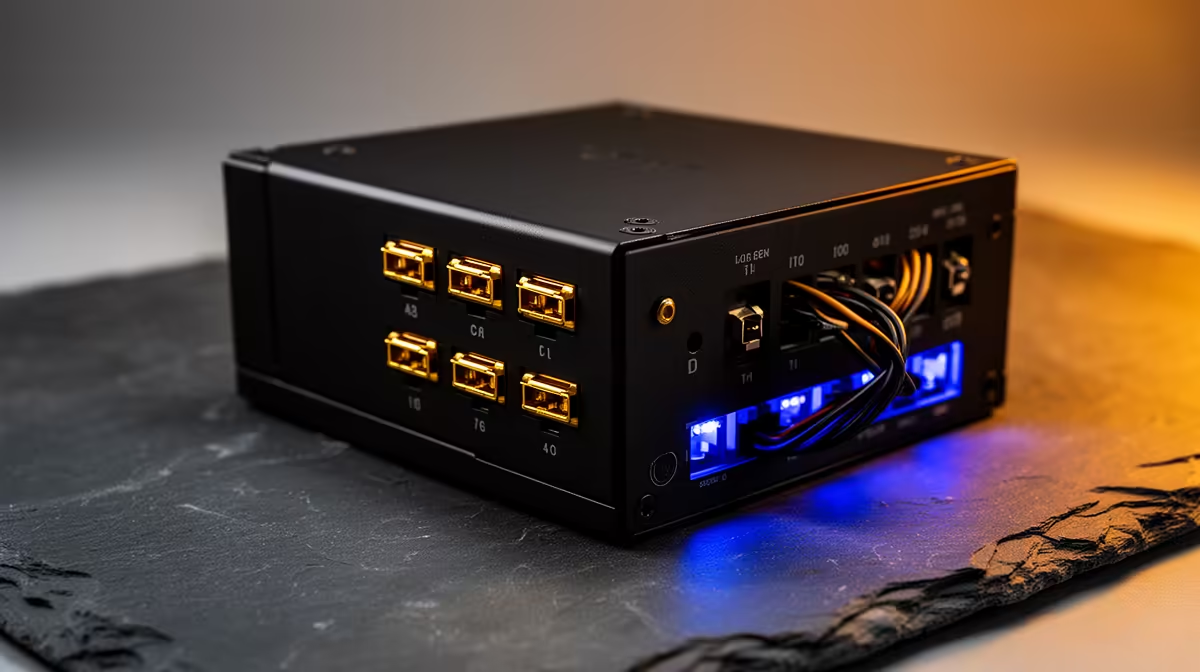
The DeepCool PF750 750W PSU is verified at R550. The Cooler Master Elite 850W Gold ATX 3.1 model at R930 provides another capacity reference. Compare exact revision, protections, efficiency, cable arrangement, connector standard, dimensions and warranty rather than buying from budget alone.
Never open a PSU or mix modular cables between models. Keep coursework in versioned independent backups, protect learning accounts and provide a safe shutdown routine. A PSU cannot replace battery backup or solve an unstable internet connection.
Buy 750W only when the documented desktop fits its capability with modest headroom. A smaller correctly specified computer or laptop may suit ordinary remote study more efficiently. Include webcam, monitor and router power only in an appropriate total-load plan. Keep power continuity requirements separate from ordinary PSU sizing.
Building a distance-learning desktop? > Compare Evetech PSUs against the final specification.