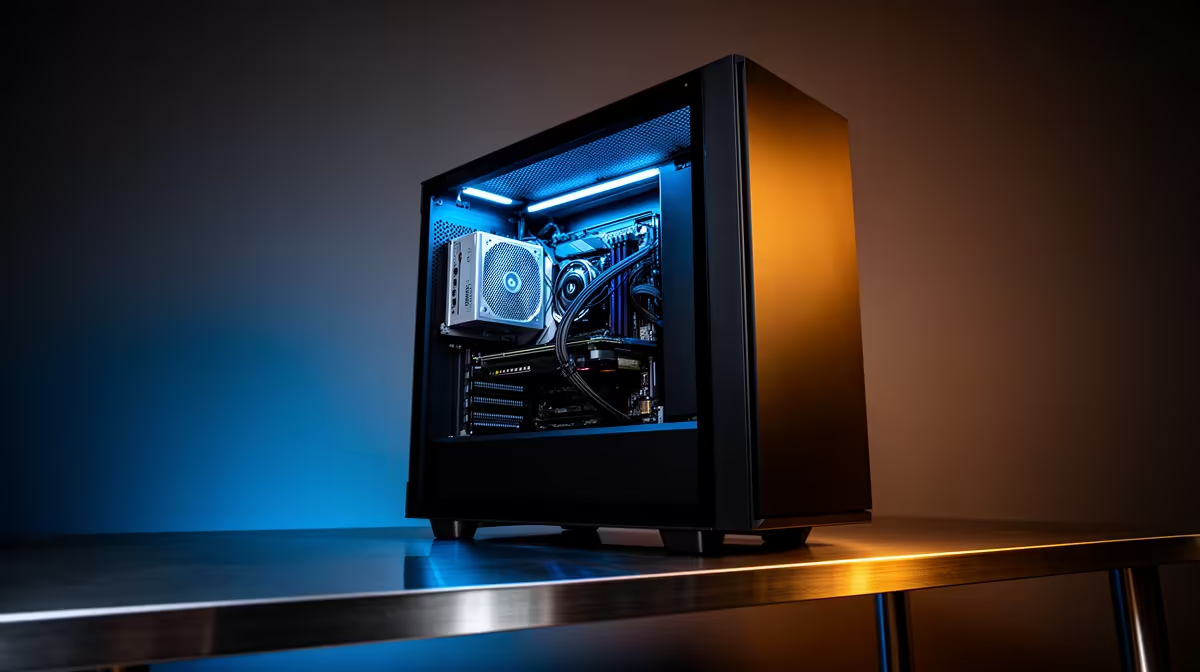
A 750W power supply can support a family computer when it matches the installed hardware, but homework does not require that capacity by itself. Documents, browsing, calls and school platforms usually place modest load on a PC. The graphics card, processor, connectors and upgrade plan determine wattage.
Calculate component power and test the family workload separately
Record the exact graphics card, processor, motherboard, storage, fans and planned upgrades. Follow component guidance and check native connectors. Then run the normal browser tabs, school platform, video call, documents and any family game together, observing memory, processor, temperatures and stability.
The DeepCool PF750 750W at R550 is a verified PSU reference. Confirm current efficiency, protection features, cable set, dimensions, connector provision, compatibility and warranty on the live listing. Its verified price and wattage do not prove that a particular household computer needs it.
Use only cables supplied for the exact unit, verify case clearance and arrange competent installation when internal wiring is unfamiliar. Keep assignments, photos and important documents in tested independent backups. Upgrade memory or storage when family use exposes those limits.
Buy 750W only when the component calculation supports it. Retain a reputable suitable existing supply when its capacity and condition remain appropriate.
Check homework stability before changing any internal power component.
Powering a family PC? > Compare Evetech PSUs by verified hardware load and connectors.