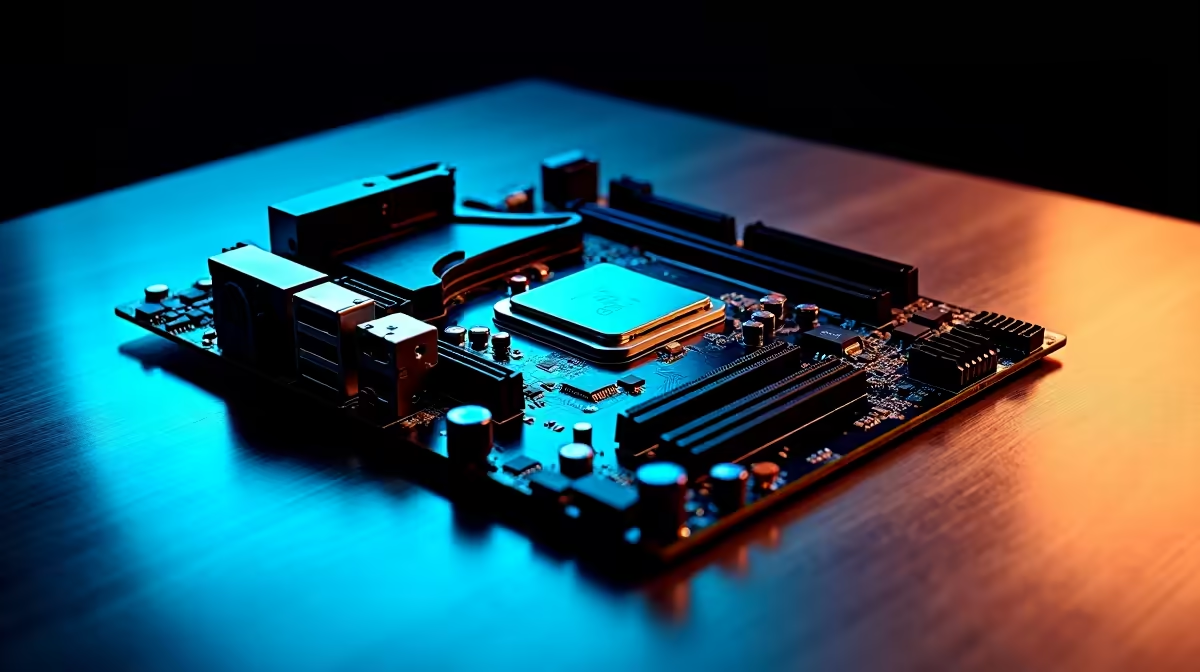
Building a new PC in South Africa is always an exciting mission... especially with fresh silicon on the market. For the latest processors, you need a smart motherboard buying guide for Intel Core Ultra Series 2 builds. These CPUs bring massive power efficiency and AI performance to the table. But without the right foundation, you will bottleneck that shiny new processor before you even boot up.
The LGA 1851 Socket Shift 🔧
The first rule of Intel Core Ultra Series 2 is understanding the socket change. You cannot drop these new chips into older 12th or 13th Gen boards. They require the brand-new LGA 1851 socket. When you shop for the latest motherboards, you must filter for the 800-series chipsets. This new platform introduces advanced PCIe 5.0 lane distribution. That means faster storage and better graphics card bandwidth for your rig.
Finding Your Ideal Z890 Board
For high-end gaming and heavy workloads, the Z890 chipset is the undisputed king. It allows for full processor overclocking and offers massive connectivity upgrades. We are talking integrated Thunderbolt 4 ports and cutting-edge Wi-Fi 7 capabilities.
If you want premium power delivery and bulletproof reliability... exploring ASUS Intel motherboards is a fantastic starting point. ASUS boards offer robust VRM heatsinks. This cooling is absolutely vital for maintaining boost clocks during our warm South African summers. Plus, quality components survive loadshedding power surges much better.
Motherboard prices can range from around R4,000 up to premium R15,000 tiers. Always balance your board cost with your CPU choice. Of course... if you suddenly decide to switch sides to Team Red, you can always browse our ASUS AMD motherboards instead.
DDR5 Memory is Now Mandatory ⚡
Here is a crucial detail for your smart motherboard buying guide for Intel Core Ultra Series 2 builds. These new processors have completely dropped DDR4 support. You must factor DDR5 into your ZAR budget from day one.
The sweet spot for price and gaming performance right now is around 6000MHz with low latency timings. Grabbing a high-quality DDR5 memory kit ensures peak efficiency. Do not cheap out on RAM... it feeds data directly to your CPU cores.
Memory Tuning Pro Tip 🚀
Always enable XMP in your BIOS after installing new DDR5 RAM. Motherboards run memory at slower default speeds out of the box for stability. Enabling XMP helps optimise your system to reach the full speed you paid for.
Skipping the Assembly Line ✨
Matching sockets, chipsets, and memory speeds can sometimes feel a bit overwhelming. The PC building process requires patience and careful planning. If you want to skip the technical research and just start playing, we have you covered.
You can easily bypass the entire build process. Just check out our best gaming PC deals. Our technical experts perfectly balance the motherboard, cooling, and CPU combinations for you. You get a fully stress-tested machine delivered straight to your door.