Ever missed a crucial shot in Apex Legends because your finger slipped? Or maybe you've felt that nagging fatigue in your hands after a long coding session? The culprit might not be your skill, but something far more subtle: your keyboard's actuation force. Understanding this tiny detail is key to unlocking speed, comfort, and precision. It’s the secret sauce behind every satisfying keystroke, and we’re here to explain exactly what keyboard switch resistance means for you.
What is Actuation Force, Really?
In simple terms, actuation force is the amount of pressure required to register a key press. Measured in grams (g), it’s the minimum force needed to push a key down to the point where it sends a signal to your PC. Think of it as the "trigger weight" for your keys.
A lower actuation force means a lighter touch is needed, while a higher force requires a more deliberate press. This single specification has a massive impact on how a keyboard feels and performs, whether you're typing an essay or clutching a 1v3 in Valorant. This concept of keyboard switch resistance is fundamental to choosing the right tool for the job.
Why Keyboard Switch Resistance Matters for You
The ideal actuation force isn't one-size-fits-all; it depends entirely on your primary use case. What works for a pro gamer might be a nightmare for a writer.
For the Competitive Gamer ⚡
Speed is everything. Gamers often prefer switches with a lower actuation force (typically 45g-50g), like the popular Cherry MX Reds. A lighter touch allows for faster reactions, rapid-fire key presses, and less finger fatigue during marathon gaming sessions. When every millisecond counts, a switch that actuates with minimal effort can give you the edge. If you're hunting for a competitive advantage, exploring different gaming keyboard deals is a great place to start.
For the Typist and Programmer ✍️
Accuracy is king. If you spend your days writing code or reports, a slightly higher actuation force (around 50g-65g) can be a blessing. This increased keyboard switch resistance helps prevent accidental keystrokes and typos, leading to a cleaner workflow. Tactile switches, like Cherry MX Browns or Blues, provide physical feedback at the actuation point, further boosting typing confidence. A solid keyboard is a great investment for any productive setup, often found in affordable keyboard and mouse combos.
Try Before You Buy (Virtually) 🔧
Can't decide between linear, tactile, or clicky? Look up "keyboard switch tester" videos on YouTube. Hearing the sound profiles and seeing the force graphs can give you a surprisingly good feel for what you might prefer before you spend your hard-earned ZAR.
A Quick Guide to Common Switch Types
Mechanical keyboard switches are often identified by their colour, which usually corresponds to their characteristics, including their actuation force.
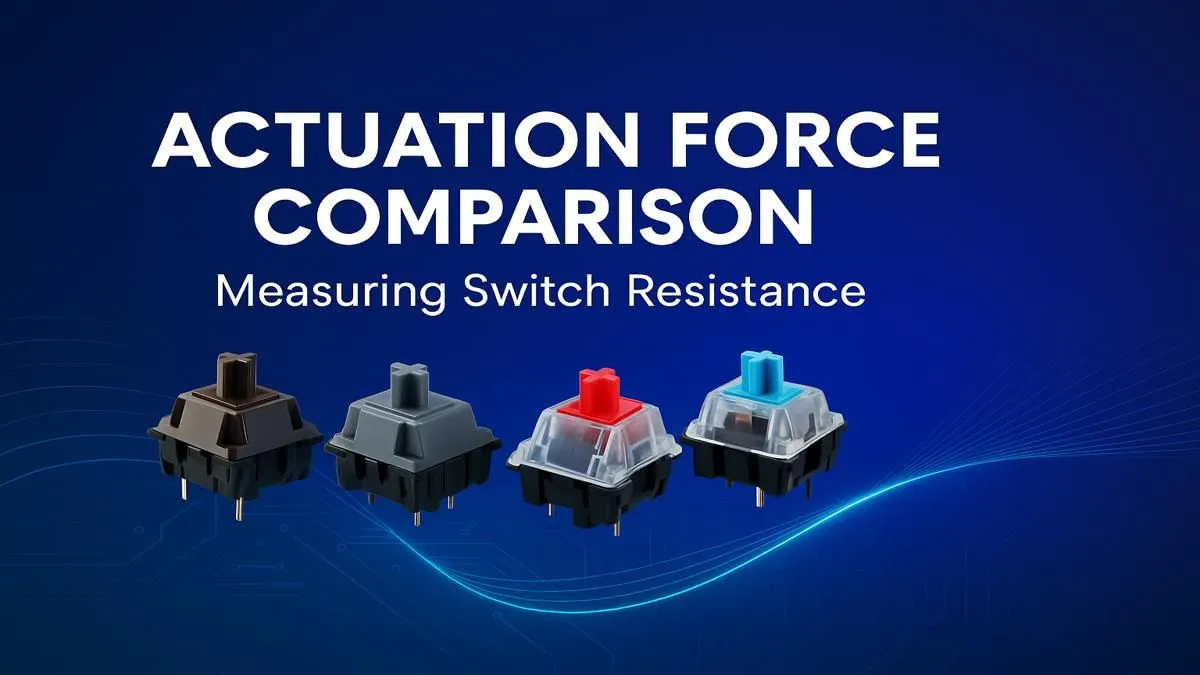
- Linear Switches (e.g., Red, Black): These offer a smooth, consistent press from top to bottom with no tactile bump. Reds are light (around 45g), making them a gamer favourite. Blacks are heavier (around 60g), requiring a more forceful press.
- Tactile Switches (e.g., Brown): These provide a noticeable but quiet "bump" mid-press to let you know the key has been actuated. They are a fantastic middle-ground (around 55g), making them versatile for both gaming and typing.
- Clicky Switches (e.g., Blue): Famous for their satisfying "click" sound and distinct tactile bump, Blues are a typist's dream. They generally have a slightly higher actuation force (around 60g) to overcome the click mechanism. You can find a massive variety of standalone keyboard switches if you're looking to build your own custom board.
Even if you're on a tight budget, you can find entry-level mechanical keyboards that let you experience these differences without breaking the bank. Check out some of the cheapest gaming keyboards in South Africa to get started.
Beyond the Force: Ergonomics and Customisation ✨
Choosing the right actuation force also plays a role in long-term comfort. Using a switch that’s too heavy for you can lead to repetitive strain, while one that’s too light might cause you to bottom out keys harshly. To improve your setup's ergonomics, consider adding a supportive wrist rest, which helps maintain a neutral wrist posture.
And don't forget, the journey doesn't end with the switch. You can further personalise the look and feel of your board with custom keyboard keycaps, turning your keyboard into a true reflection of your style.
Ready to Find Your Perfect Match?
Understanding actuation force is the first step to mastering your domain. The right keyboard switch resistance transforms your hardware from a simple tool into a true extension of your will. Explore our massive range of gaming keyboards and find the perfect machine to conquer your world.