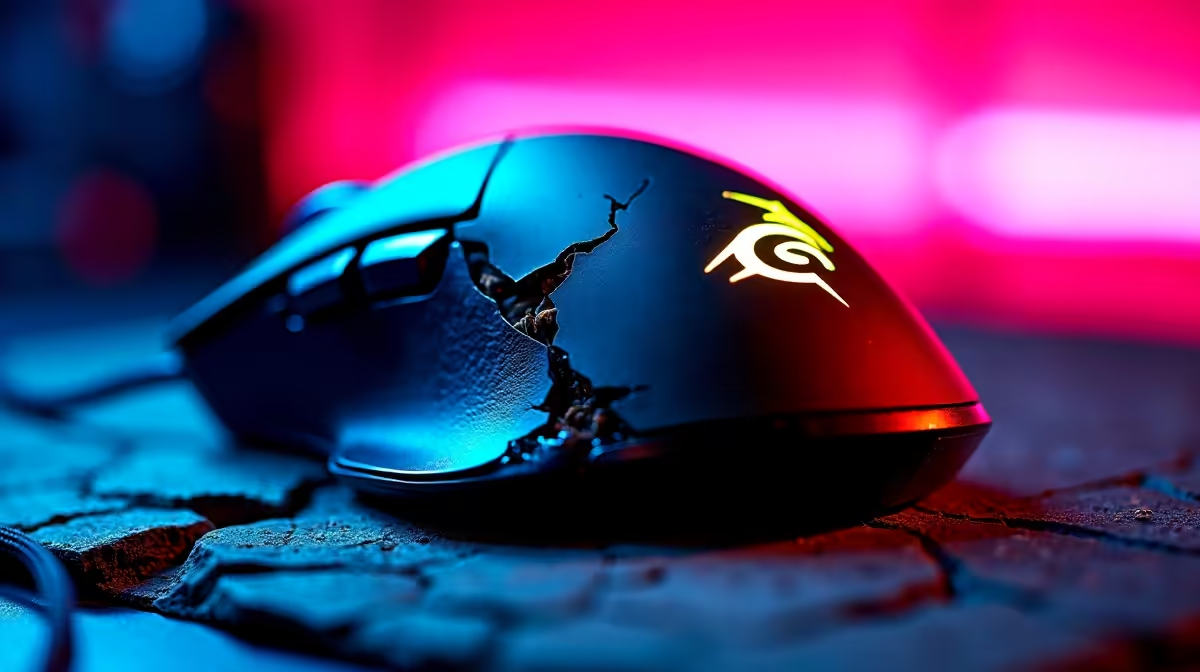
We’ve all been there. You’re scrolling online and spot a "gaming" mouse for R150. It’s got flashy lights, an aggressive design, and promises to level up your gameplay. You add it to your cart, thinking you’ve scored a massive bargain. But a few weeks later, the scroll wheel is squeaking, your aim feels floaty, and you’re wondering if you should’ve just saved your cash. This is the classic trap of cheap peripherals.
Let's talk about the affordable gaming accessories to avoid in South Africa and how to spend your hard-earned Rands wisely.
The Unbranded Gaming Mouse Trap
That suspiciously cheap gaming mouse is often the biggest culprit. While it might look the part, its internal components are where corners are cut. The sensor, the most critical part, is usually a low-grade office model. This leads to poor tracking, low polling rates, and even "pixel skipping," where your cursor jumps unpredictably. Trying to land a precise headshot in Valorant becomes a game of chance. ⚡
The build quality is another major issue. Flimsy plastic, buttons that feel mushy after a week, and switches not rated for intense gaming sessions mean it won't survive long. Instead of throwing money away on a disposable mouse, it's smarter to view your purchase as an investment in reliable gaming accessories that won't let you down mid-match.
Why "Mechanical-Feel" Keyboards Can Be a Letdown
Next on our list of affordable gaming accessories to avoid are keyboards advertised as "mechanical-feel" or "mecha-membrane." These are often just standard membrane keyboards with slightly more resistance and a clicky sound effect. They lack the true tactile feedback, speed, and durability of a genuine mechanical keyboard.
A more serious problem with ultra-cheap keyboards is ghosting. This is when the keyboard fails to register multiple simultaneous key presses. Imagine you’re trying to sprint, jump, and reload at the same time in Apex Legends, but your keyboard only registers two of the actions. That's a recipe for frustration. A good budget keyboard will at least offer anti-ghosting for the essential WASD cluster.
Pro Tip: Check for N-Key Rollover
When shopping, look for "N-Key Rollover" (NKRO) in the specs. This feature ensures that every single keypress is registered, no matter how many keys you press at once. It's a hallmark of a true gaming keyboard.
The Pitfalls of Cheap Gaming Headsets 🎧
A R250 gaming headset might seem like a steal, but your teammates probably won't agree. The number one failure point is the microphone. Cheap mics often sound tinny, distant, or pick up a huge amount of background noise, making your callouts impossible to understand. Clear communication is key, and a bad mic puts your squad at a disadvantage.
The audio quality for your own ears is usually just as poor. Muddy bass and non-existent highs mean you can't hear enemy footsteps or pinpoint the direction of gunfire. On top of that, they’re typically uncomfortable, with cheap foam earpads and a tight headband. Don't compromise your situational awareness; browse for quality gaming accessories from reputable brands that prioritise sound and comfort.
How to Buy Smart on a Budget
Avoiding bad gear doesn't mean you have to break the bank. The trick is to focus on trusted entry-level brands known for quality, like Redragon, Cooler Master, or Logitech's budget-friendly G-series. These brands deliver on the core features—a decent sensor, durable switches, clear audio—without the premium price tag.
Instead of being lured by flashy RGB lights on a no-name product, look at reviews and prioritise performance. A simple-looking mouse from a good brand will always outperform a flashy one from an unknown factory. It’s about finding the value, not just the lowest price.
Ready for Gear That Actually Performs?
Stop wasting money on accessories that break in a month. Invest in quality gear that enhances your gameplay and gives you a real competitive edge. Check out our latest gaming accessory deals and find performance that lasts.