A print failing at minute forty of a fourteen-hour job looks completely identical to one that is still going perfectly fine, unless something is genuinely watching the plate the whole time. AI camera monitoring exists for exactly that gap, the hours nobody is standing next to the printer.
Quick Answer
A camera trained to spot plastic extruded into open air, rather than onto the model, catches a failure the moment it starts rather than when the smell of burnt filament finally reaches the next room. A person checking hourly misses everything between checks, and a fourteen-hour print can ruin itself in the first forty minutes while still quietly feeding filament for the next thirteen. On a fibre connection, a live feed from work or from another room is worth more than the R13,999 headline price of the Creality K1 Max that carries the camera.
👁️ What manual monitoring actually misses
Checking a print every 60 minutes sounds reasonable until you count the failure window. A print that comes loose from the plate, or a jam that starts dragging stray plastic across the bed, usually turns into an unrecoverable mess within minutes, not hours. An hourly check has, on average, 30 minutes of blind spot on either side of the failure.
The printer itself does not stop feeding filament just because the print has already failed. A spaghetti failure that starts at minute 40 can run for the full 14 hours unnoticed, wasting an entire spool and an entire day rather than the 40 minutes it actually needed to be caught.
📷 What the camera is actually looking for
An AI camera trained on failure detection is not grading print quality, it is watching for a specific shape: plastic extruded somewhere other than the model. That is a much narrower job than it sounds, and it is why the detection can run reliably without needing to understand what the model is supposed to look like.
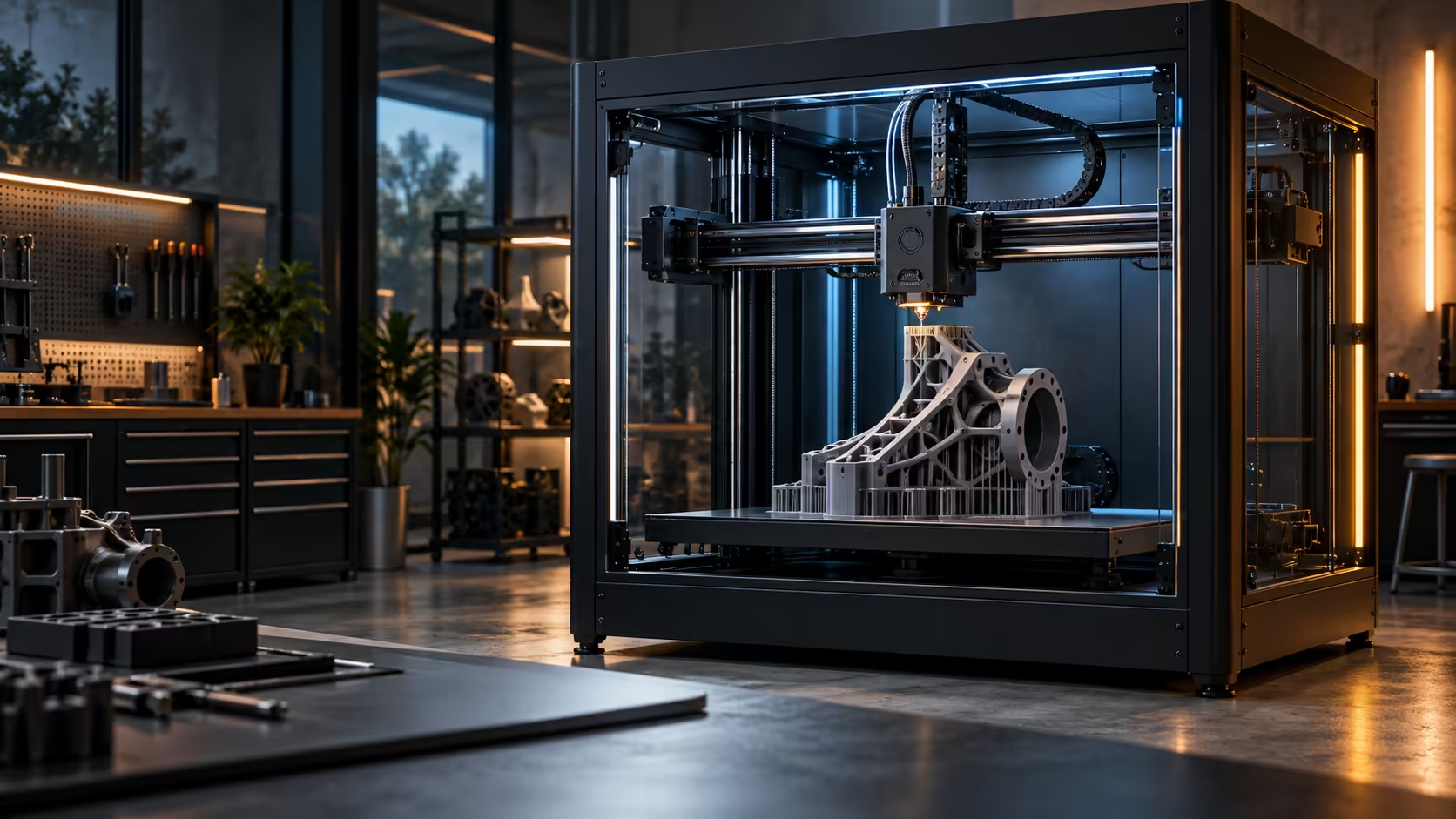
The K1C carries this kind of camera specifically for that role, watching the plate through the enclosure so a failure gets flagged on an app rather than discovered cold the next morning.
📶 Checking in remotely without standing over the machine
A camera feed only pays off if you can actually see it away from the printer, which is where a decent home network matters more than people expect. A webcam accessory adds a second angle for machines that need one, and a dedicated network camera setup is worth considering for a workshop running several long prints at once, where one glance from a phone during a lunch break beats driving home to check.
🔧 Setting up remote viewing properly the first time
A camera that only shows a feed while standing next to the printer defeats most of the point, so setting up remote access correctly on day one is worth the 10 minutes it takes. Connect the printer to a stable part of the home network, ideally wired rather than relying purely on a Wi-Fi signal that weakens noticeably in whichever room the machine ends up living in, since a dropped connection mid-print means losing exactly the monitoring you set the camera up for in the first place.
Test the remote feed on a slow connection deliberately, not just on the same Wi-Fi network the printer itself sits on, since a feed that looks perfectly smooth at home can lag badly or fail to load at all over a weaker mobile signal at work or on the road. Confirm this before it matters, on an ordinary afternoon, rather than discovering it during the one long print where checking in remotely would actually have caught something going wrong.
🔋 What to do when the camera itself is the point of failure
A camera feed can fail silently in its own right, a dropped connection, a crashed app, a printer that rebooted without automatically restarting the stream, and none of these failures look any different from a perfectly healthy, uneventful print from wherever you happen to be checking. Build a habit of glancing at the feed every so often rather than assuming no news is good news, since a blank, frozen feed and a genuinely uneventful, healthy print look completely identical until you actually take the time to check properly.
For anything genuinely important, a print that cannot be easily redone, or one running unusually long, a mid-print check from someone physically in the house is still worth arranging if that is an option, purely as a backup to the camera rather than a replacement for it. Check exactly what remote camera support a given listing in the 3D printer range actually offers before assuming every enclosed machine handles this the same way.
Frequently Asked Questions
Can an AI camera actually stop a print automatically?
Its core job is detecting a failure and alerting you straight away; whether it also halts the job automatically depends on the specific machine and its own settings, so check that exact behaviour on the product page rather than assuming every AI-camera printer stops itself the moment something goes wrong.
Does checking a print hourly catch most failures anyway?
No, a fast failure like a plate coming loose can ruin an entire print in well under an hour, which is exactly the gap continuous monitoring closes.
Is a camera useful for short prints too?
Less so, since a short print finishes well before most failures would go unnoticed for long; the value grows steadily with print length.
Does the camera work the same way over mobile data as it does at home?
Not always; a feed that streams smoothly on home Wi-Fi can lag or drop entirely over a weaker mobile signal, so test it away from the house before relying on it for something important.
Should I trust a quiet feed as proof a print is going well?
Not entirely, since the feed itself can fail silently; check that the stream is actually live and updating regularly rather than assuming a calm-looking, static image always means a calm-going, healthy print underneath it.
What does the camera not catch?
Small dimensional errors and subtle surface defects, since it is trained specifically to spot gross failures like loose plastic rather than to measure dimensional accuracy at all.
Tired of finding out a print failed hours after it happened?
Put a camera between you and the plate, and check in from wherever you actually are.