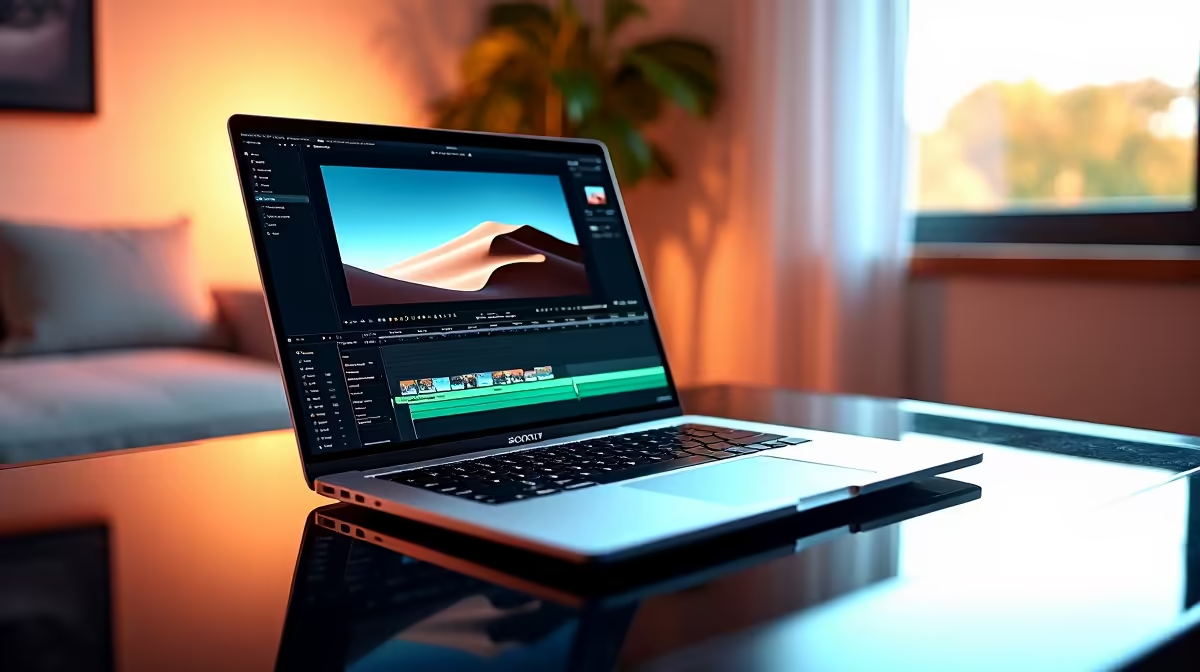
The Lenovo LOQ RTX3050 at R9,500 suits an SA creator who wants a laptop with dedicated RTX3050 graphics for DaVinci Resolve rather than relying on a slim office-style machine. It is the safest first pick here because editing performance depends heavily on graphics support once timelines, colour work, and exports become more demanding.
Best short answer for editing
The ASUS ExpertBook P1503 i5 at R9,858 makes sense for lighter cuts, admin, writing, browsing, and simple content prep, but its i5 positioning is better treated as productivity-first. For a buyer who only trims short clips and keeps projects modest, it can work, but it is not the strongest choice when the editing workload becomes the main reason for the purchase.
The Lenovo IdeaPad Slim 3 i7 at R13,400 and ASUS Vivobook X1504VA i7 at R13,999 are better suited to buyers who want stronger general performance from an i7 machine. They are useful for creator desks where the same notebook must handle research, scripts, uploads, spreadsheets, and occasional edits, but the Lenovo LOQ RTX3050 at R9,500 remains the more focused choice when the GPU matters.
SA creator desk reality
At a home creator desk, the ASUS Vivobook S14 OLED at R10,719 is attractive if the OLED screen matters for reviewing footage, thumbnails, and colour-rich visuals. The ASUS ExpertBook P5405 at R12,700 is a cleaner business-style option for someone who values a work-first machine, while the Lenovo LOQ RTX3050 at R9,500 is the practical pick for heavier timelines.
Ready to choose the right laptop?
Use ASUS ExpertBook P1503 i5 at R9,858 as the laptop shortlist benchmark, then check whether its listed spec matches the space, workload, and upgrade path.