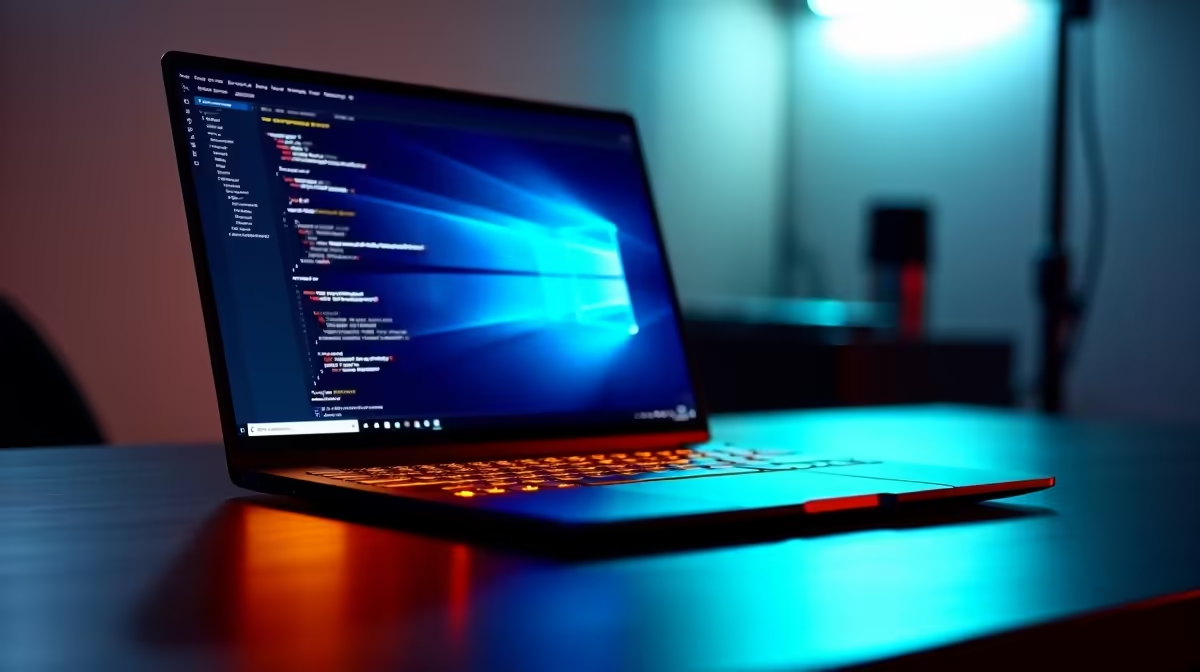
The ASUS ExpertBook P5405 at R12,700 suits an SA buyer who wants a business-ready laptop for light virtual machines, because it keeps the focus on portable productivity rather than gaming hardware.
What to look at first
For running virtual machines, start by being honest about the workload. The ASUS ExpertBook P1503 i5 at R9,858 is the sensible entry point if you are testing one small VM, doing admin work, or learning Linux in a controlled setup. Its i5 class keeps the spend lower while still fitting a practical office or study machine.
The Lenovo IdeaPad Slim 3 i7 at R13,400 is a stronger fit when the VM needs more breathing room during lectures, coding practice, or browser-heavy research. Its i7 spec gives you a better foundation for multitasking than an entry i5, especially when the host system still needs to stay responsive.
The ASUS Vivobook X1504VA i7 at R13,999 is another good option if you want an i7 laptop but prefer the Vivobook line for a daily desk-and-bag routine. The ASUS Vivobook S14 OLED at R10,719 is more about the OLED screen experience, so it makes sense for reading, dashboards, and long writing sessions alongside lighter VM use.
Student desk reality for virtual machines
At a South African student desk, the safer answer is to match the machine to the number of virtual systems you actually open. The Lenovo LOQ RTX3050 at R9,500 adds RTX3050 graphics, which is useful if the same laptop also needs casual gaming or GPU-aware creative tasks, but graphics alone does not make every VM workload faster.
Ready to choose the right laptop?
Use ASUS ExpertBook P1503 i5 at R9,858 as the laptop shortlist benchmark, then check whether its listed spec matches the space, workload, and upgrade path.