Quick Answer
Before ordering any Intel motherboard, match three things exactly: the CPU socket, the RAM type, and the chipset features you need. A current 12th-to-14th-gen Intel chip uses the LGA1700 socket, and boards split between DDR4 and DDR5, so confirm both. Budget B-series boards start around R1,800, with Z-series overclocking boards from roughly R3,500.
The Compatibility Checklist That Matters
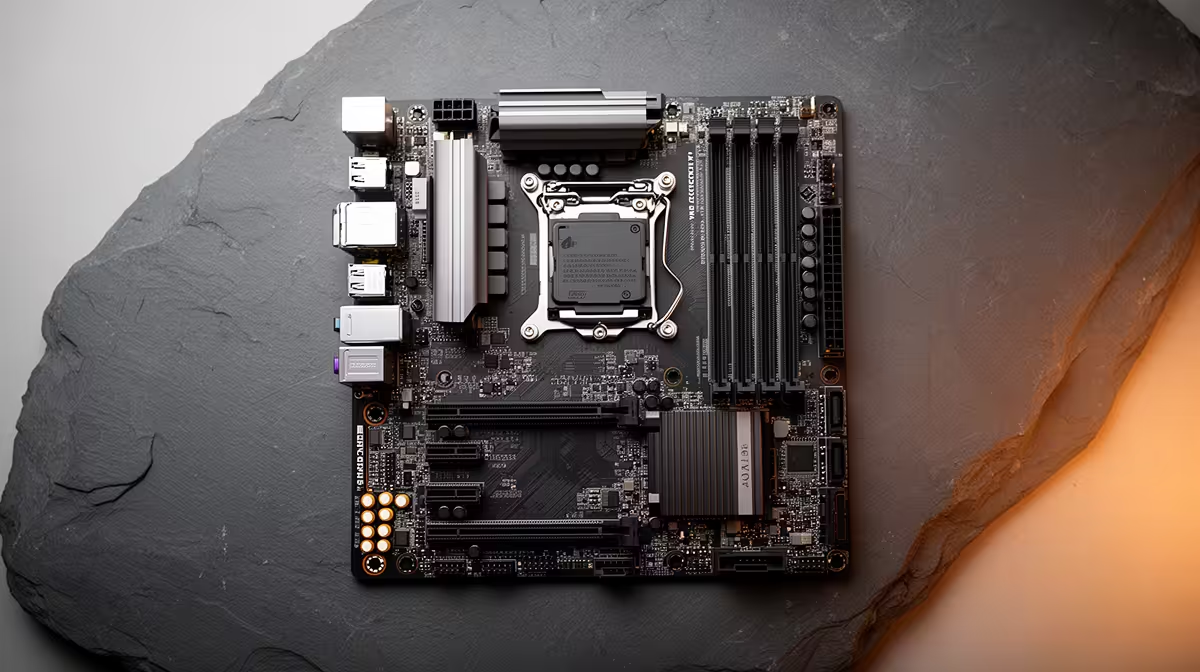
Socket comes first: an LGA1700 board will not fit an older or newer Intel chip, so verify the exact CPU generation against the board's supported list. Next, the board is either DDR4 or DDR5 only, never both, so buy RAM that matches; mixing them is impossible. Finally, check the chipset: H-series for basics, B-series for mainstream, Z-series if you plan to overclock a K-chip.
Power delivery and the BIOS version also matter for newer CPUs. A budget board may need a BIOS update to recognise a recent chip, so confirm out-of-box support or BIOS-flashback capability before you order, or you risk a board that will not post.
Form Factor And Connectivity
Confirm the board fits your case: ATX, micro-ATX or mini-ITX. Then check the ports you actually use, such as the number of M.2 slots for NVMe drives, USB-C on the rear, and Wi-Fi if you will not run a cable. A board with two M.2 slots and front USB-C headers future-proofs a build without paying for unused features.
Budget Versus Feature Bands
A B-series DDR4 board around R1,800 to R2,800 suits most non-overclocking builds. Step to a Z-series board from R3,500 only if you bought a K-series CPU for overclocking or want more M.2 and faster networking. Do not pay for overclocking features a locked CPU cannot use.
FAQ
How do I know an Intel motherboard fits my CPU?
Check the socket and the board's supported CPU list. Current 12th-to-14th-gen Intel chips use LGA1700, and the board must list your exact generation, sometimes after a BIOS update.
Can I use DDR4 RAM in a DDR5 Intel motherboard?
No. Each board supports either DDR4 or DDR5, never both, and the slots are keyed differently. Confirm the board's memory type before buying RAM.
Do I need a Z-series board?
Only if you have a K-series CPU to overclock or want extra M.2 slots and faster networking. For locked CPUs, a B-series board from around R1,800 delivers the same gaming performance for less.
Confirm socket, DDR generation, chipset and BIOS support against your exact CPU before adding any Intel motherboard to your cart.